Home

Contact Me!

Hi! I'm Anna Chiarin, a Junior 3D Artist.
My ultimate goal is to turn my passion for computer graphics into a professional career. With determination, curiosity, and vision, I explore new techniques every day, transforming creativity into technical expertise.











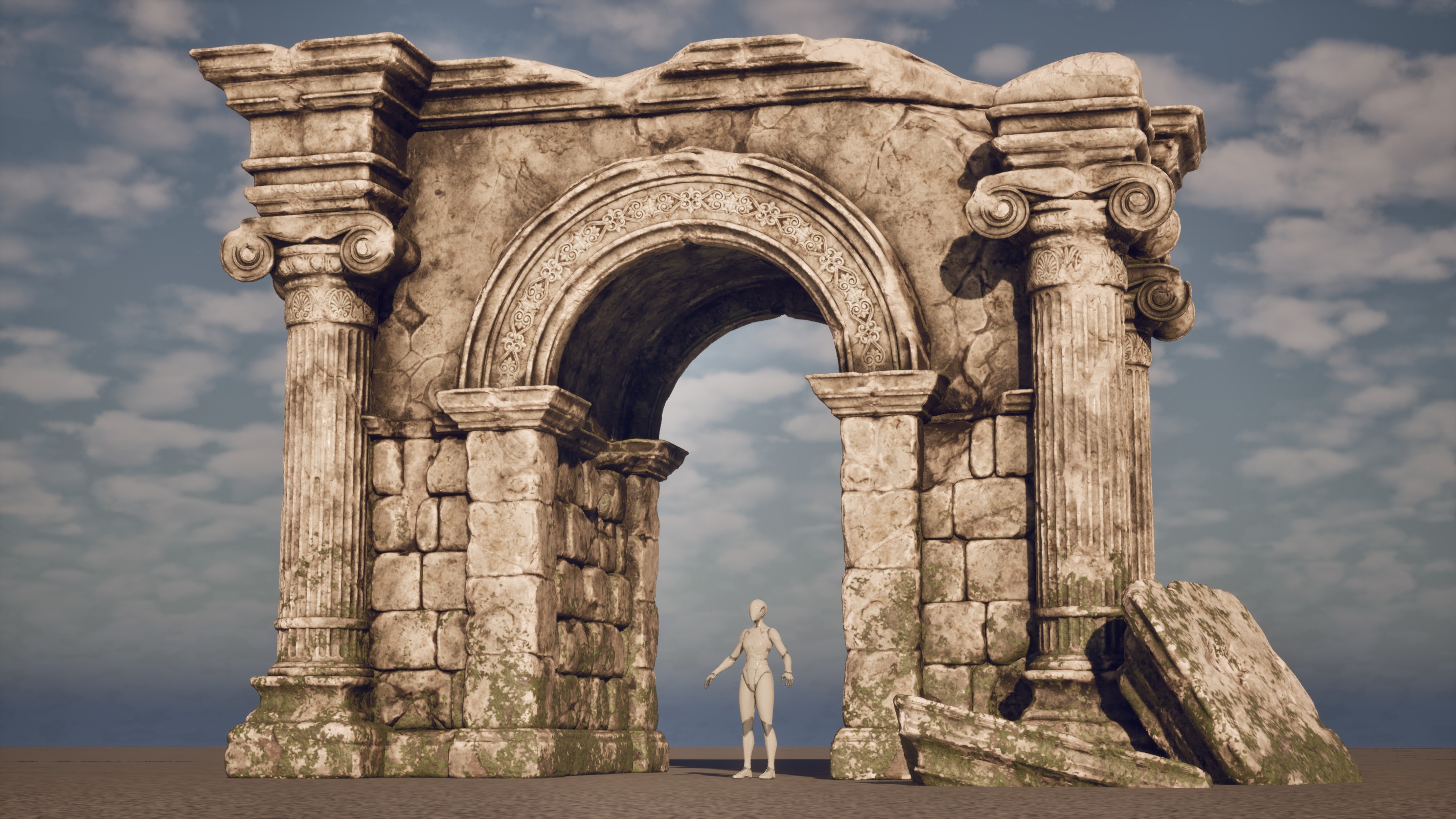
FINAL COMPOSITION
— Unreal Engine —
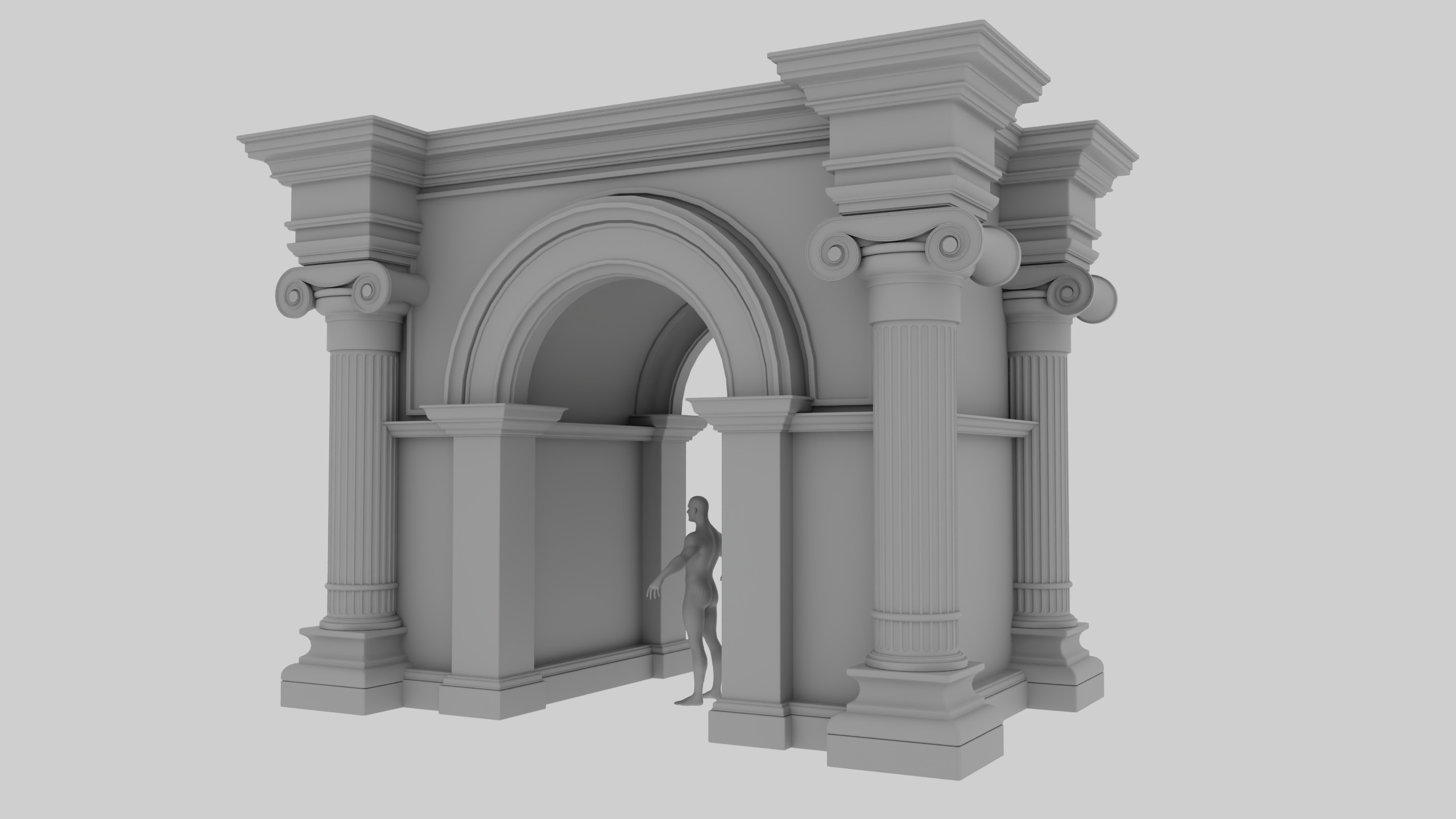
BLOCKING
— Maya —

ARCH SCULPTING
— Z Brush —

ARCH SCULPTING
— Z Brush —
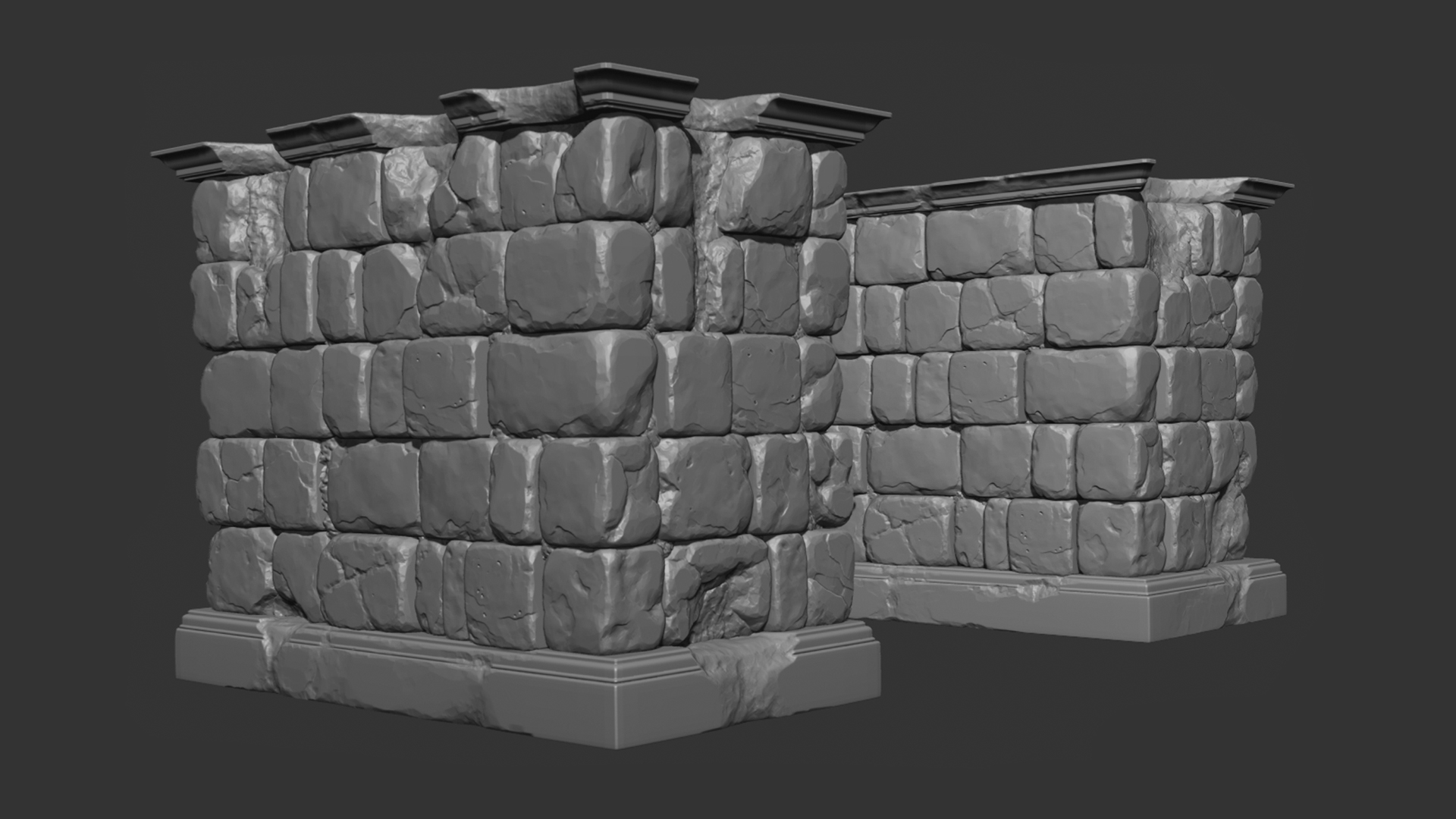
BRICK SCULPTING
— Z Brush —
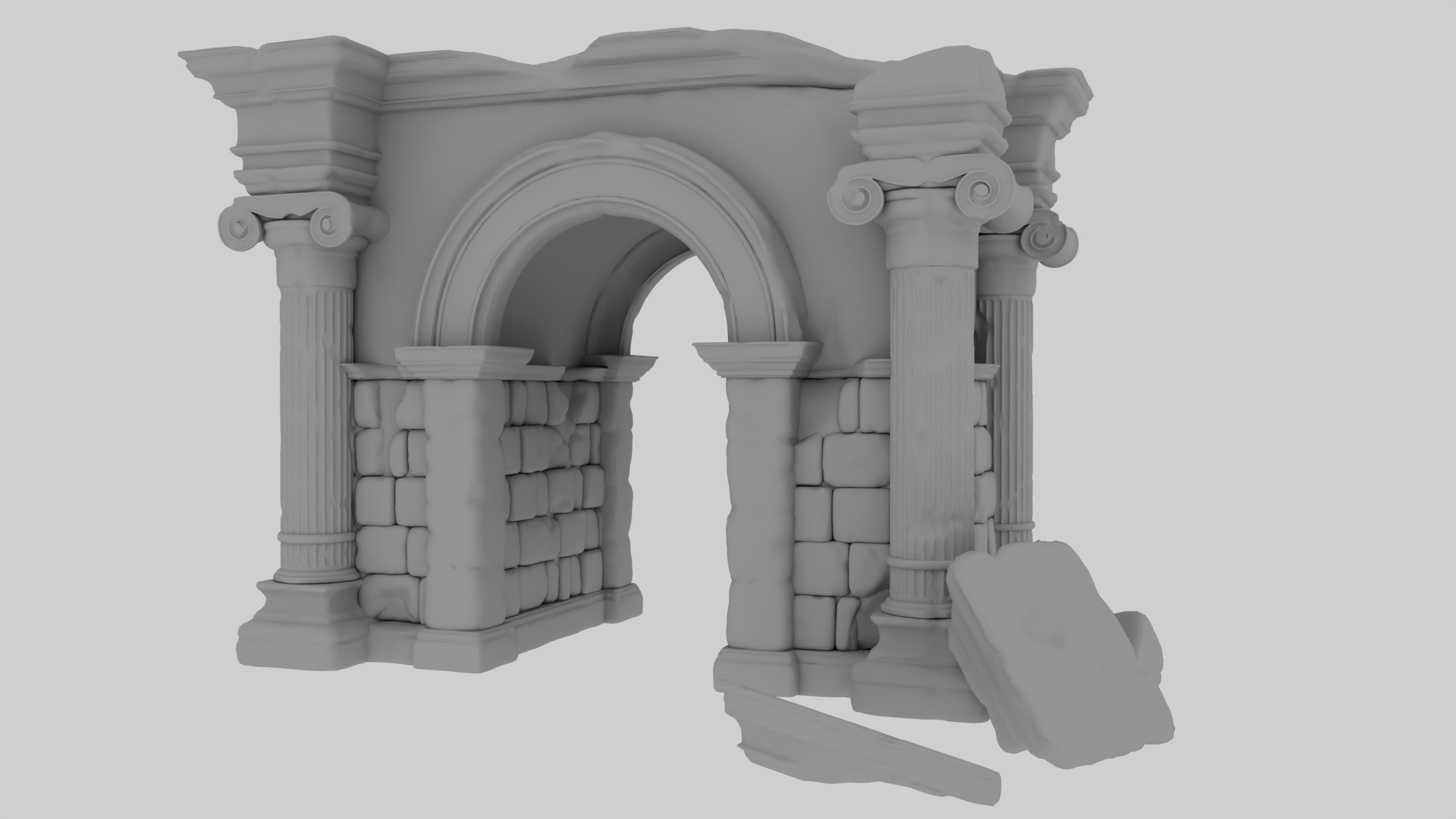
RETOPOLOGY + UV MAPPING
— Maya —
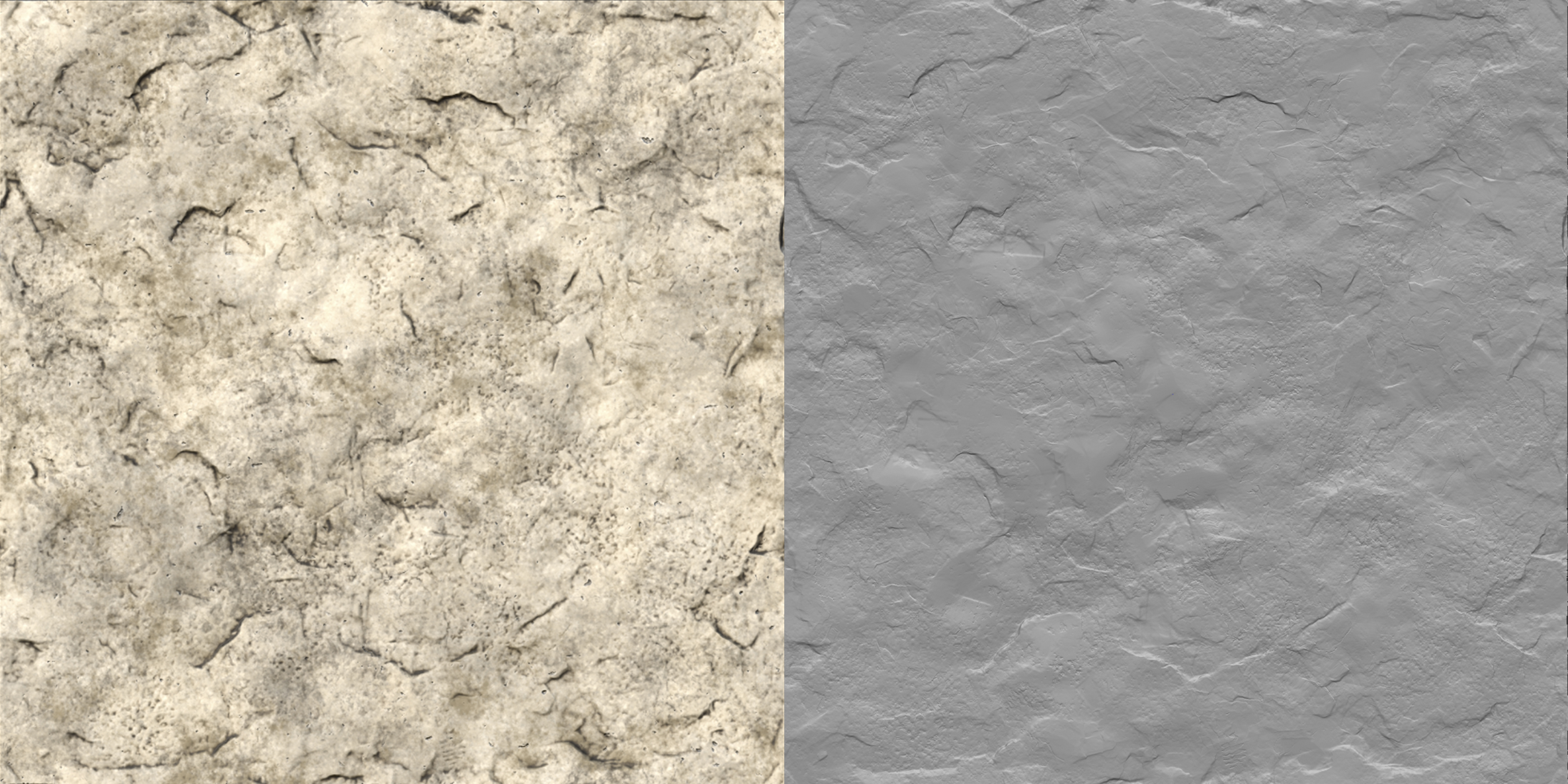
TILEABLE MATERIAL (Stone)
— Z Brush + Substance Painter —
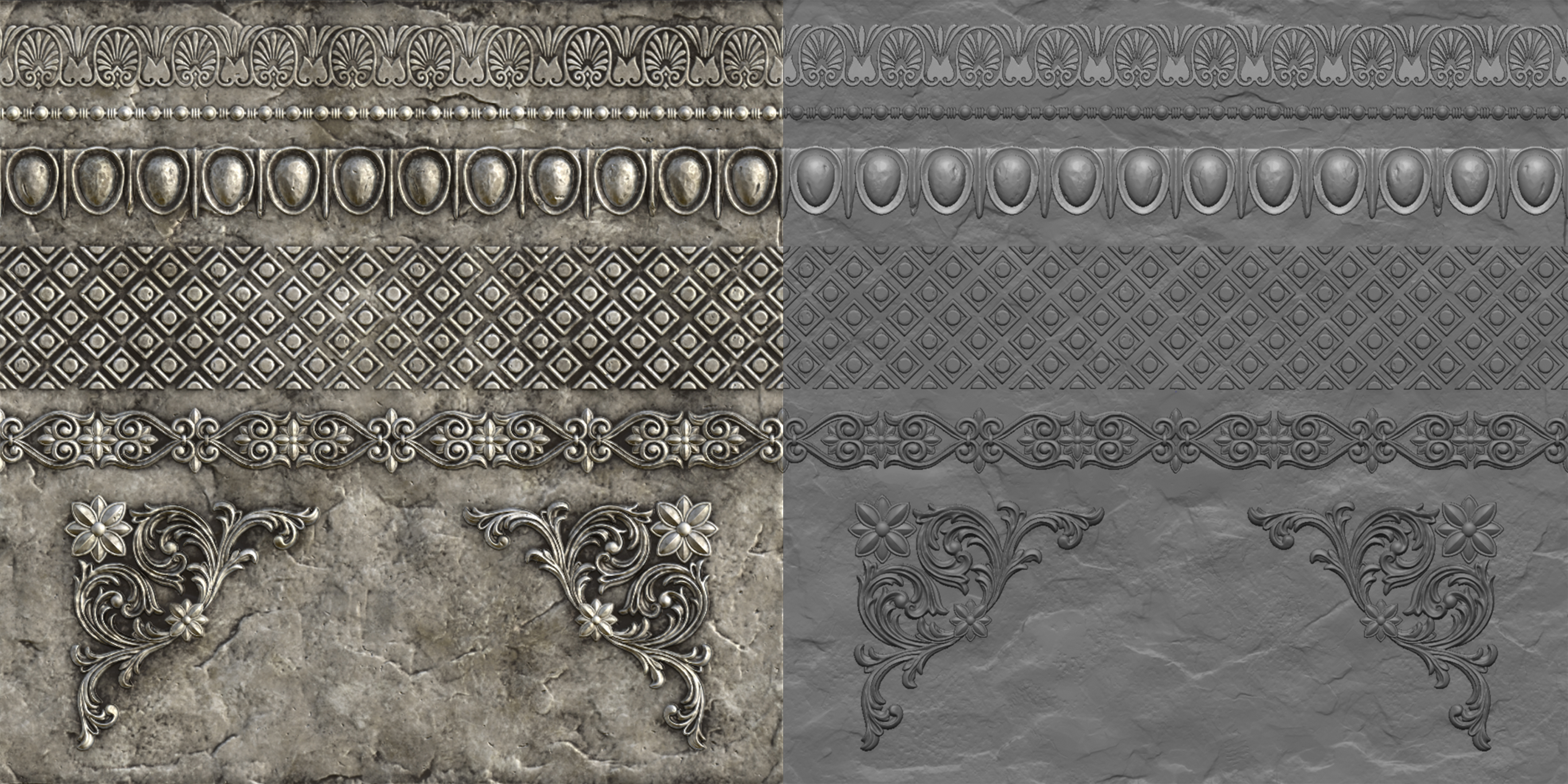
TRIMSHEET
— Z Brush + Substance Painter —
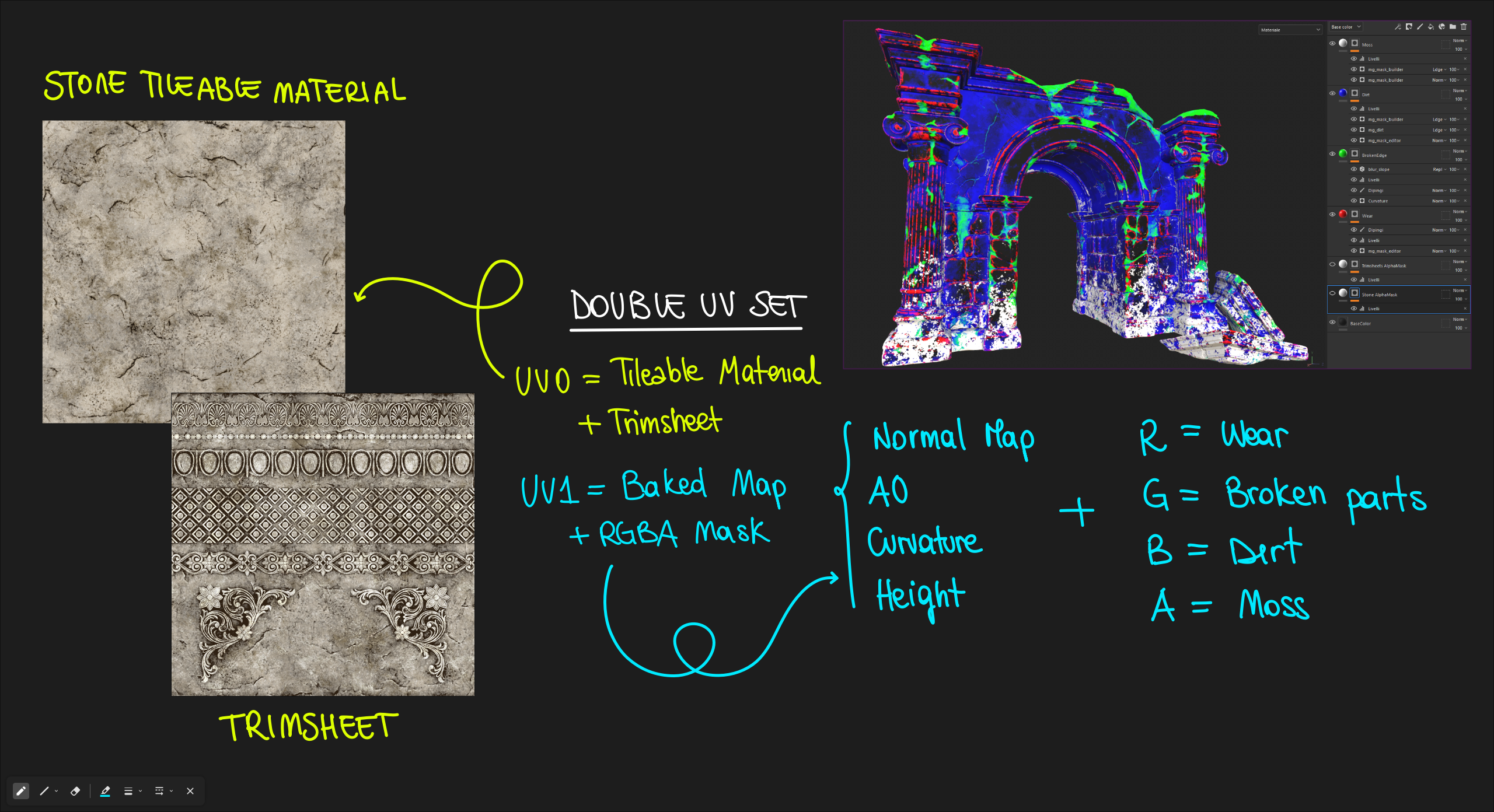
RGBA MASK
— Substance Painter —
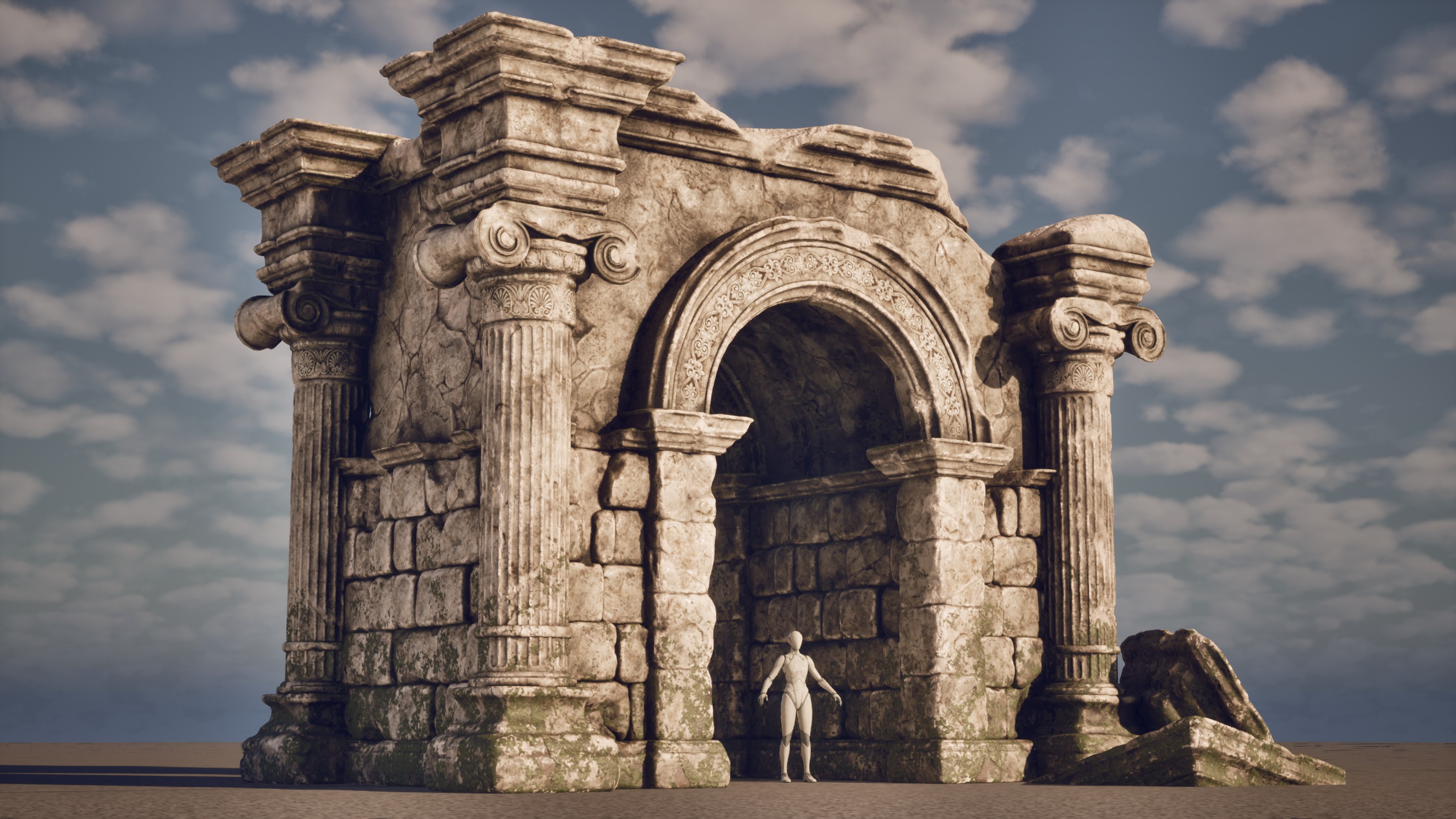
FINAL COMPOSITION
— Unreal Engine —
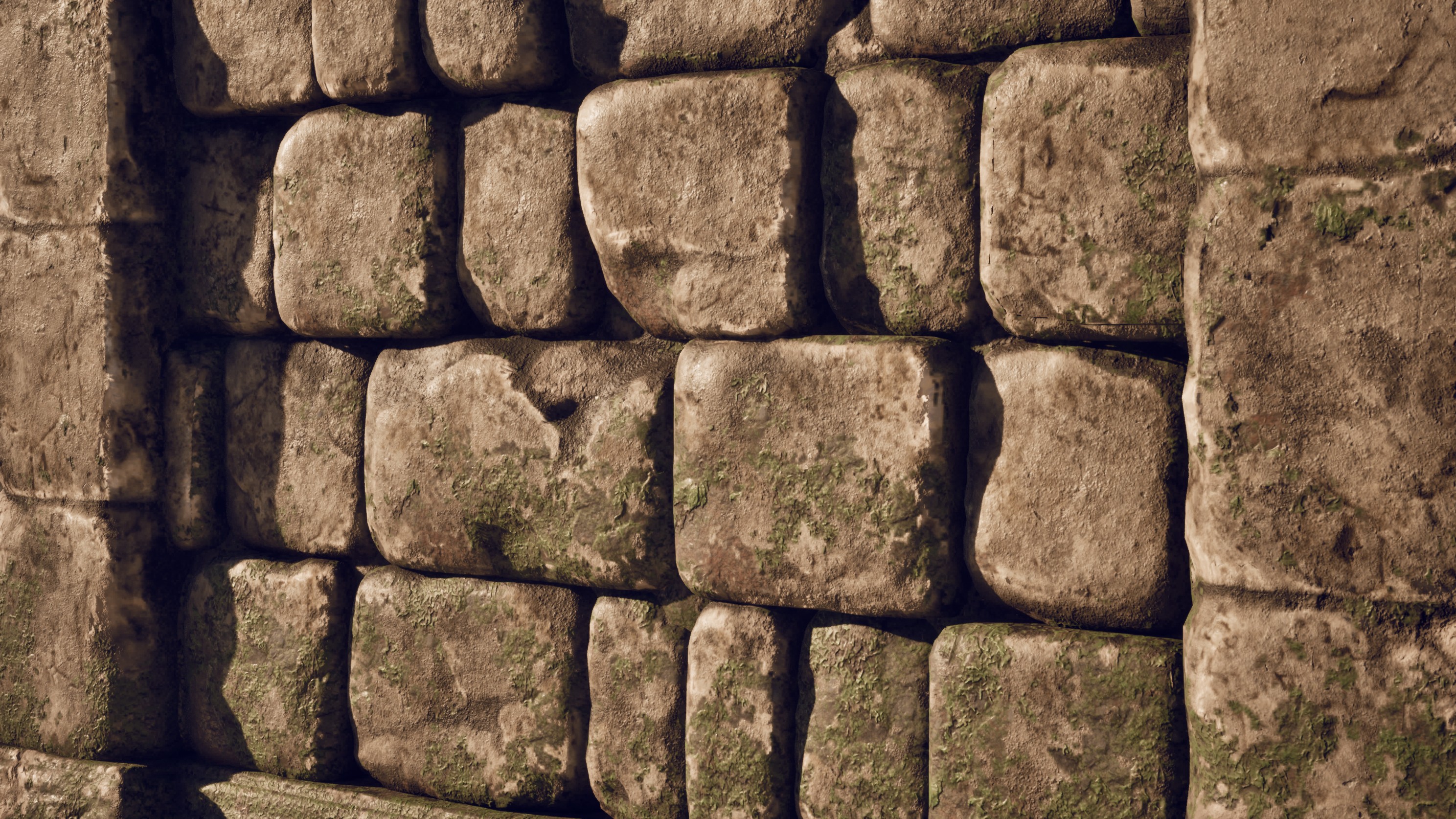
BRICK CLOSE-UP
— Unreal Engine —
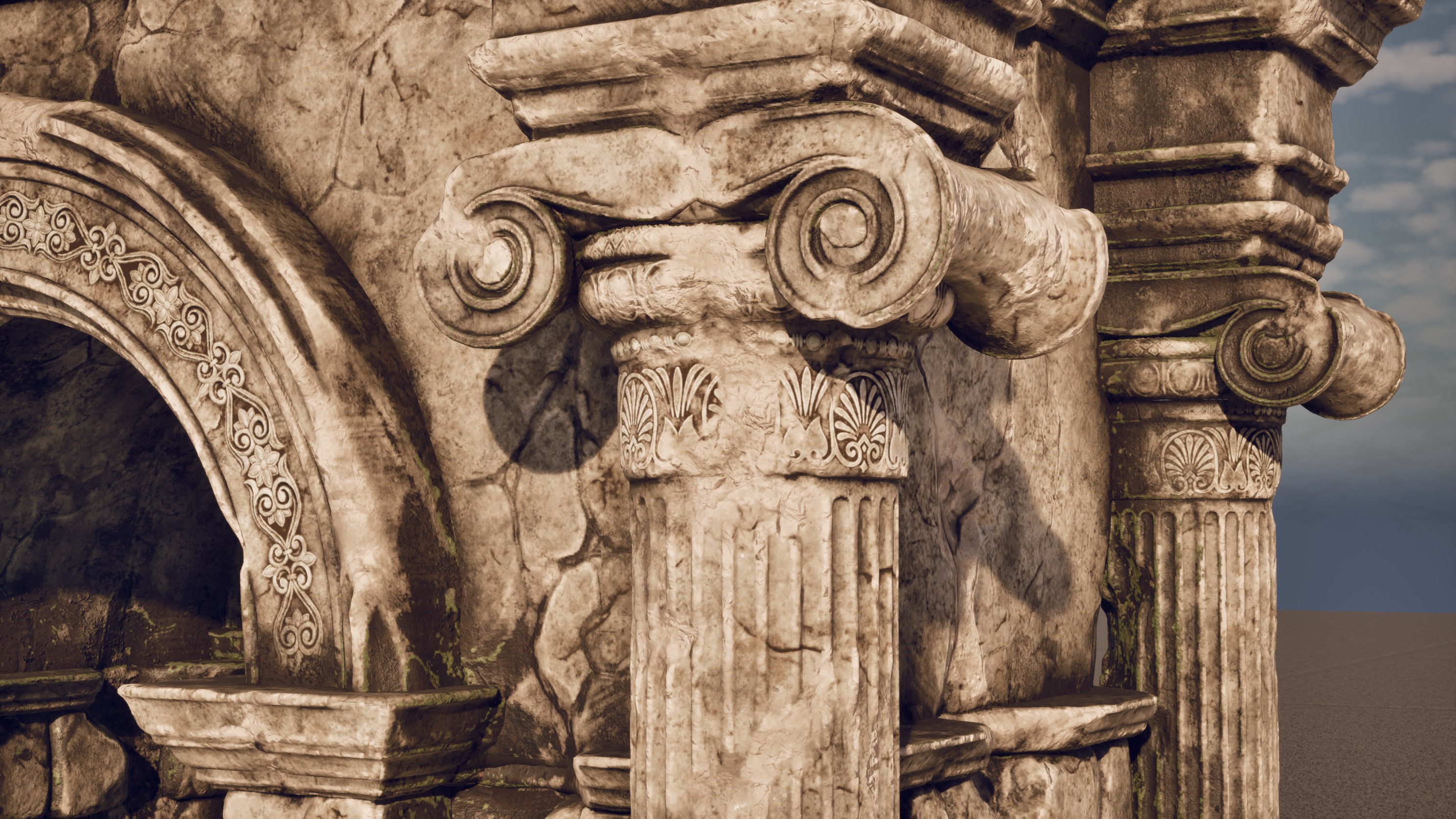
SURFACE DAMAGE DETAIL
— Unreal Engine —
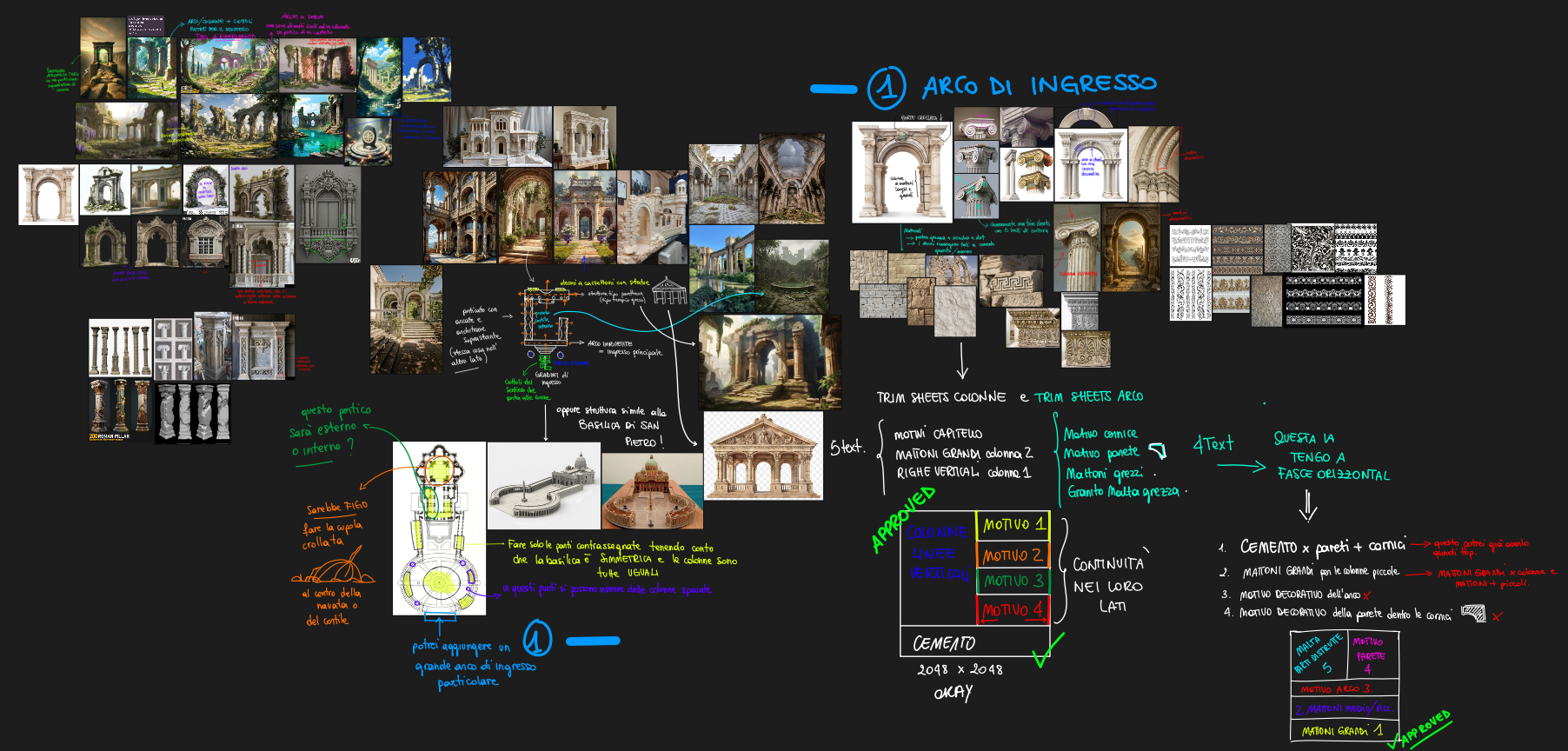
REFERENCE MOODBOARD
— Pureref —
Theme: “Here We Go Again”
Genre: Psychological Horror Puzzle
Engine: Unreal Engine 5.5 Short game developed for the Epic MegaJam 2025.
The player is trapped inside a repeating corridor where each loop changes subtly — objects move, lights flicker, and new rooms appear.
The goal: find the key to escape. But every time you open the door… you start again.
The experience is designed around the feeling of repetition and unease. The corridor represents a mental loop — a subconscious space where the player relives the same path, noticing small changes that build psychological tension.
Solo-developed in 7 days using Unreal Engine 5, Maya, and Substance Painter.
Play it on: https://beylix-99.itch.io/trapped


A personal Game Concept Document of an original dark fantasy video game, entirely conceived and written by me. A narrative adventure where emotions, moral choices, evocative environments, combat, and mystery intertwine in a world divided between light and darkness.
A personal Game Concept Document of an original dark fantasy video game, entirely conceived and written by me.
A narrative adventure where emotions, moral choices, evocative environments, combat, and mystery intertwine in a world divided between light and darkness.
It will be the player who determines their own fate:
will they follow the path of Purity or surrender to Corruption?
Two paths. Two journeys. Two completely different stories.
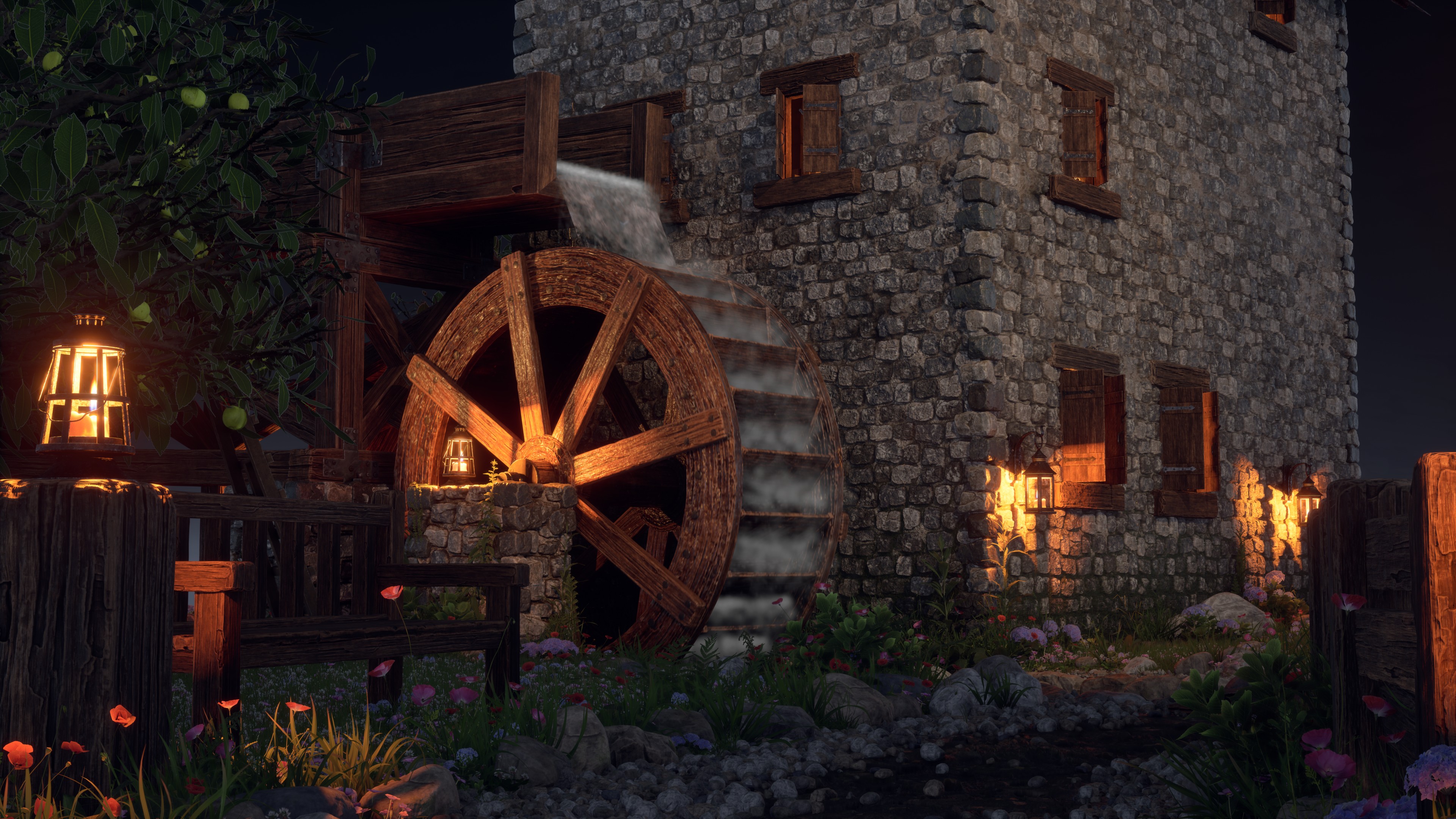
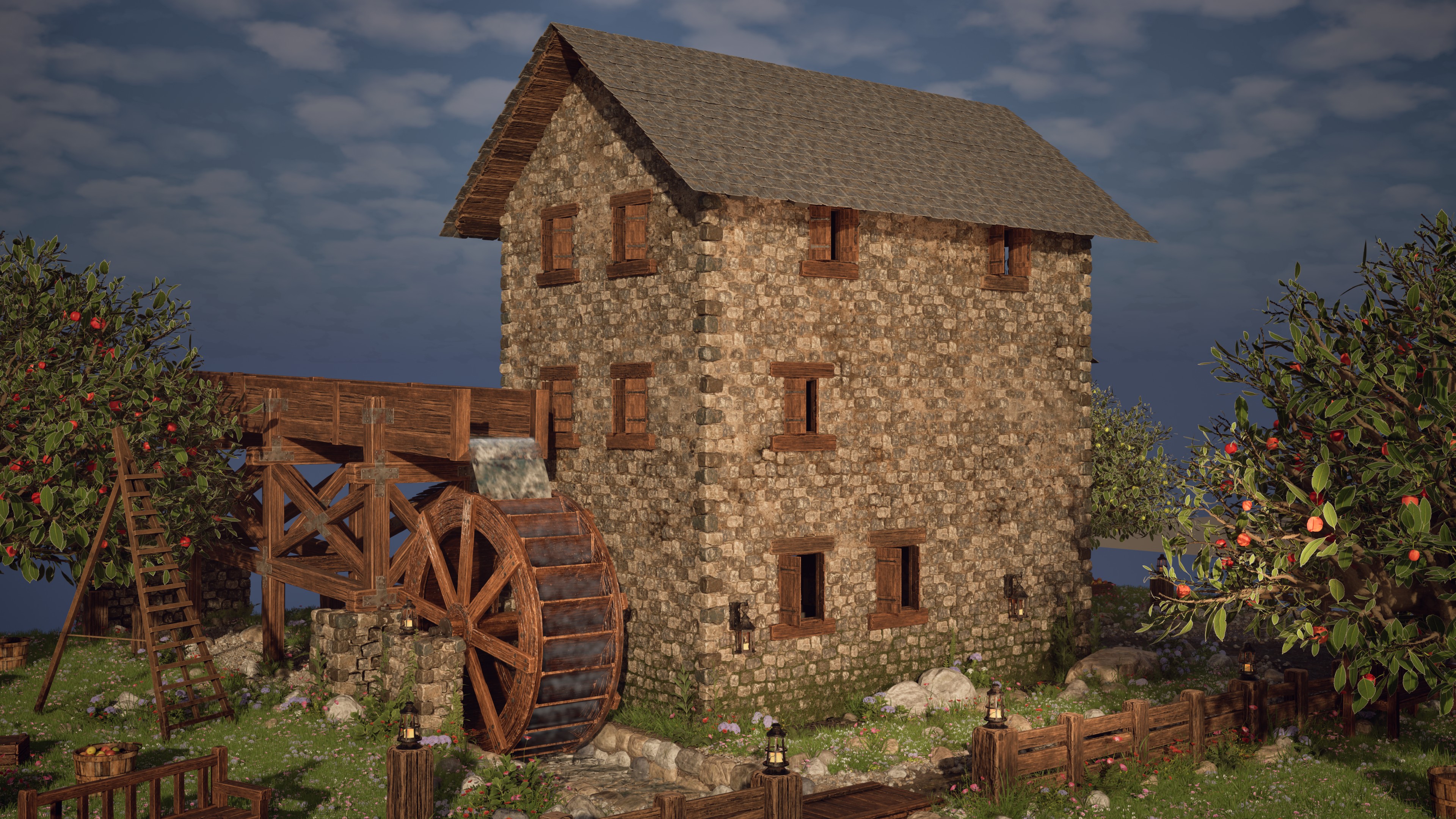
“Medieval Mill” is a personal environment art project created in Unreal Engine 5.6, inspired by the peaceful and natural atmosphere of medieval rural landscapes.
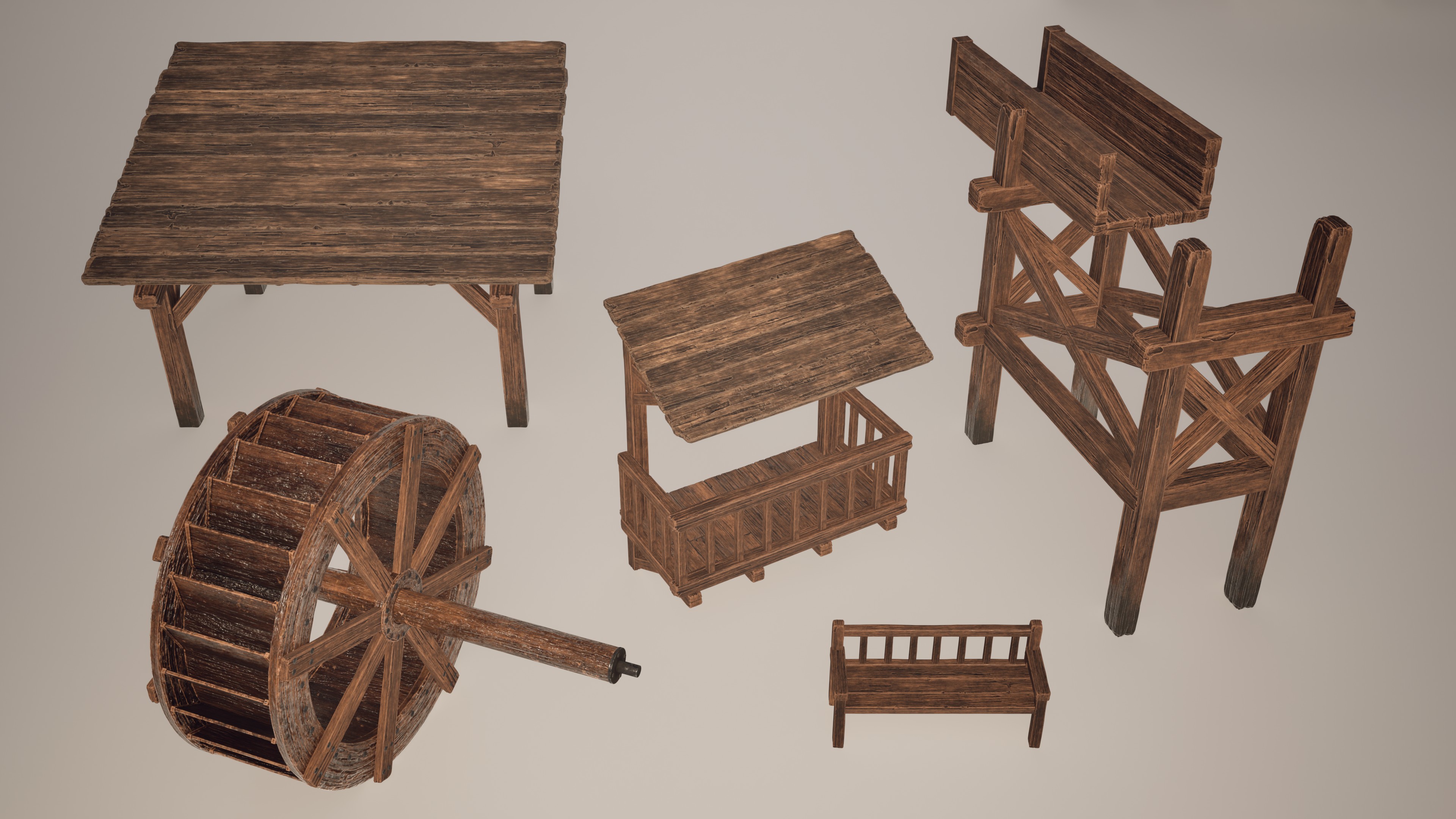
The scene is built around a stone mill and combines modular architecture, natural vegetation, and handcrafted props to create a realistic, game-ready environment. The project features modular brick walls, a terrain material based on height blending and Nanite tessellation, various harvest props (cart, barrels, crates, ladder, and baskets), and an orchard created with SpeedTree. To simulate the flowing water that powers the mill, I developed a Niagara VFX system with a custom material for both the river and the mill channel.
All assets were created following a full production pipeline: high-poly sculpting in ZBrush, retopology in Maya, baking and texturing in Substance Painter, and final integration in Unreal Engine 5.6. The only non-original elements are the apples and grass (Quixel Megascans) and the moss and dirt layers sourced from Substance Assets.
The lighting setup combines warm lanterns with a cool blue skylight to enhance depth and atmosphere.
This project allowed me to further develop my skills in creating tileable textures and modular assets optimized for realistic game environments.
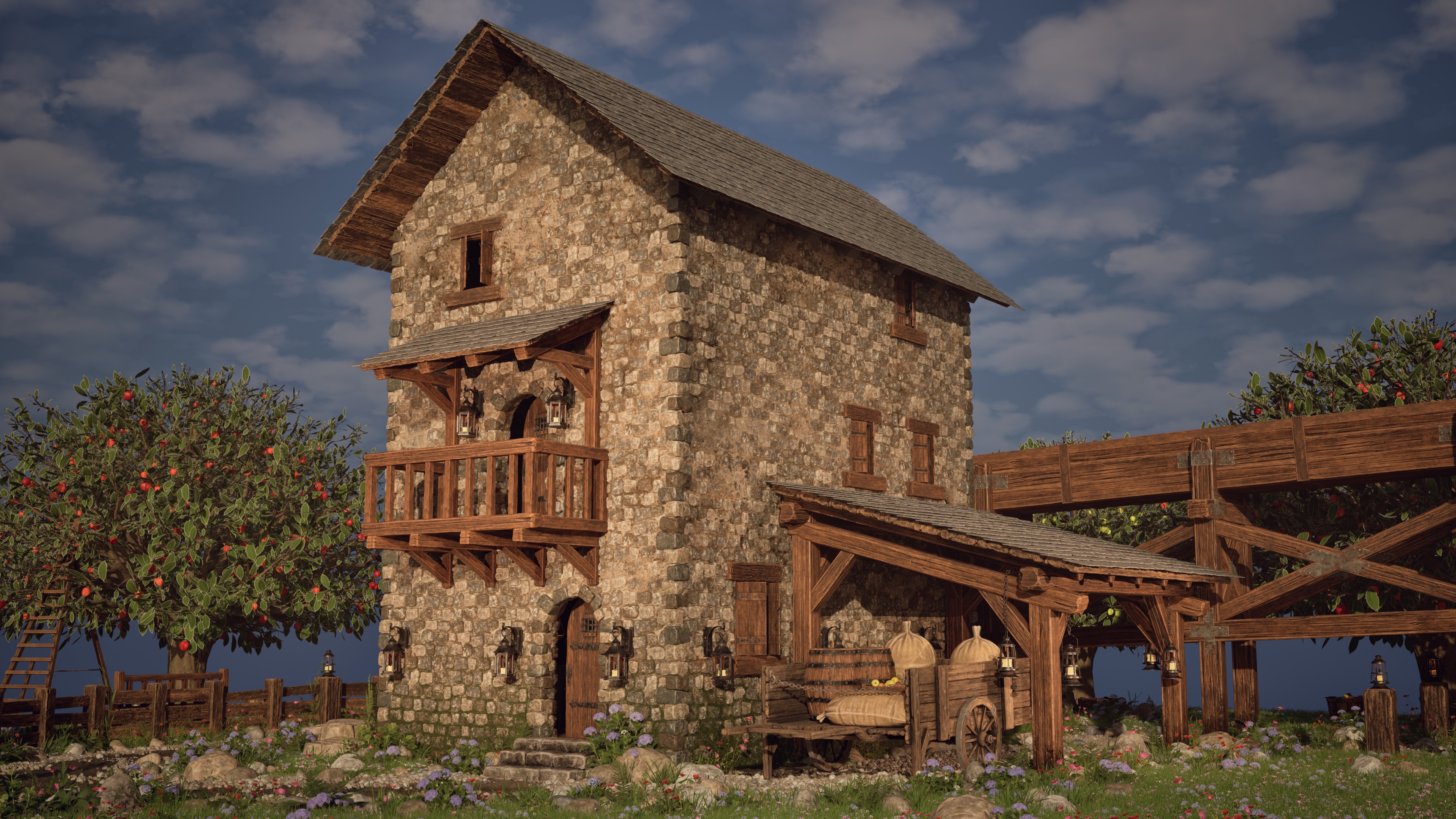
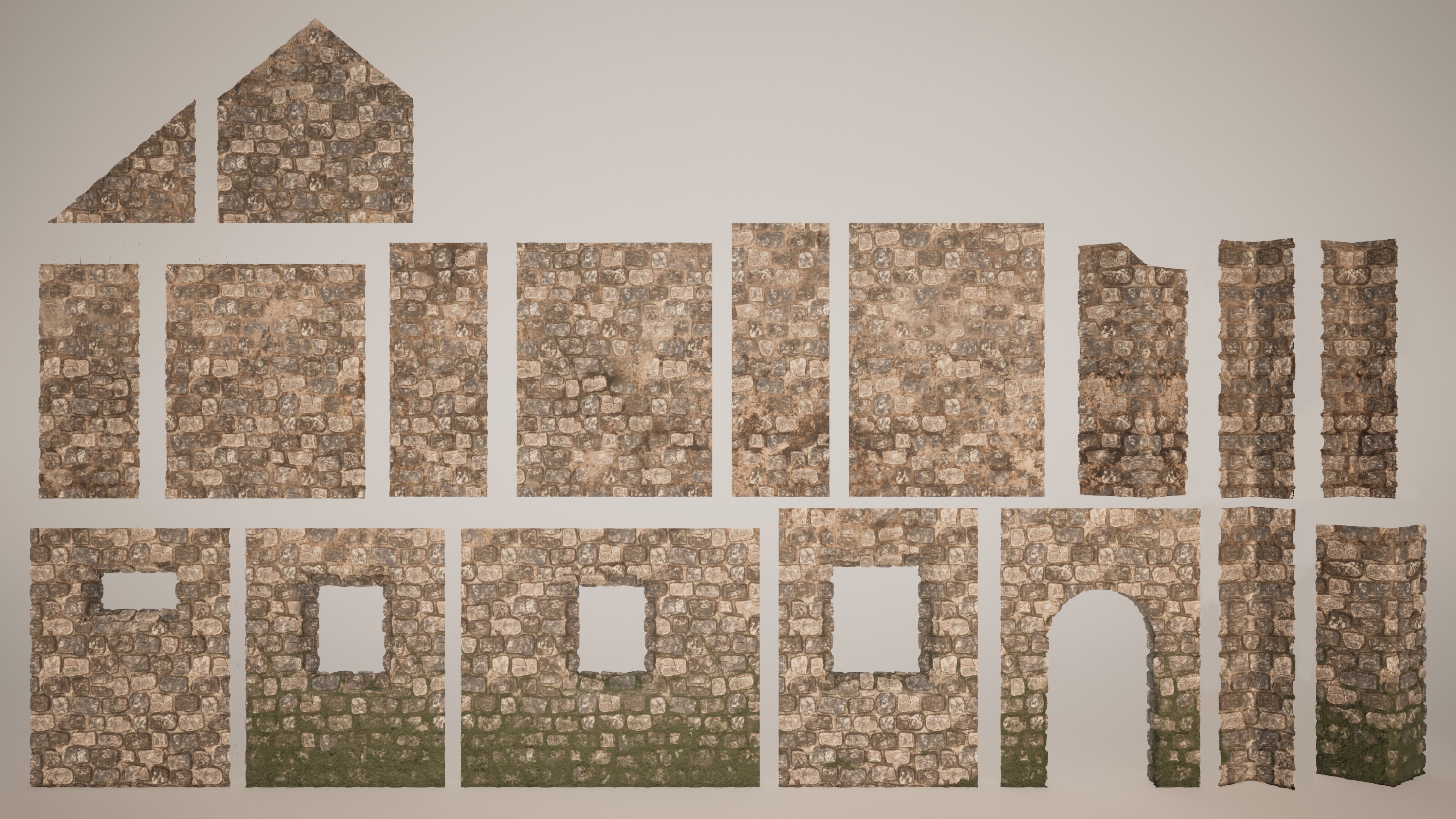
MODULAR KIT WALL
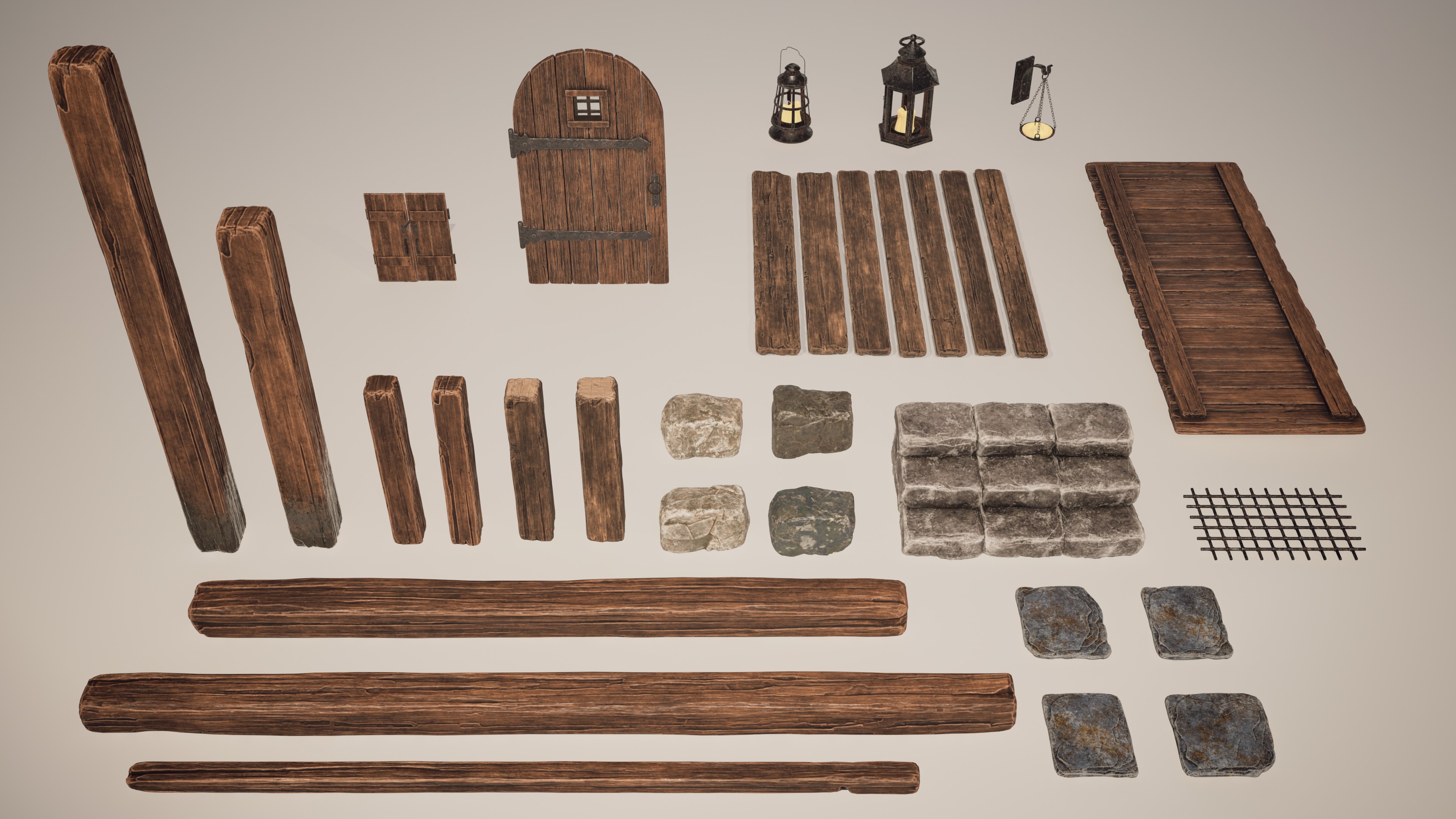
MODULAR STRUCTURAL AND PROP SET
MODULAR REUSE IN THE FINAL SCENE
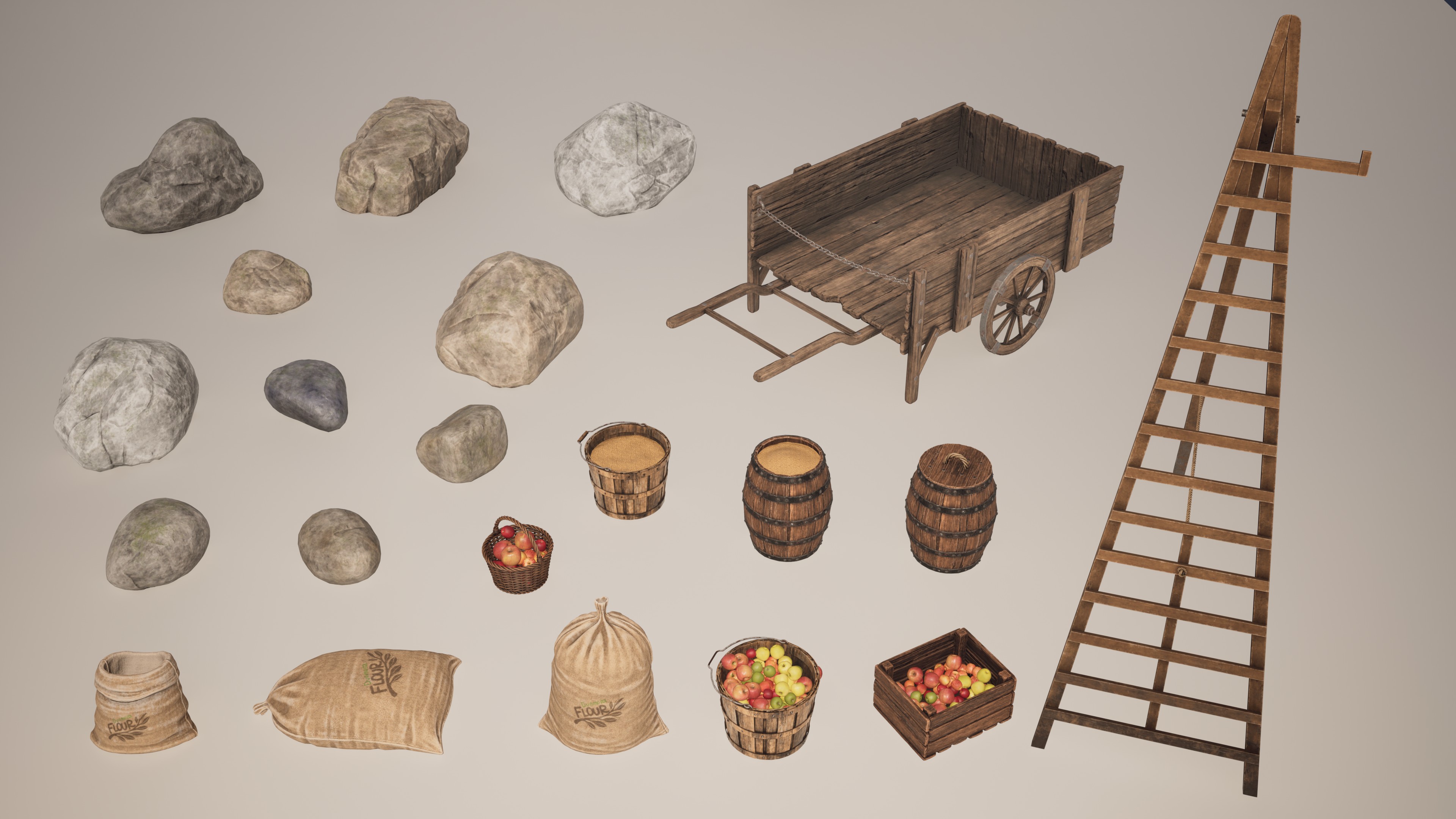
ORCHARD AND SET DRESSING ASSETS
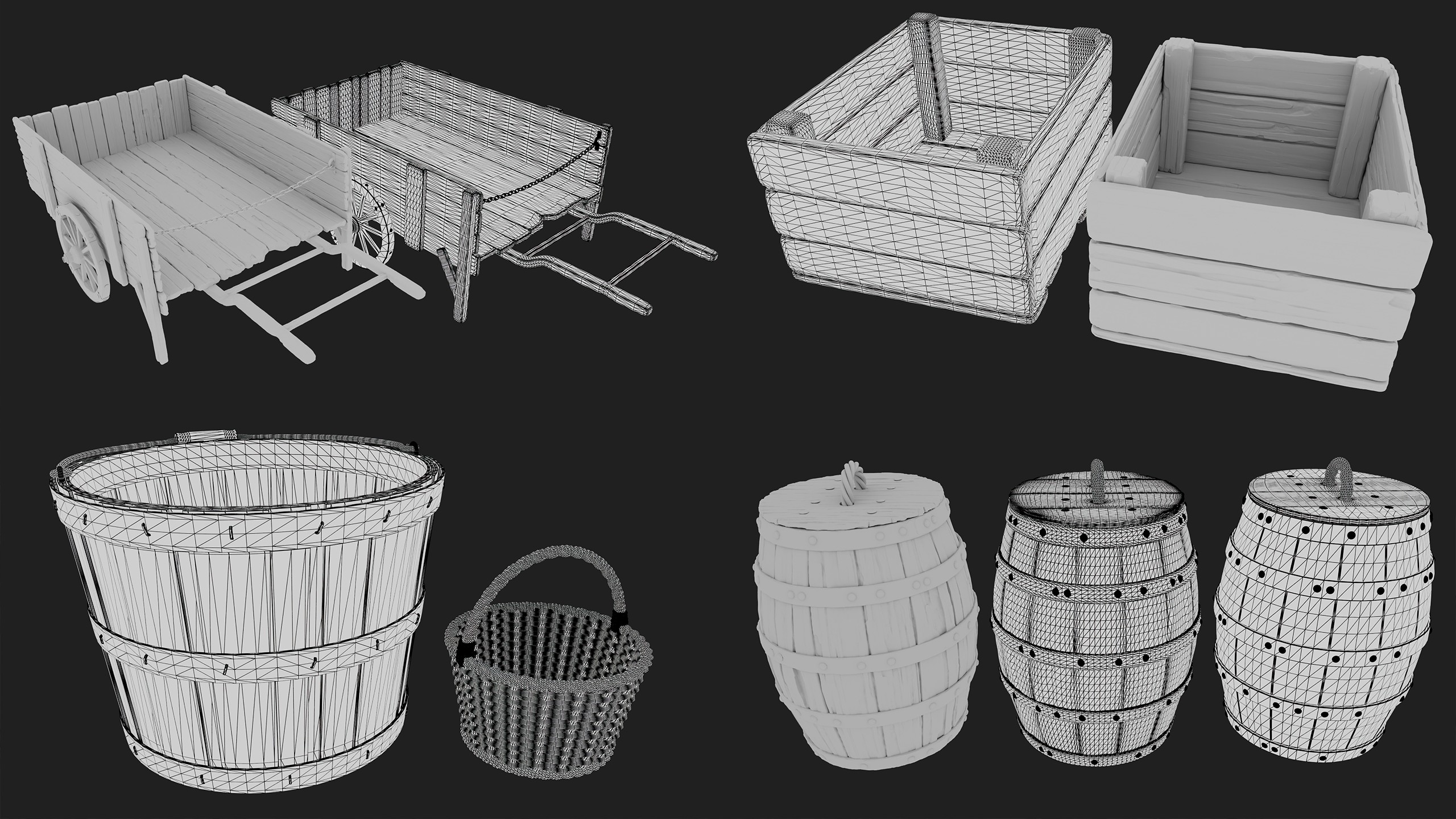
PROP MODELING AND OPTIMIZATION BREAKDOWN
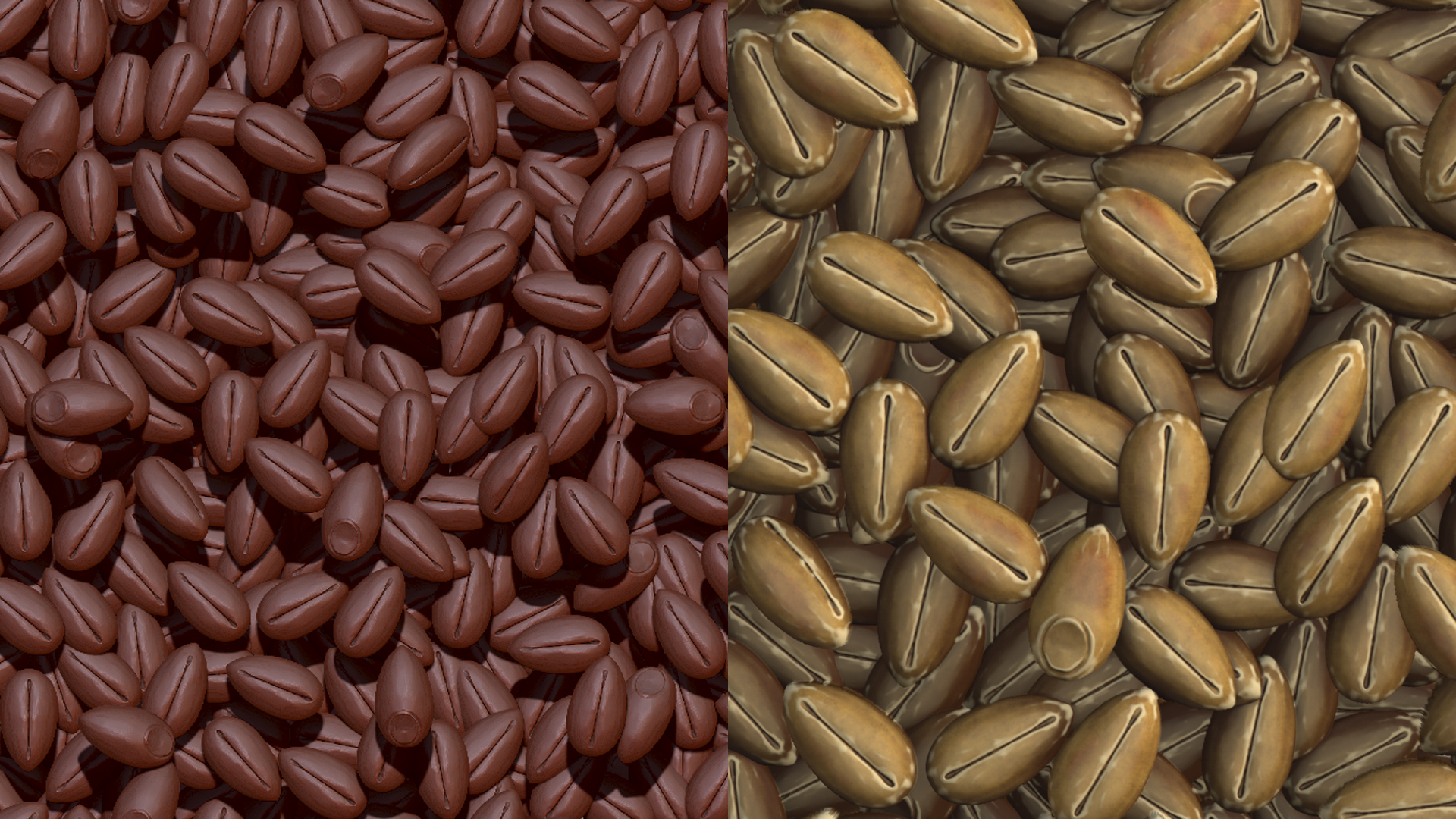
GRAIN TILEABLE TEXTURE

THE ORCHARD MADE WITH SPEED TREE
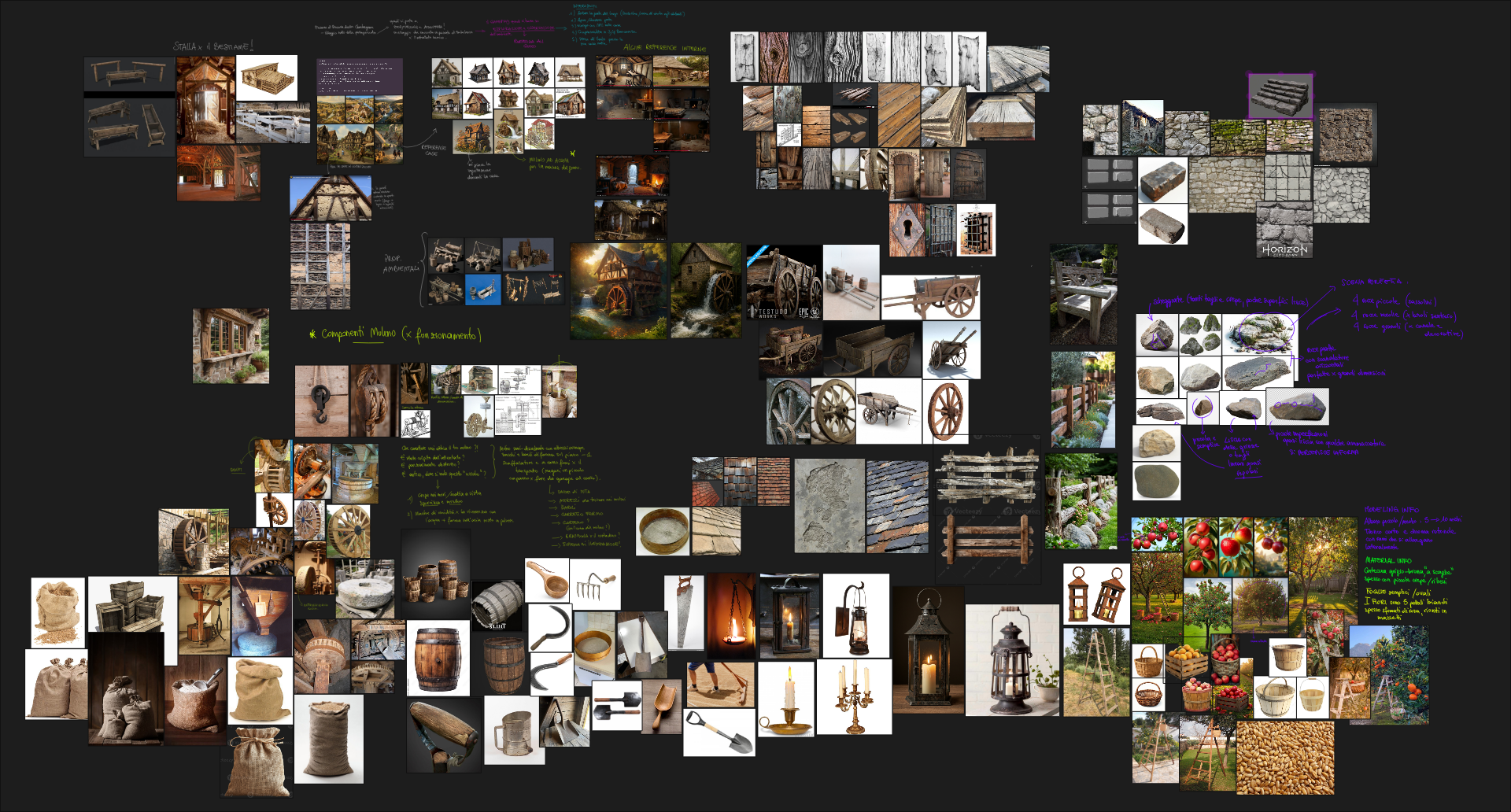
REFERENCE MOODBOARD | PUREREF
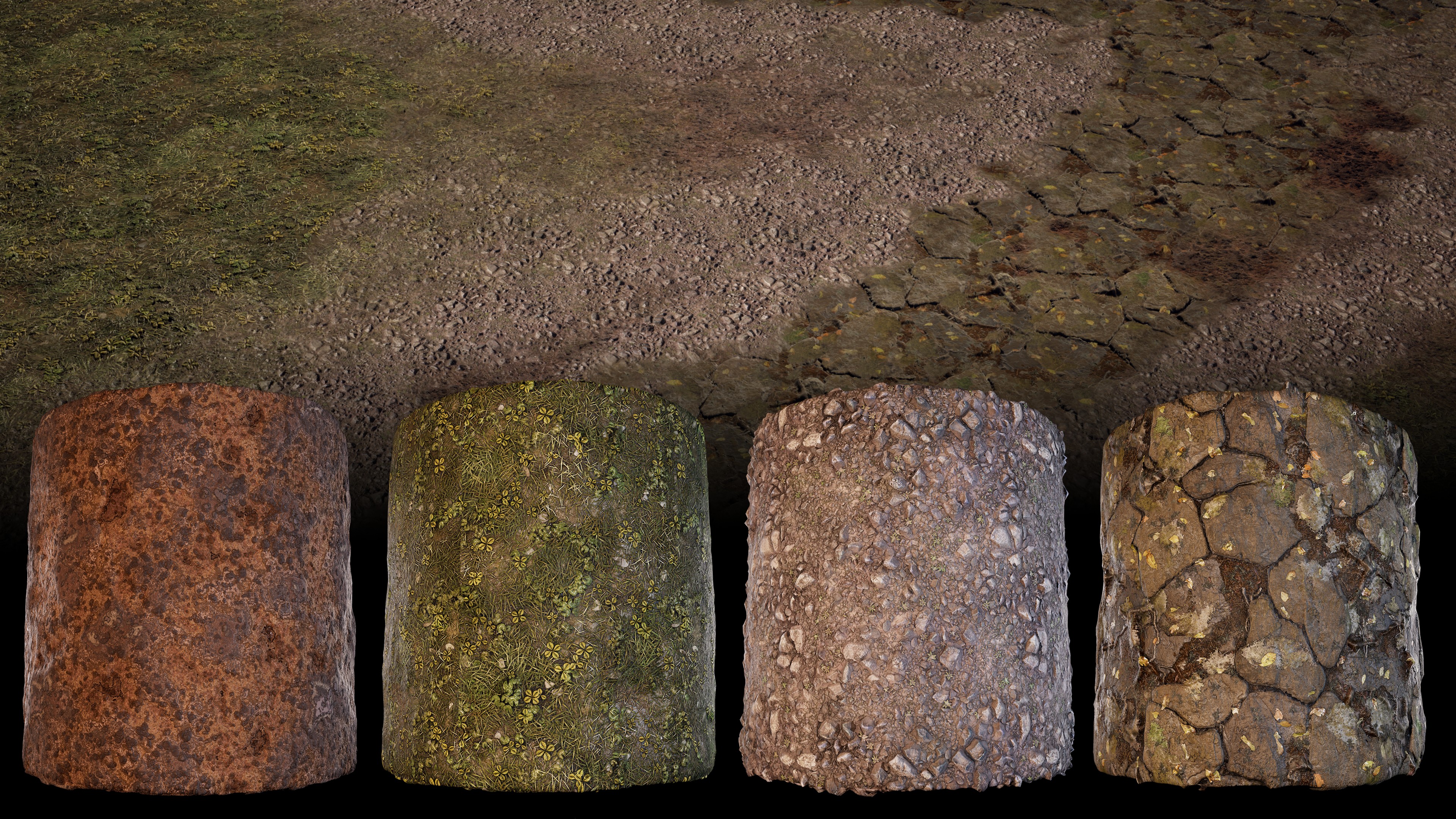
mud
grass
gravel
cobblestone
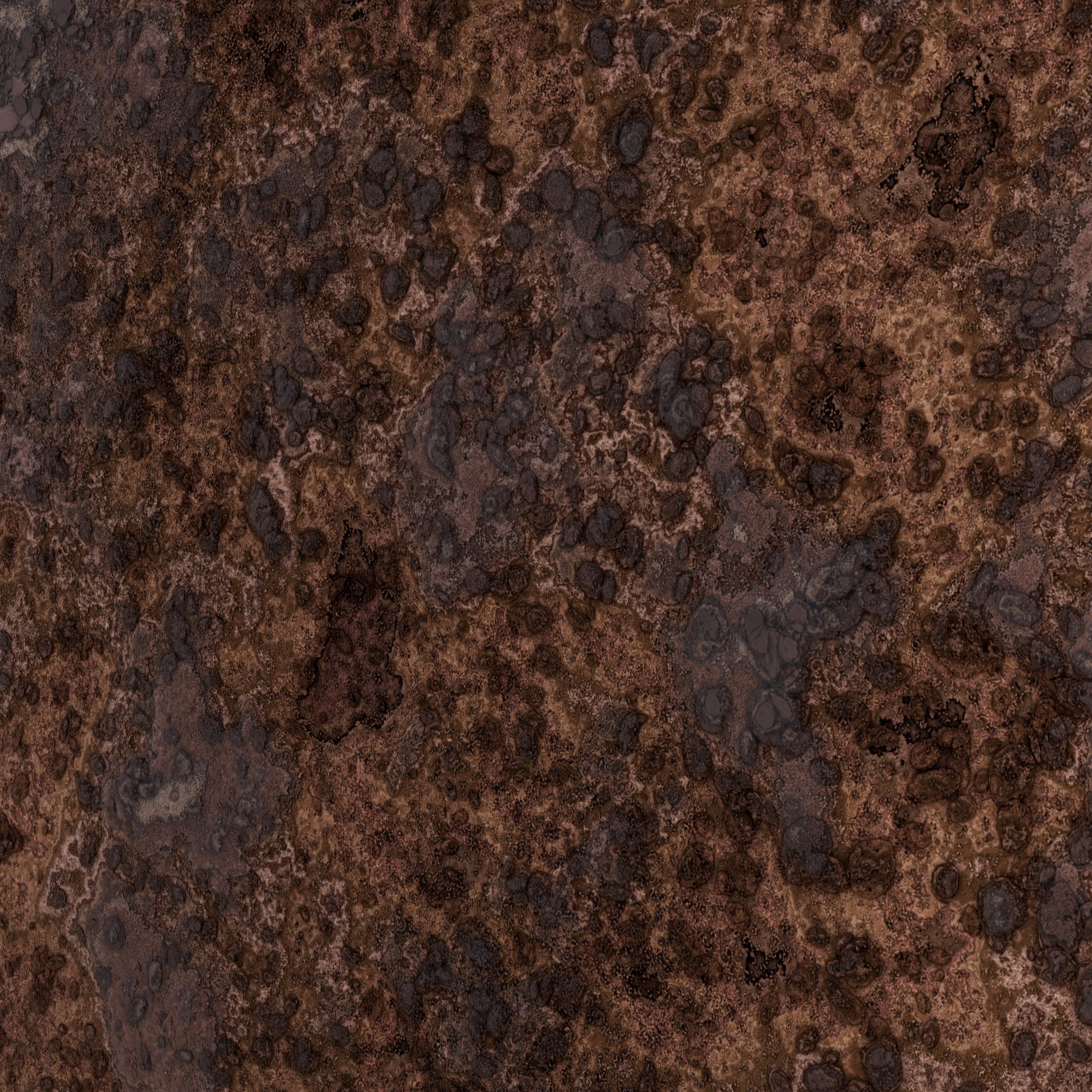
mud
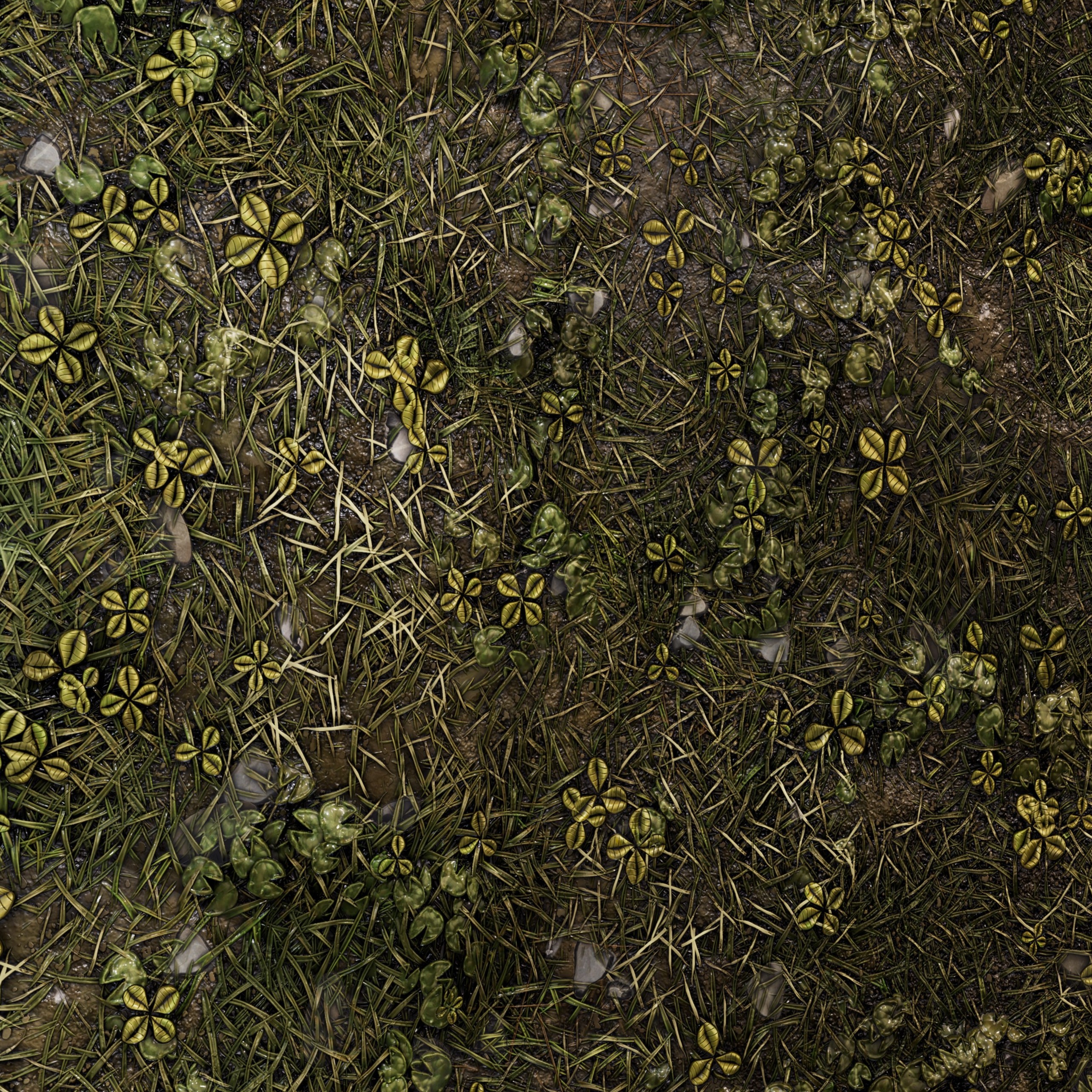
grass
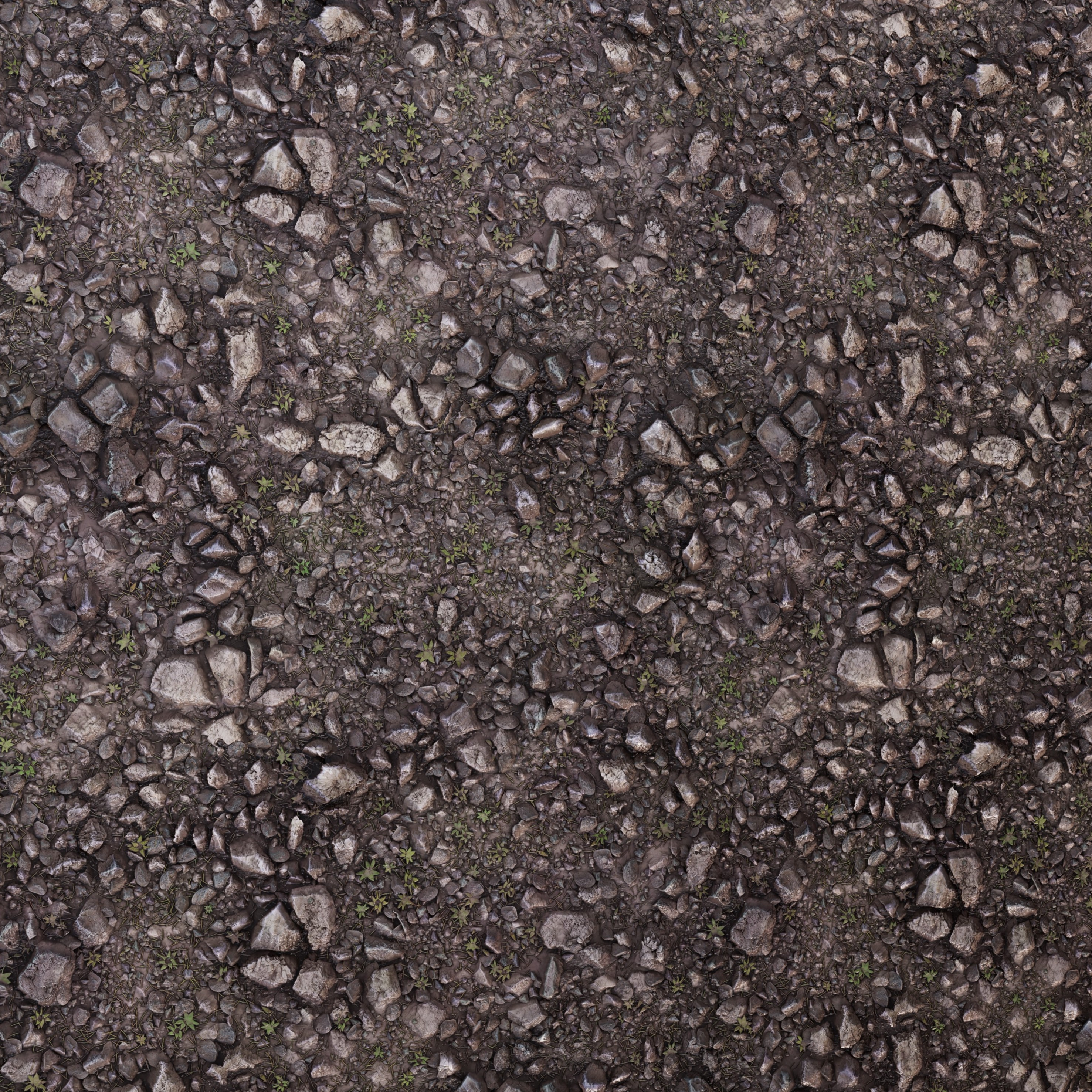
gravel
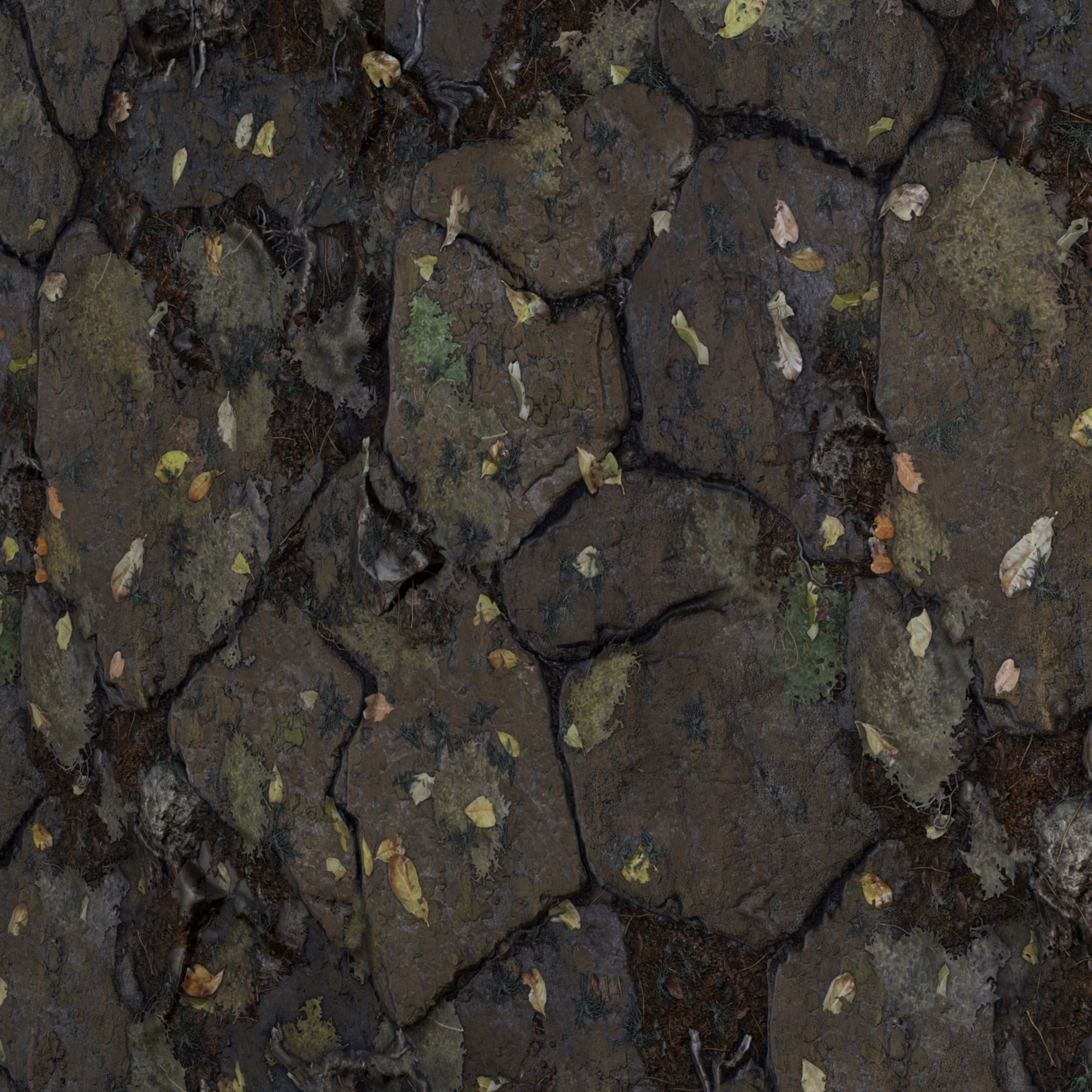
cobblestone
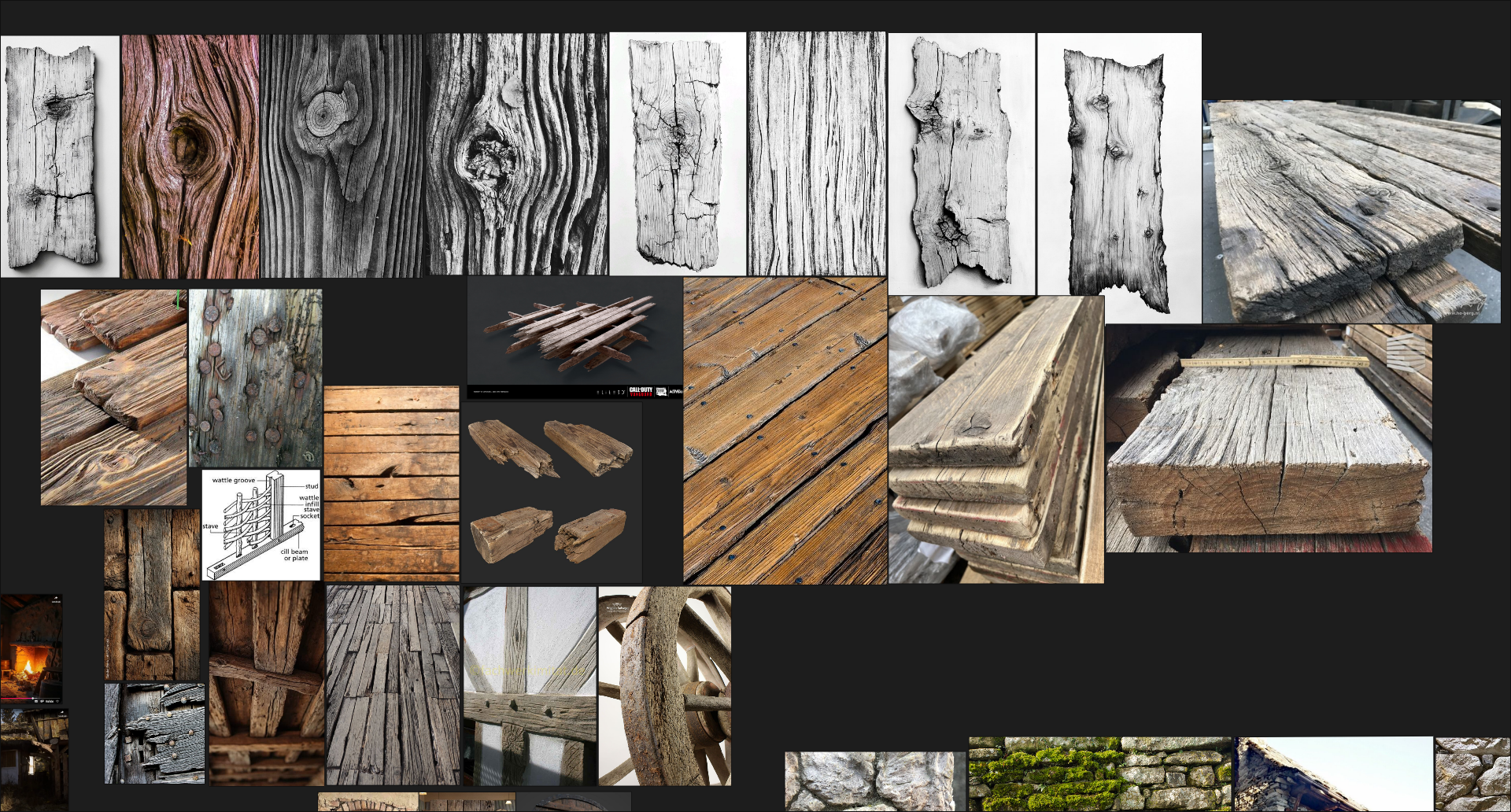
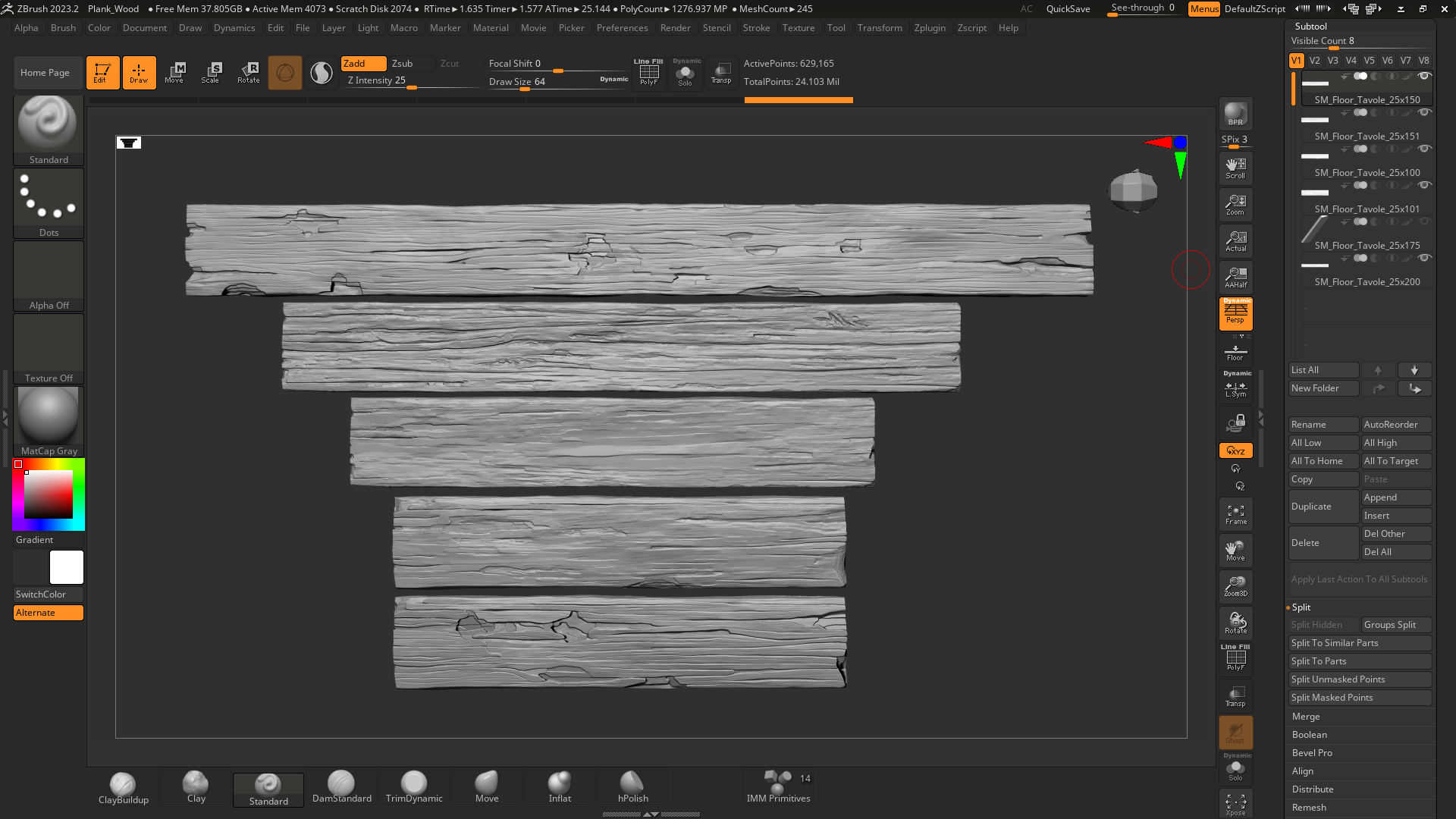
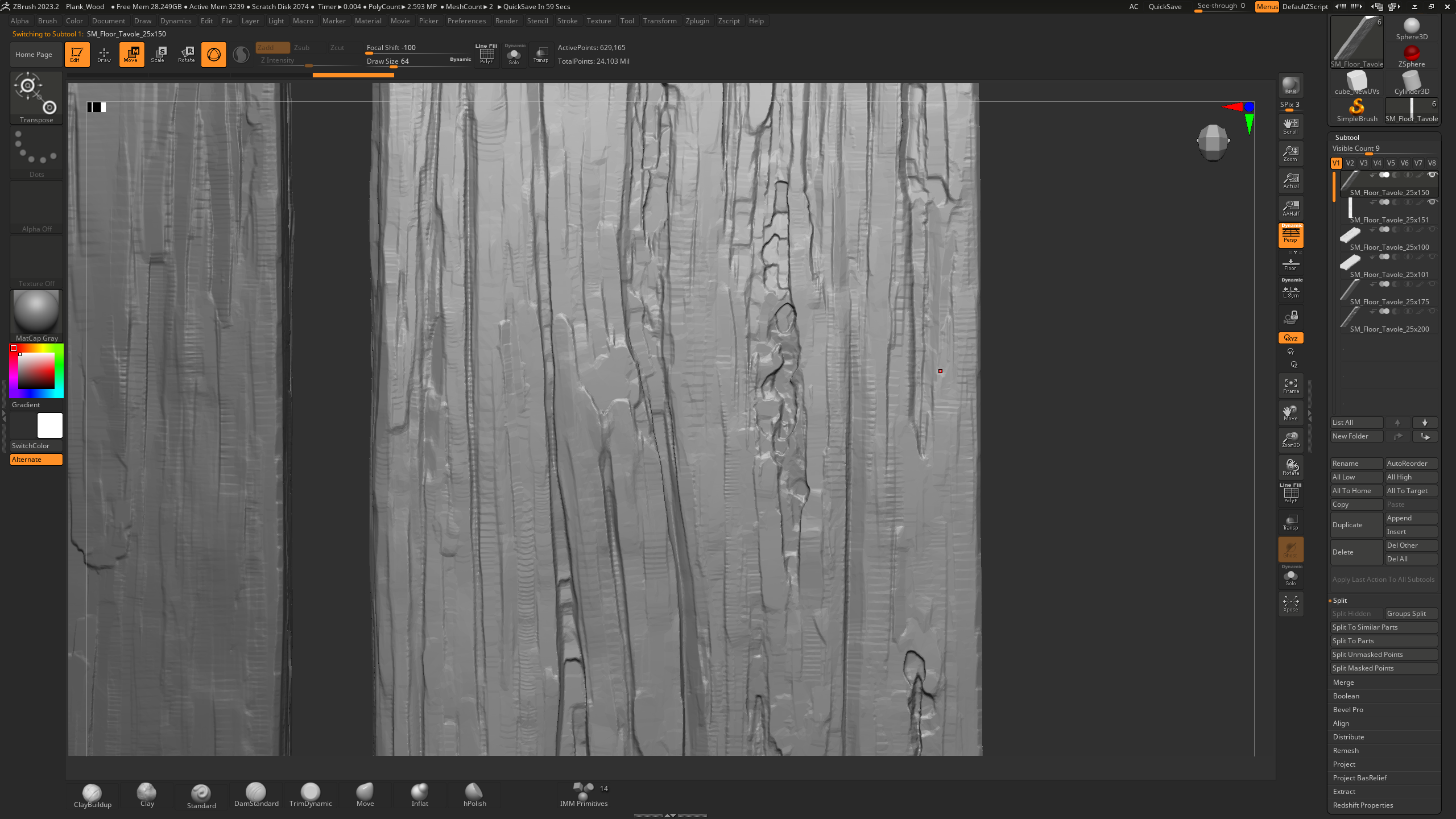
plank wood floor
The full process was:
■ Gathering reference images in PureRef
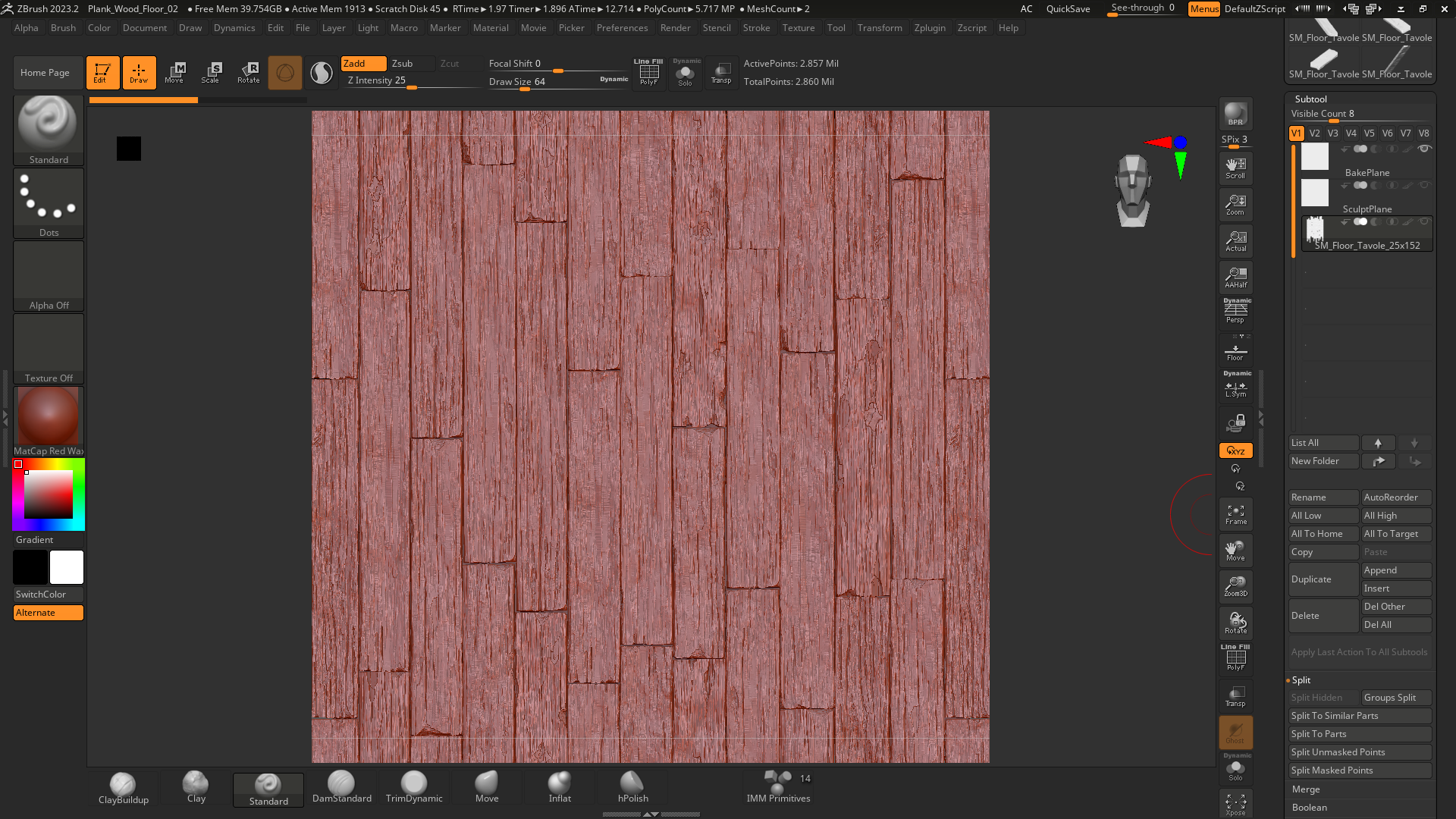
■ Sculpting 3–4 wood planks in ZBrush
■ Composing them on a bake plane, ensuring seamless edges to create a tileable texture
■ Baking in Substance 3D Painter and building the material to be imported into UE
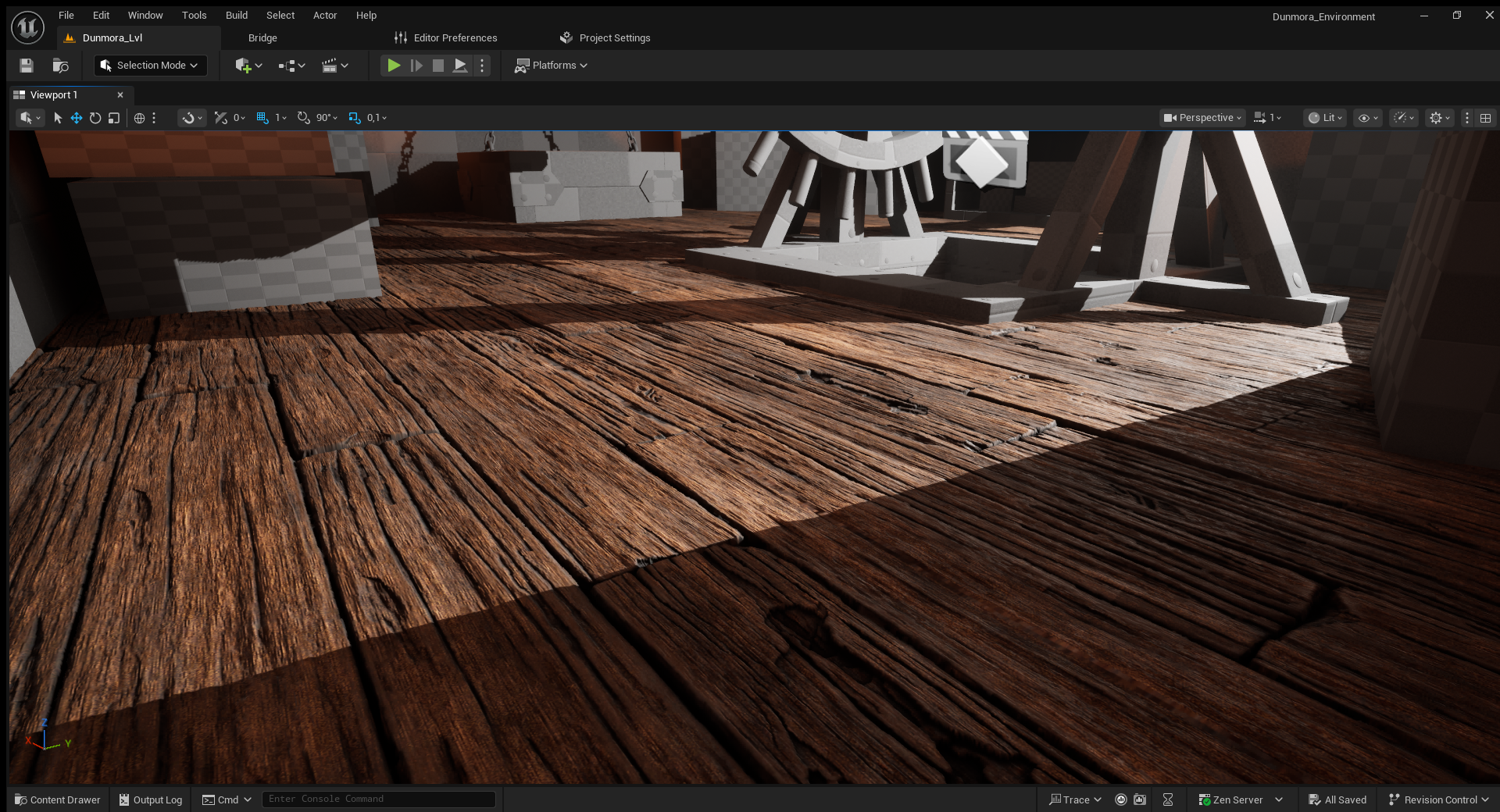
■ In-engine, I set up the material with height control and tested it on the wood elements of the ancient mill

brick wall
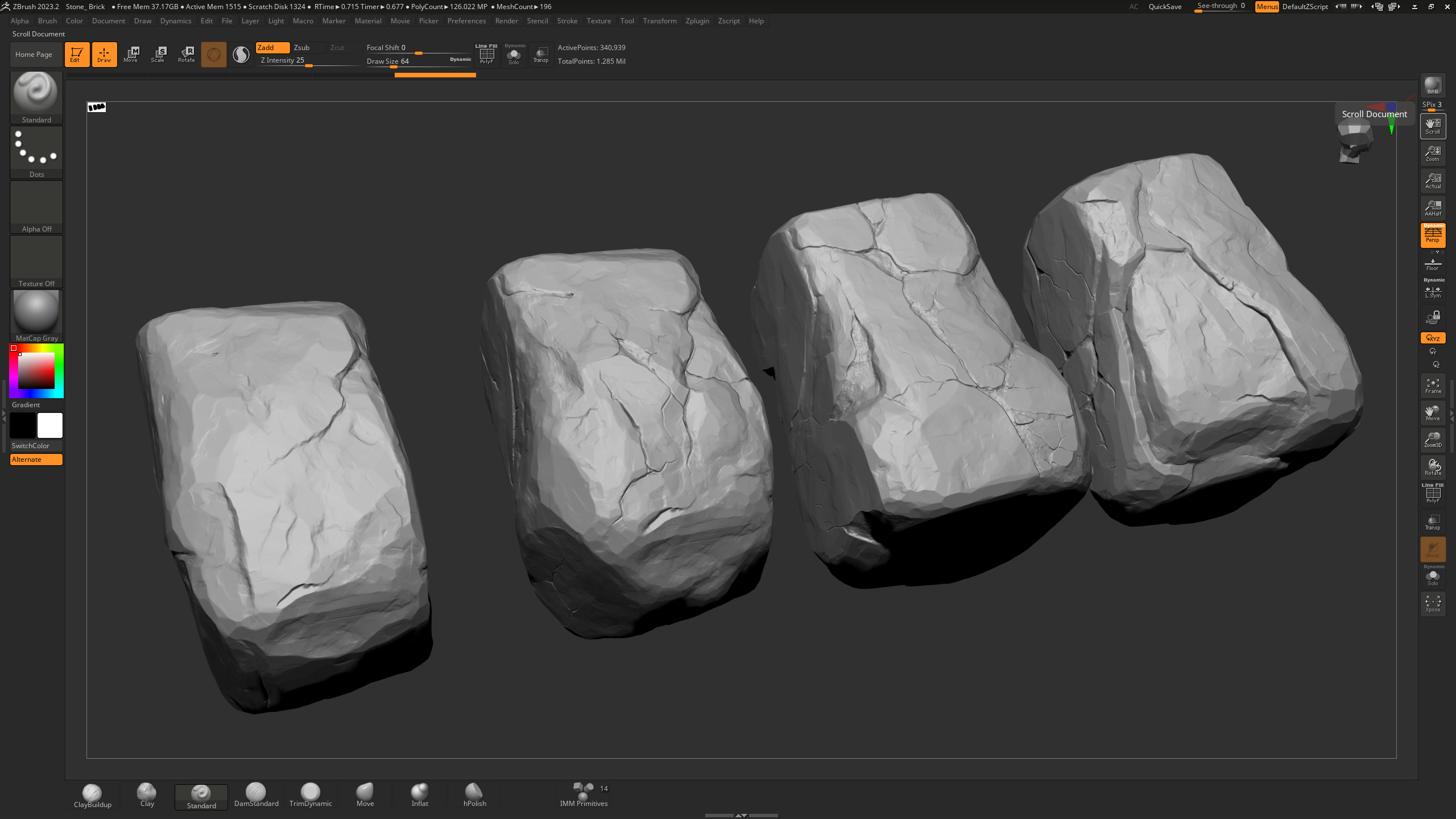
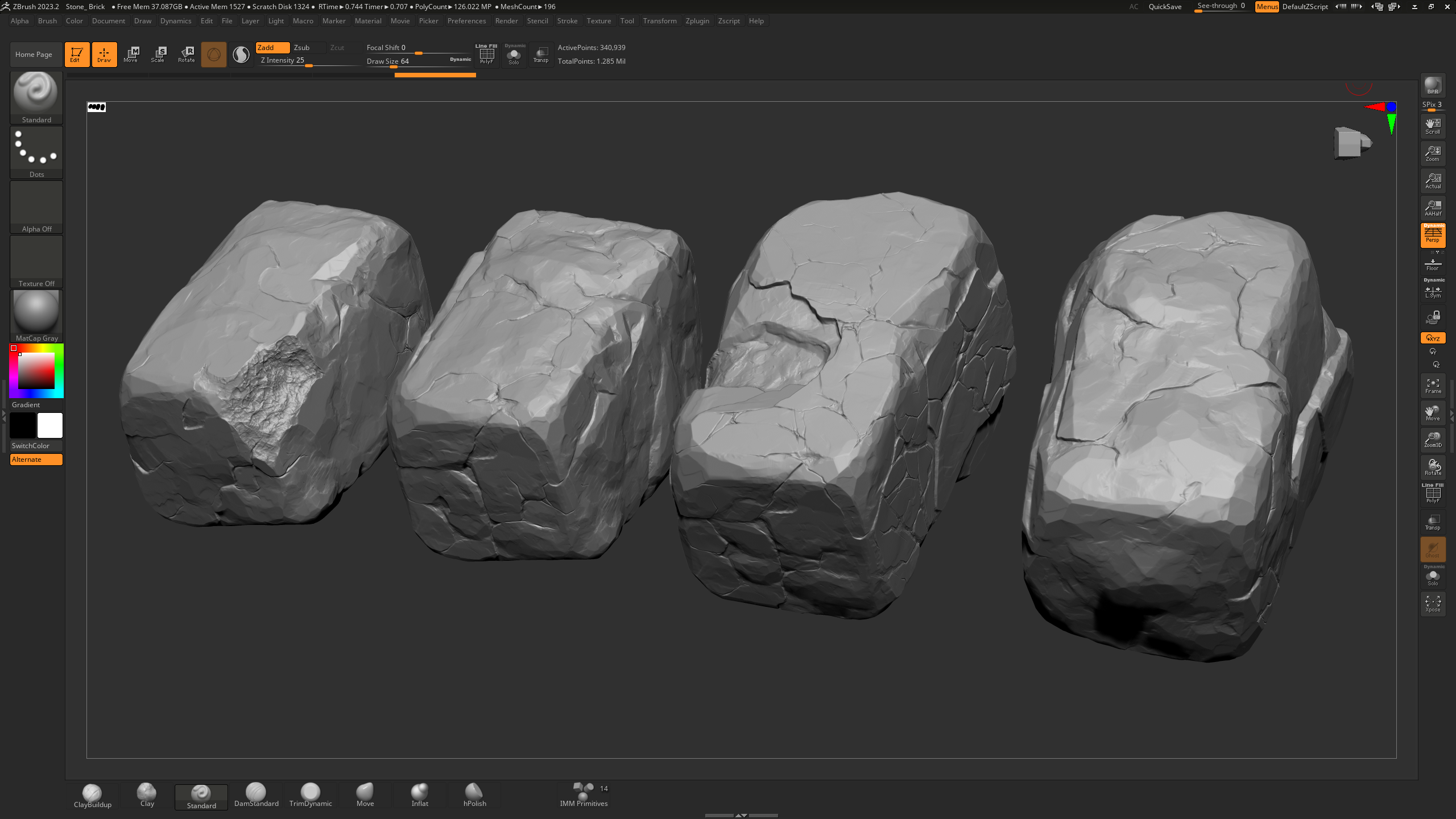
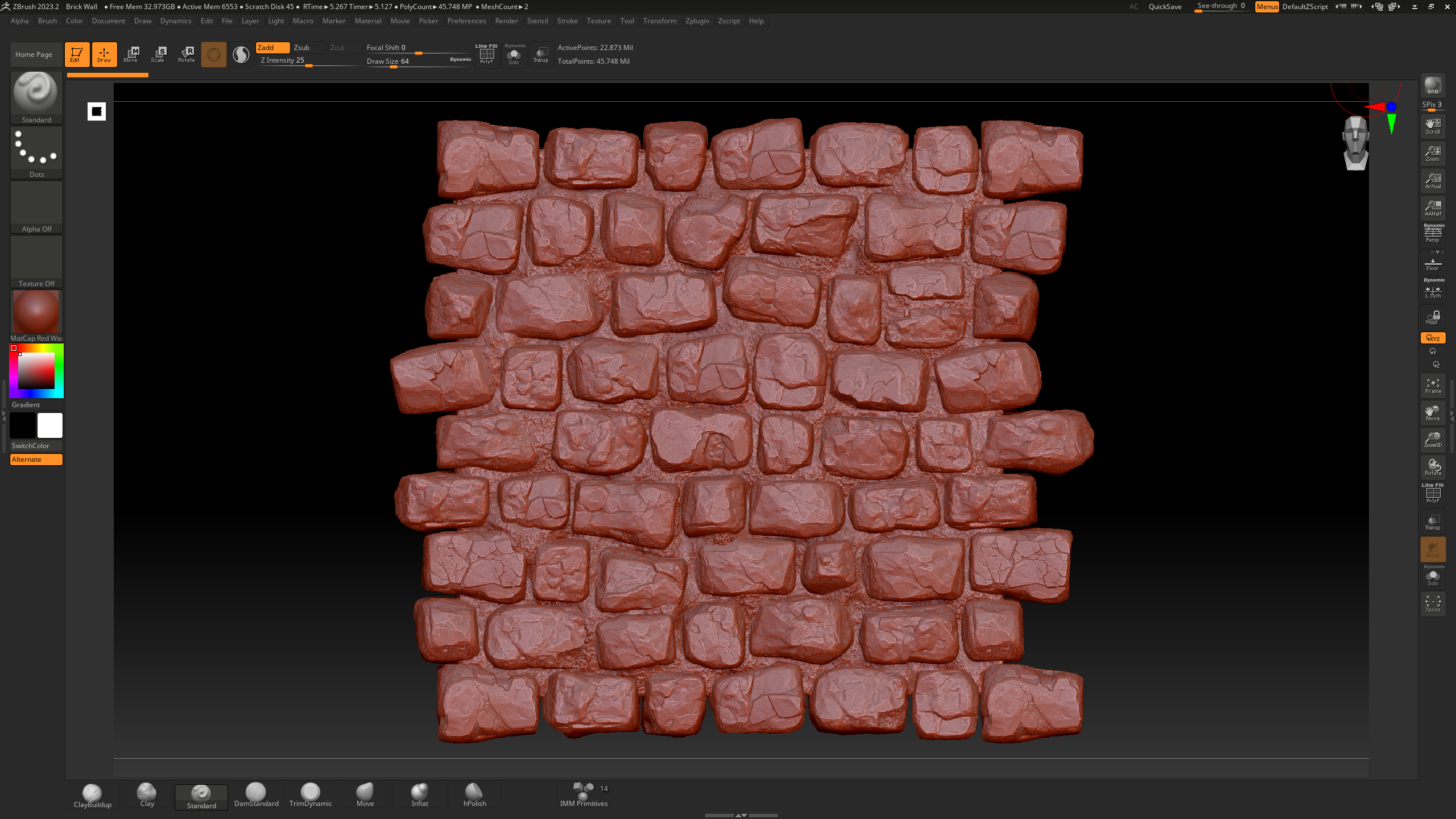
I started by sculpting the bricks directly in ZBrush, then used a sculpt plane to create the mortar between the joints.
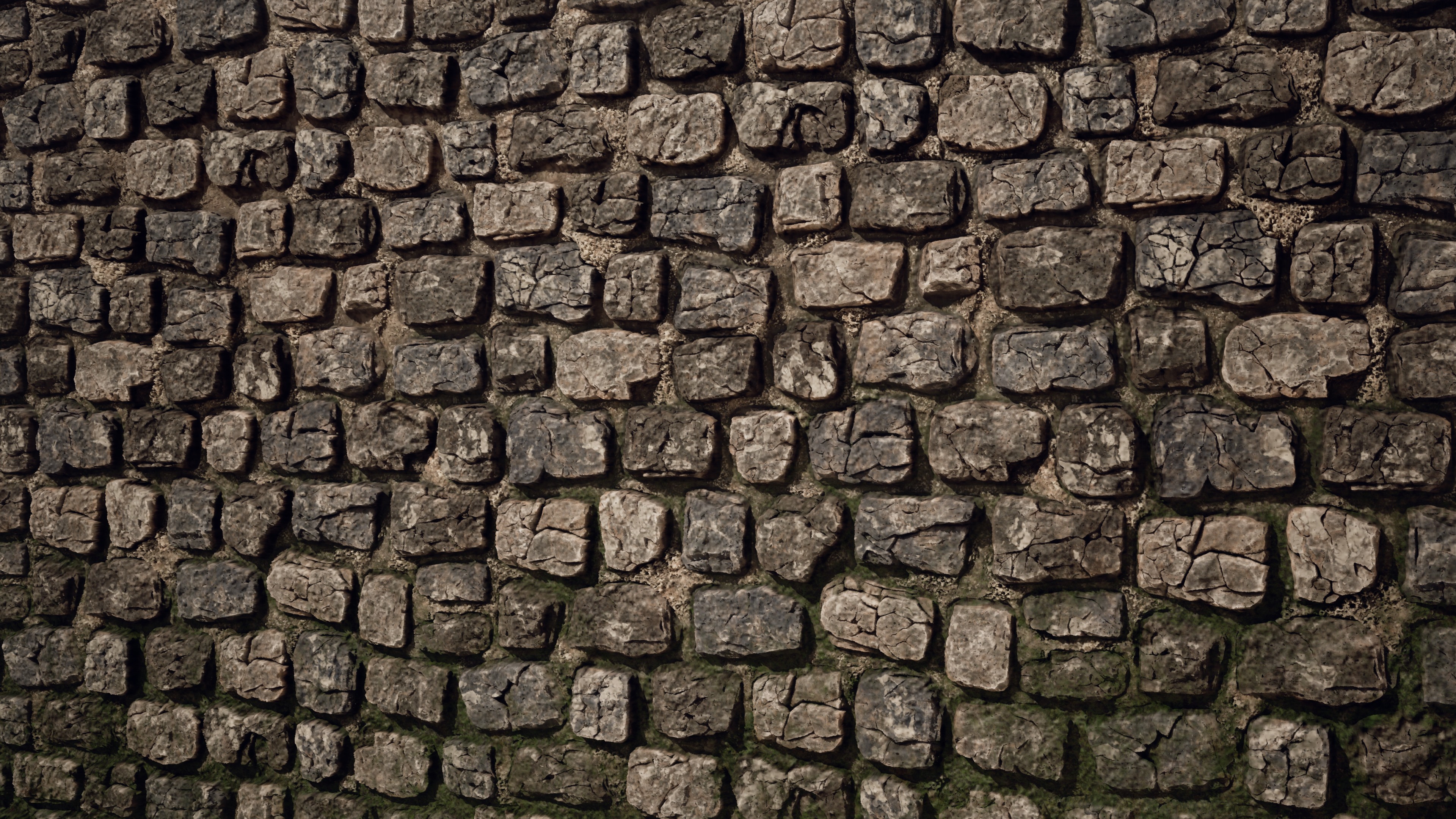
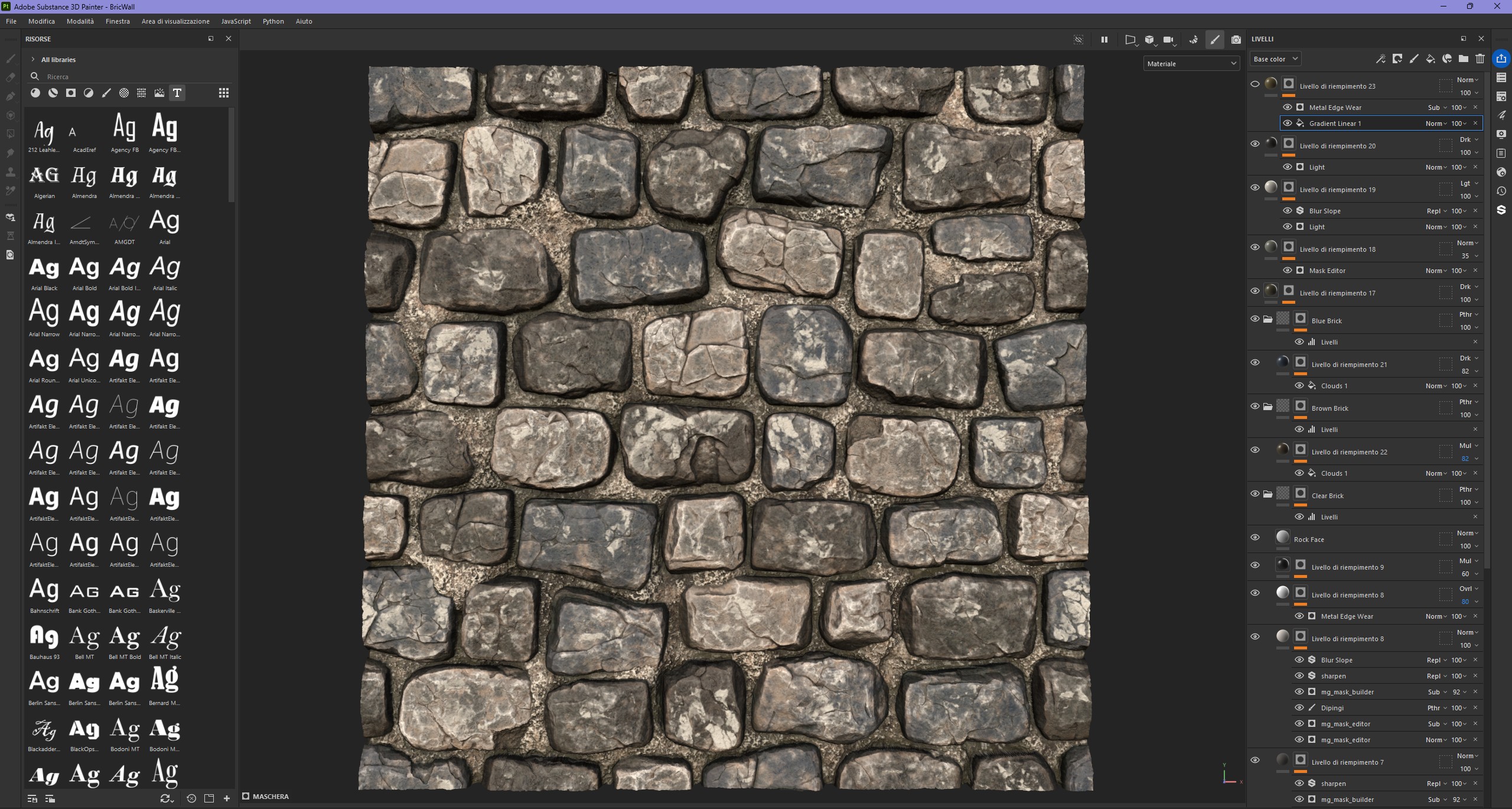
In Substance Painter, I baked the asset and prepared two materials: one for the clean, dry bricks, and another for the damp areas, with moss and algae growing in the constantly shaded and humid zones.
For the blending, I used the same master material as the terrain, but added a World Aligned Texture function to ensure continuity across the bricks in the different wall modules.

The entire scene was modeled in Maya, with dedicated UV mapping and the export of individual modules into Unreal Engine 5.4, where they were organized into Prefab Actors (PLA) for efficient and scalable management.
The materials, created in Substance 3D Designer, follow a PBR workflow aimed at achieving a realistic materiality for stone, plaster, and other architectural surfaces. The environment, currently unfurnished, serves as a solid structural foundation for future gameplay elements, maintaining clean composition, spatial consistency, and optimized performance for real-time rendering.


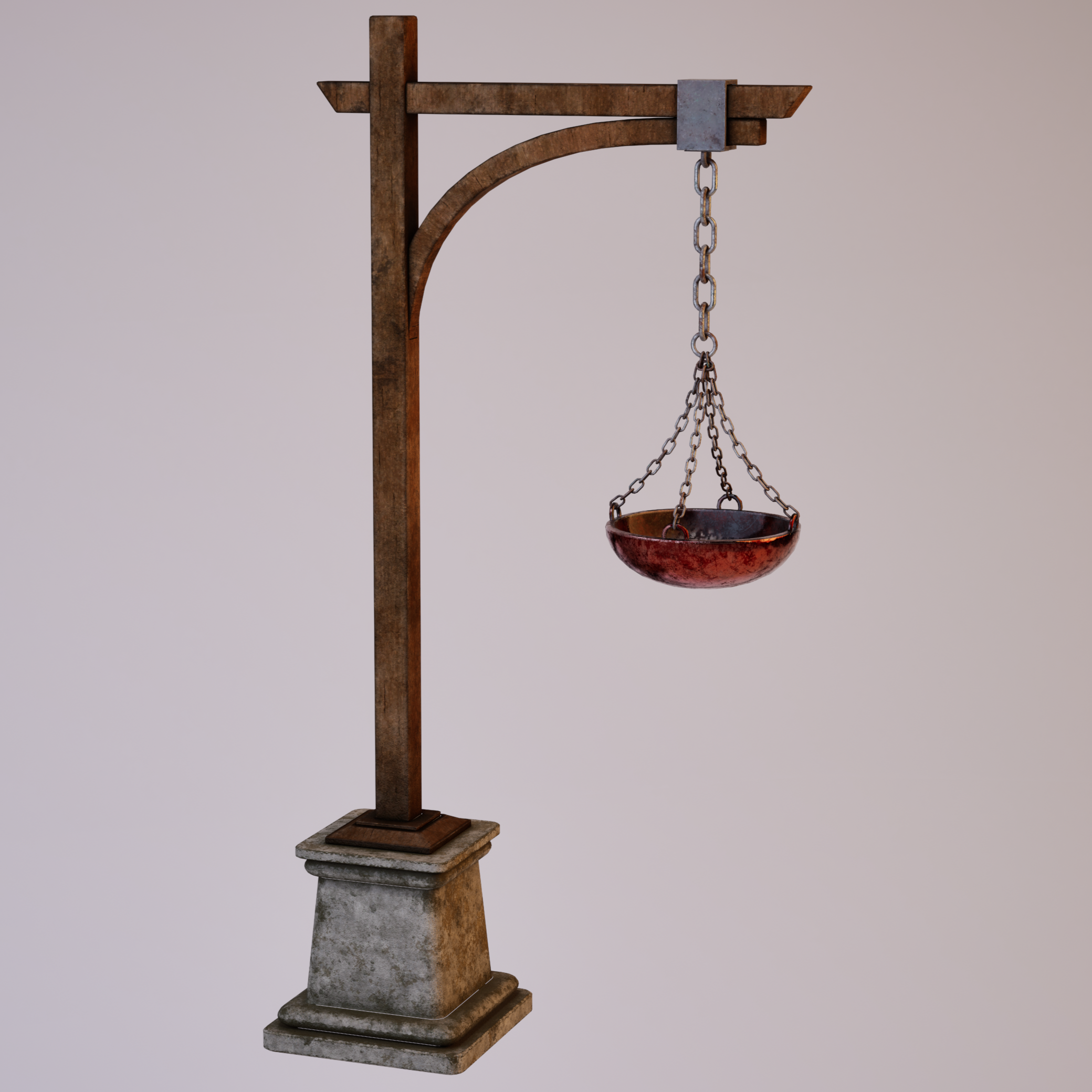
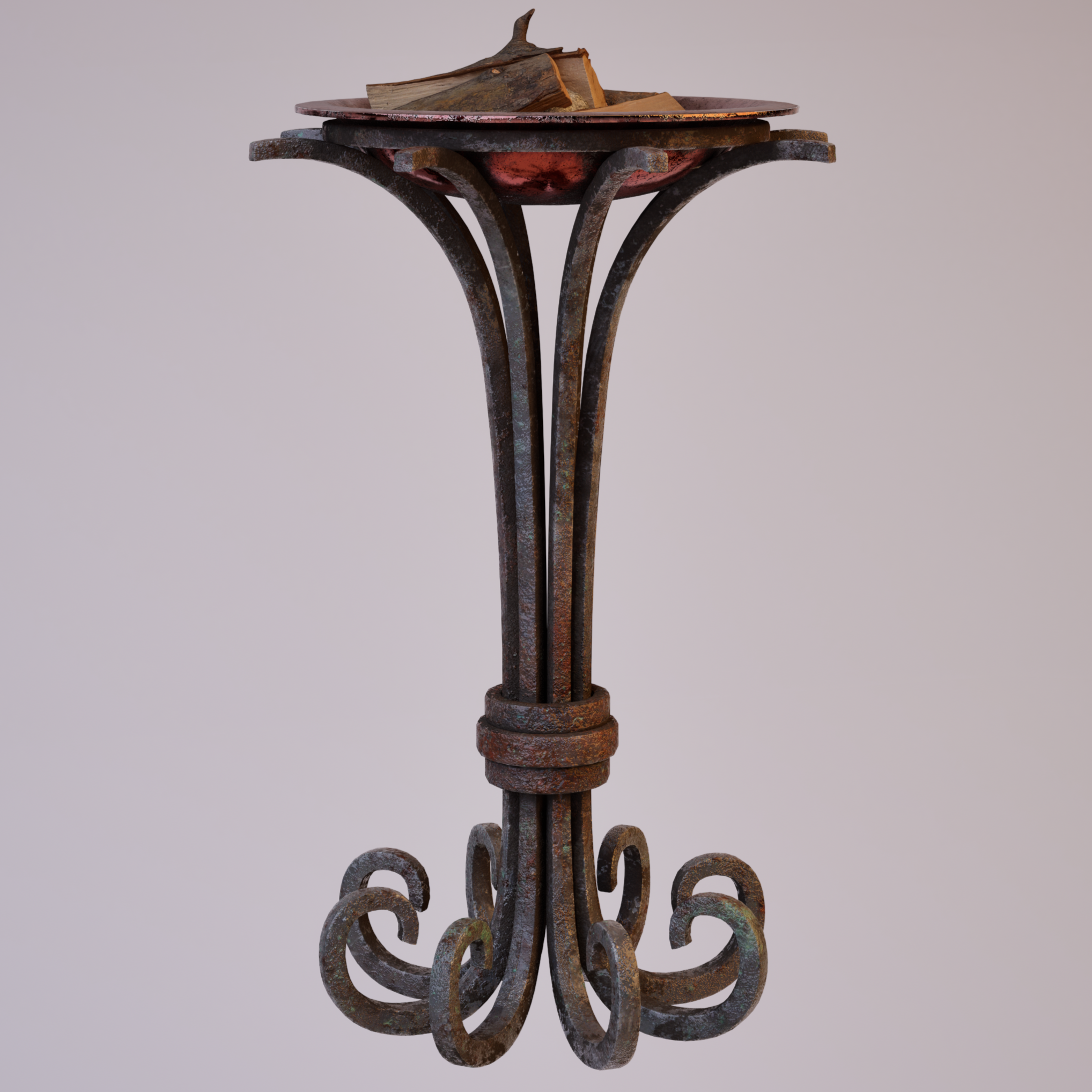
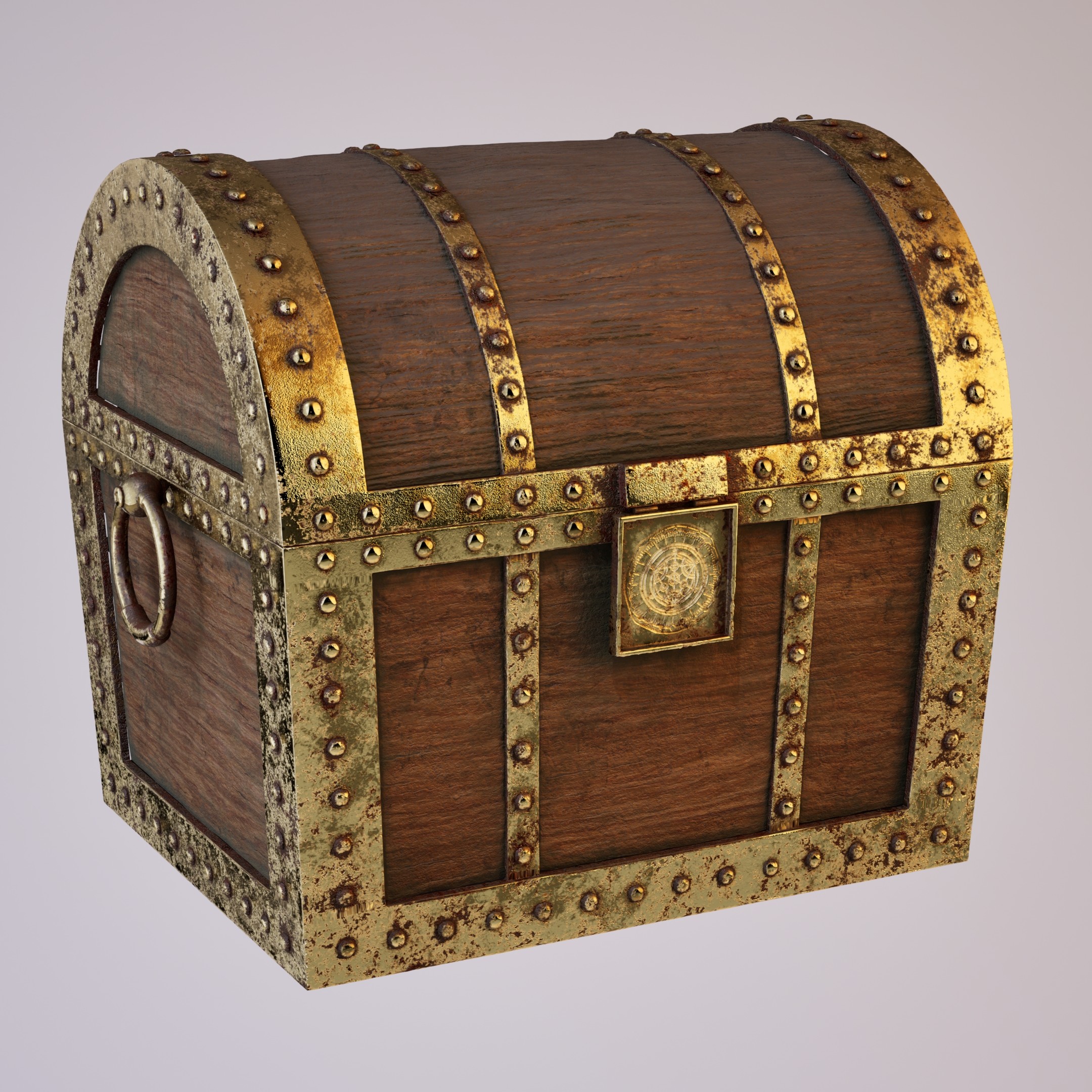
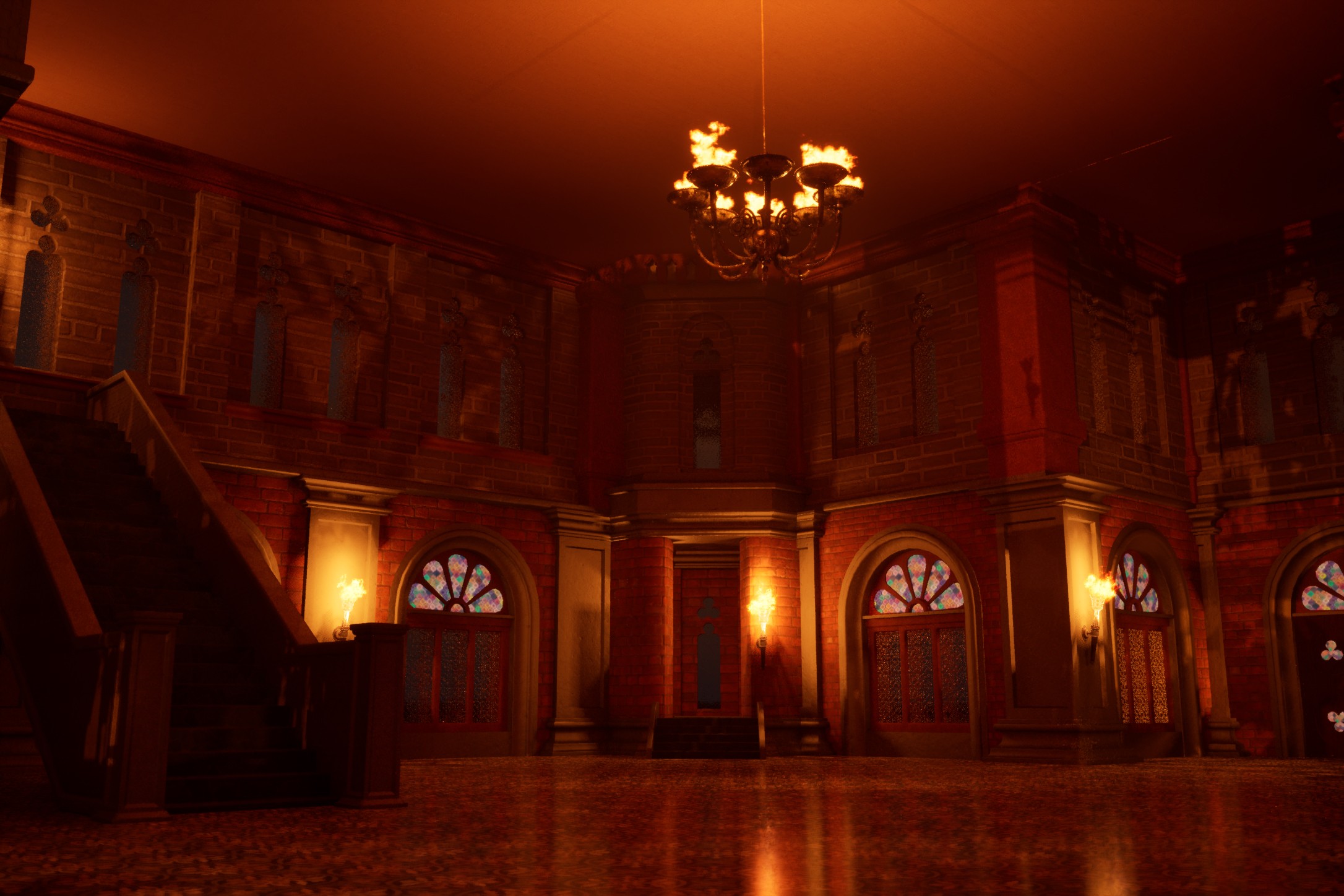

Designed as a functional extension of the castle, this maze represents an independent environmental level, created to introduce explorative challenges and interactive gameplay mechanics. The modular structure was modeled directly in Unreal Engine, a choice driven by the geometric simplicity of the forms and the need for fast iteration during layout composition.
Inside the maze, players must navigate and solve environmental puzzles by activating buttons that open or close walls, crossing moving platforms, and collecting key items, including a real-time interactive map. These mechanics were implemented using Blueprints, with particular focus on functional clarity and smooth gameplay progression.
The entire scene is immersed in dense dynamic fog, generated via the Niagara system, designed to enhance disorientation and strengthen the atmosphere of tension and suspense. The maze is conceived as an optional challenge tied to the completion of the castle and is fully optimized for real-time rendering.
Activation system using a collision volume at the maze entrance, which simultaneously enables ambient music, sequential lighting, and a Niagara VFX for dynamic fog simulation, creating an immersive atmosphere. At the bottom left, a custom widget displays the player’s real-time position within the maze via a mini-map designed in the style of an ancient clock, consistent with the project’s fantasy-medieval aesthetic.
The platforms within the maze are activated sequentially and time-synchronized through a Blueprint Timeline. Their smooth motion introduces dynamic obstacles, increasing the level of challenge and interactivity. The system is fully integrated into the gameplay flow and designed to be expandable, maintaining both architectural consistency and coherence with the overall mechanics of the project.
Inside the maze, the player can collect a map through a contextual interaction(key E). Once acquired, the map can be shown or hidden with a simple keyboard command (key M). The system is managed using Blueprints and UI Widgets, displaying the player’s real-time position through a fluorescent yellow directional arrow. The map, highlighted by a glowing Niagara VFX, integrates seamlessly into the HUD and aligns with the project’s fantasy-medieval aesthetic.
Interaction is triggered via a collision volume: when the button is pressed (input via trigger), a movable wall opens or closes through a Blueprint event. To provide immediate visual feedback to the player, a secondary camera is activated using Cast to Viewport, showing real-time changes in the scene. The system is fully replicable and allows for modular management of multiple walls and connected cameras.
Developed by following a series of dedicated tutorials and gradually implemented using Blueprints in Unreal Engine. The system allows players to collect, view, and manage items within a UI slot-based interface and is easily scalable for future projects. The focus was on understanding the logic behind data structures, user interface design, and real-time interactions with the game environment.
A system connecting two game levels using the Open Level node, while maintaining the player’s position and state parameters through a custom Game Instance class. This setup enables a consistent respawn at the initial access point, ensuring narrative continuity and smooth gameplay flow.
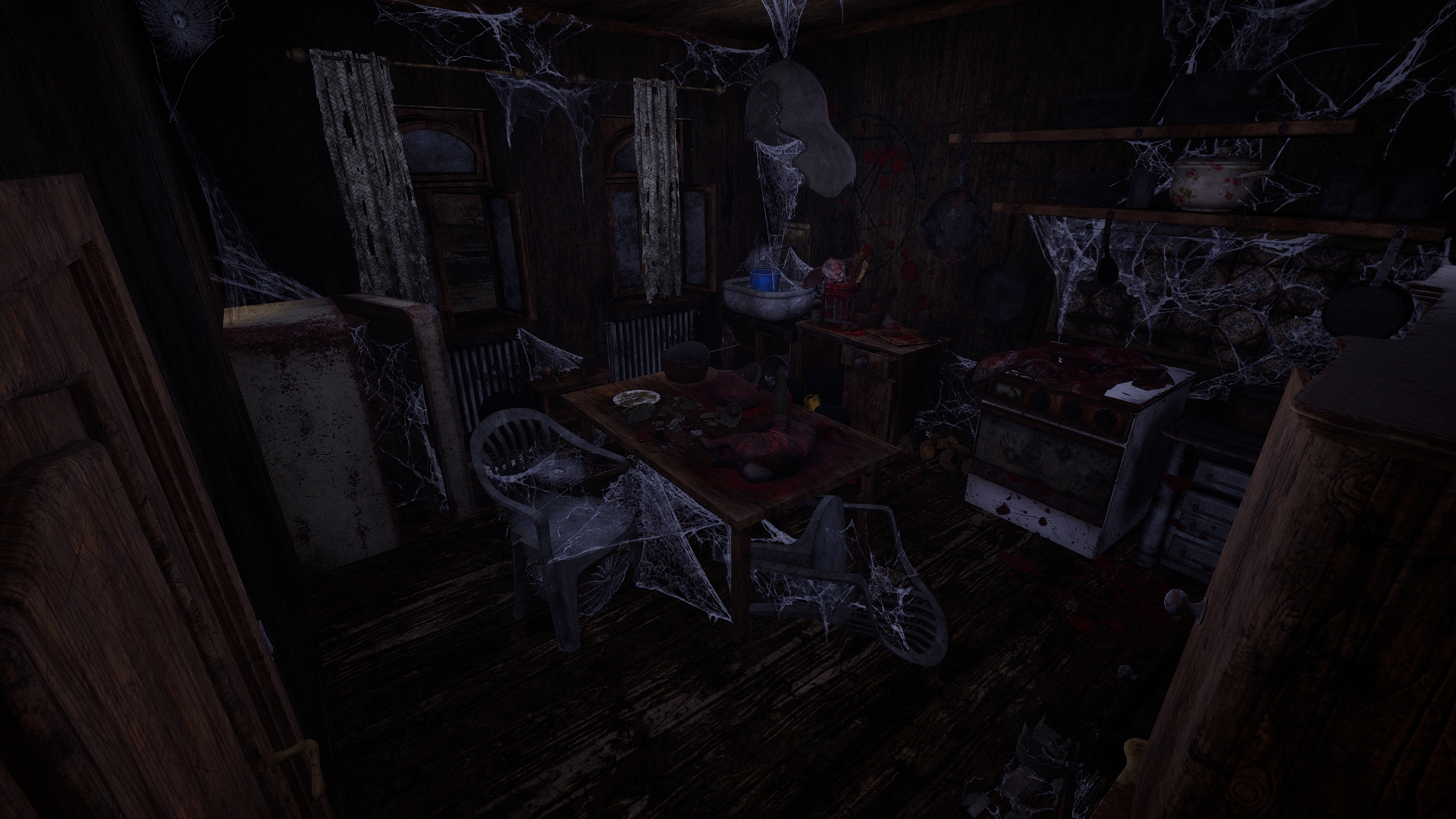
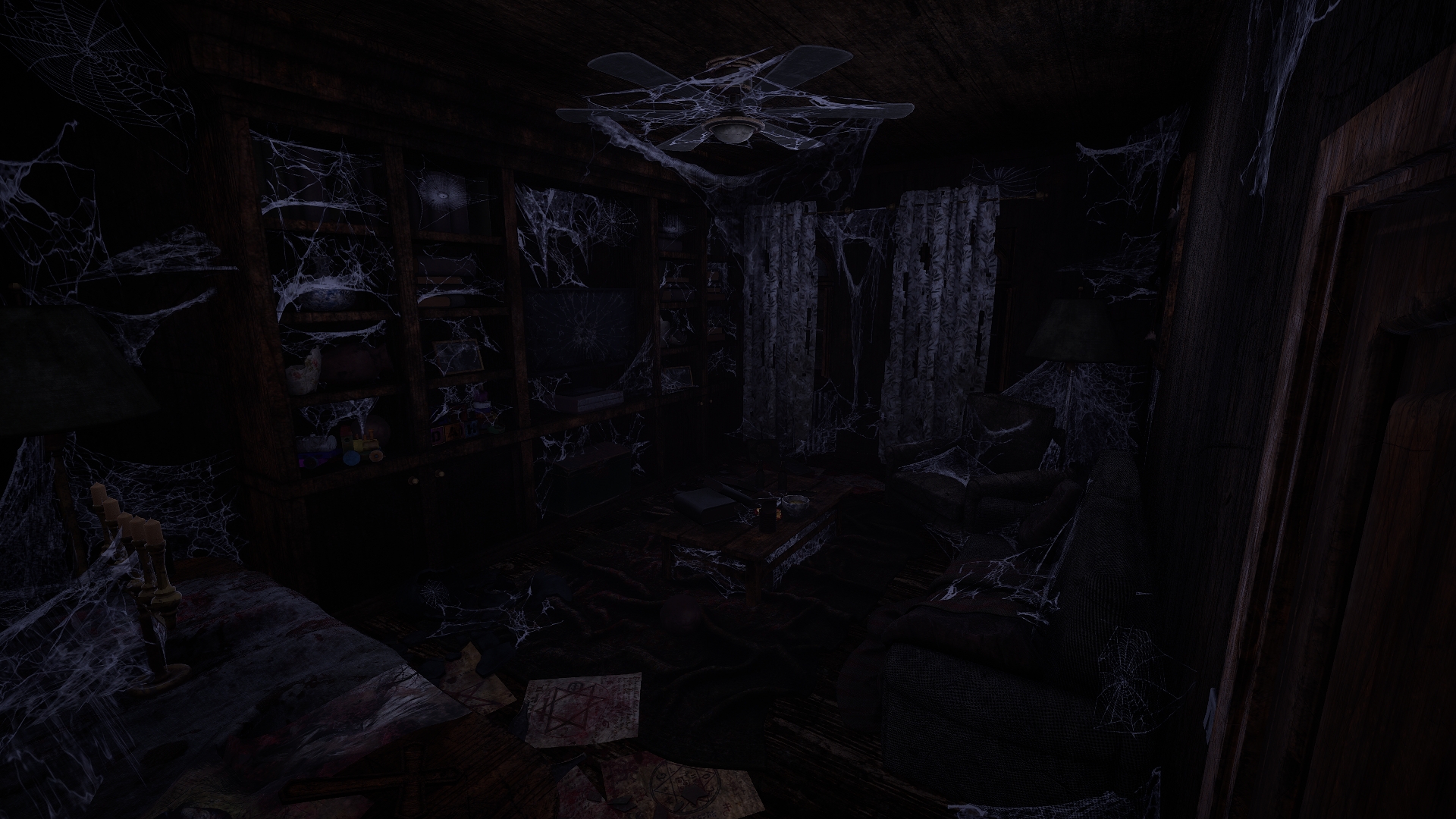
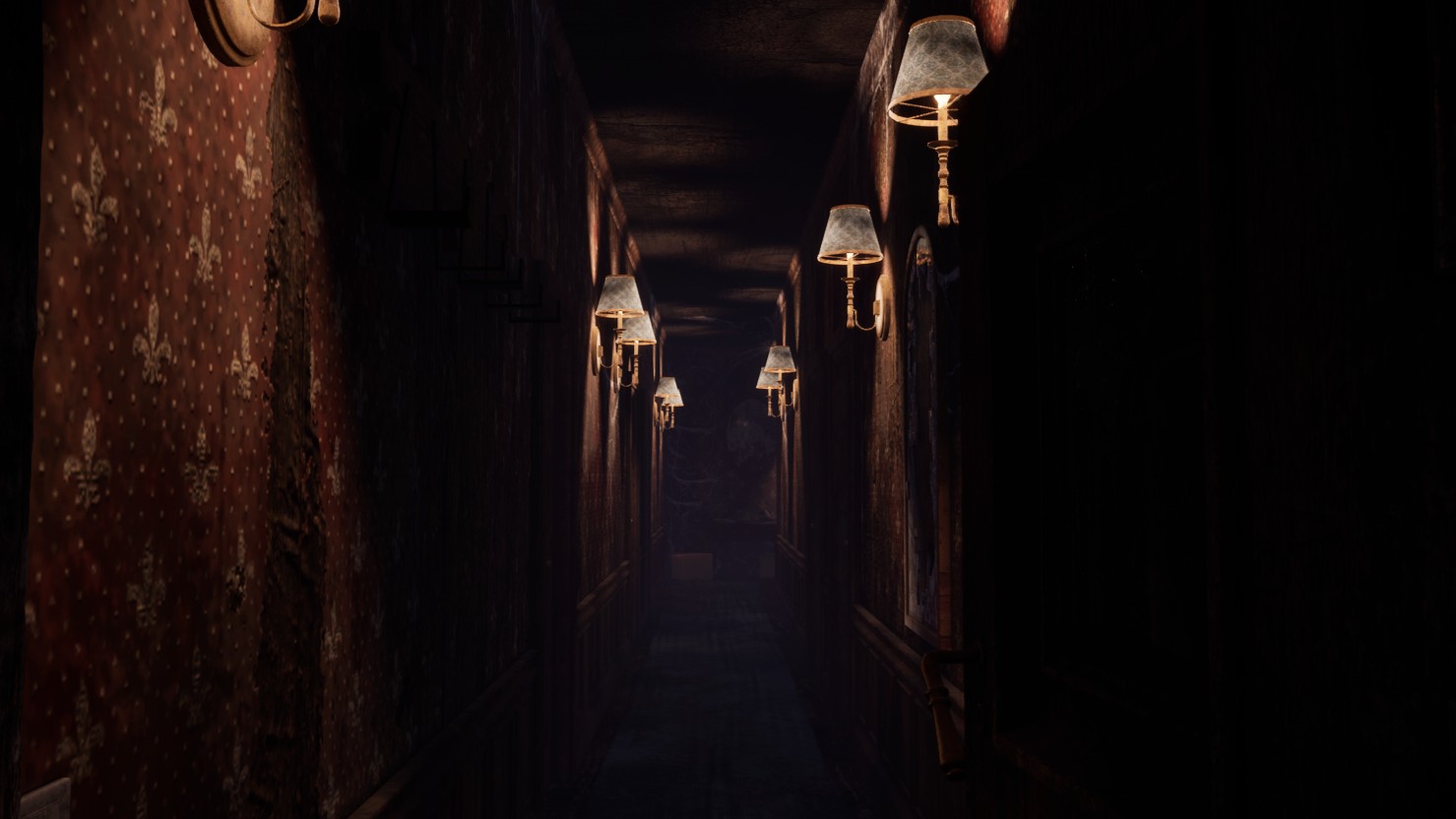
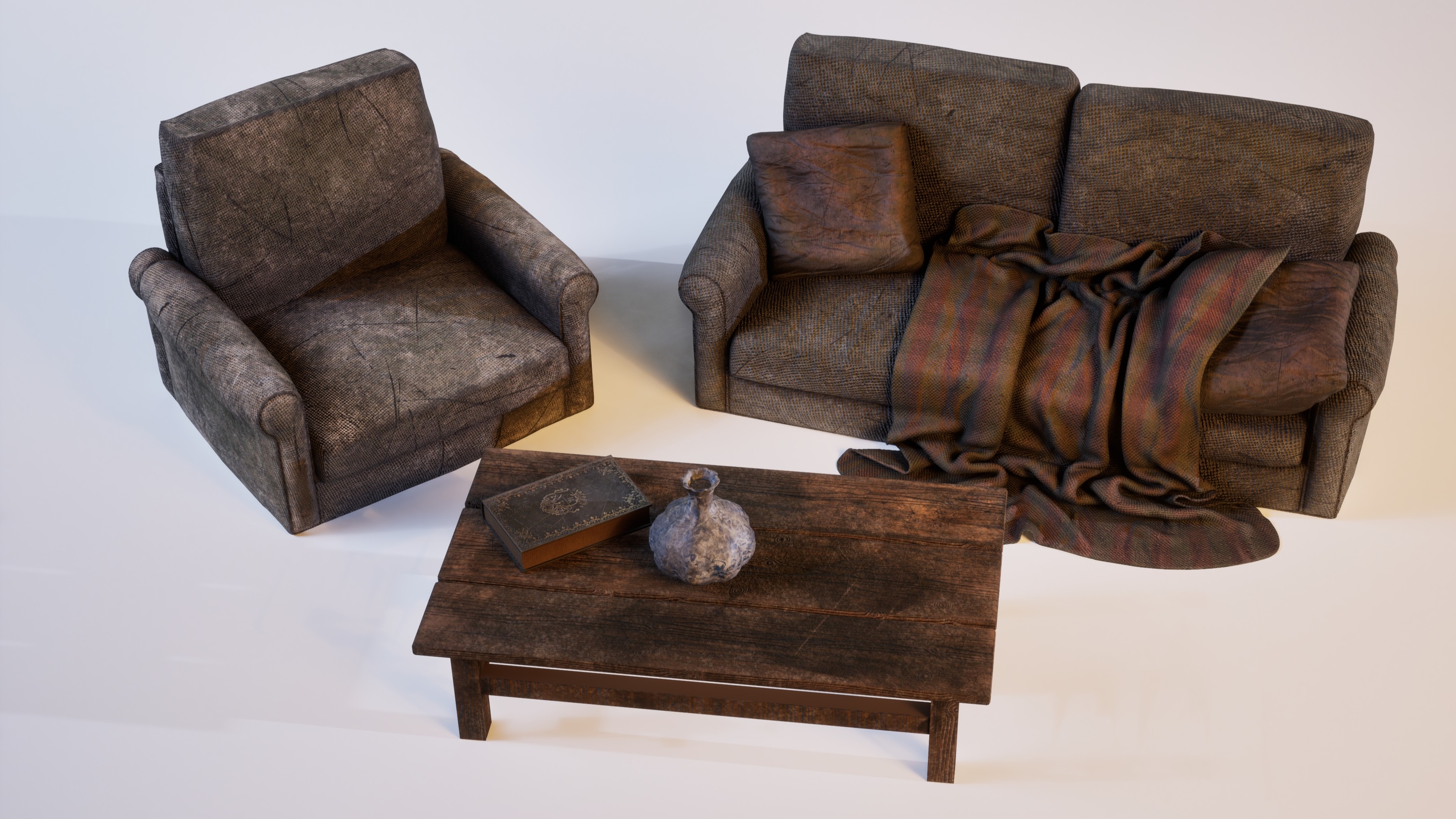
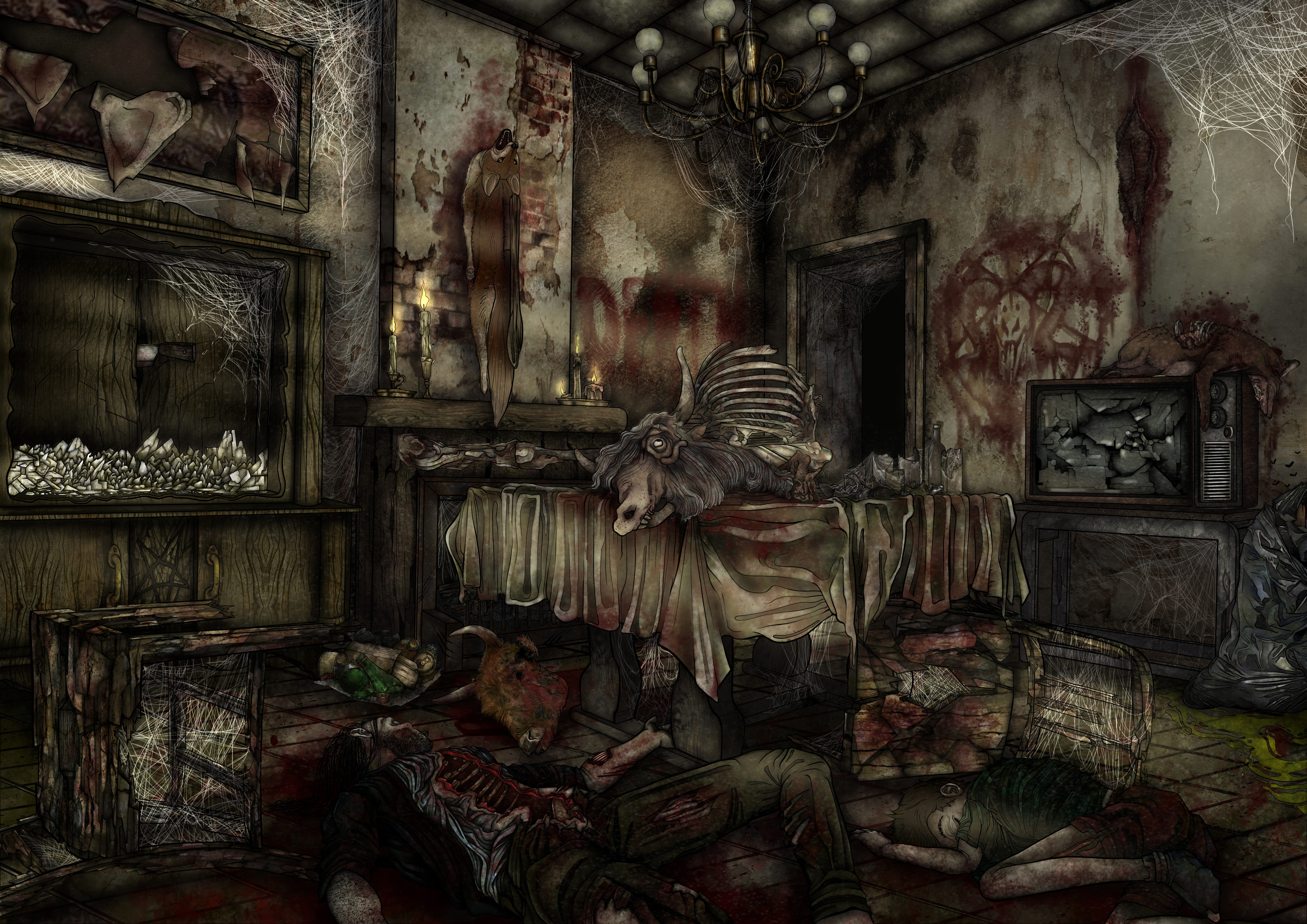
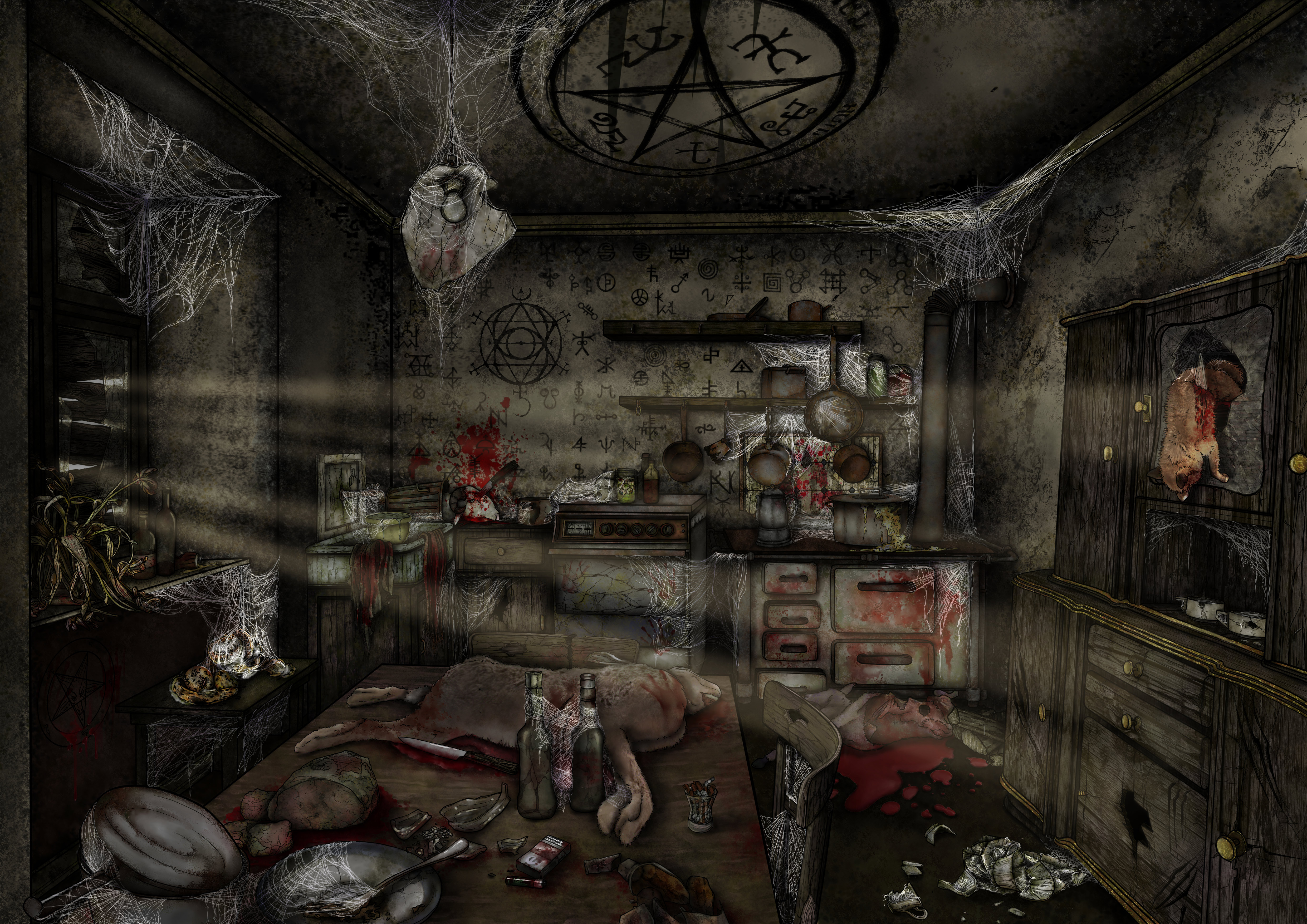
The images showcase environments created for The Quiet Boy, a horror short film set in an abandoned, decaying house. I handled the entire environment design process: from asset modeling and scene composition to lighting setup and atmospheric rendering. Every element — objects, textures, and lights — was carefully designed to reinforce the narrative tone and evoke a sense of decay, unease, and temporal suspension. Each room tells its own story: from the blood-stained kitchen to the cobweb-filled living room, every detail enhances the feeling of abandonment and discomfort.
The assets were modeled in Maya and ZBrush, with special attention given to foreground elements and light-interacting surfaces. The nighttime lighting, deliberately dark, was calibrated to emphasize the psychological and unsettling aspects of the space. Materials were optimized for real-time rendering in Unreal Engine 5.4, while the outdoor vegetation was generated using the engine’s native foliage tools.
.jpeg)

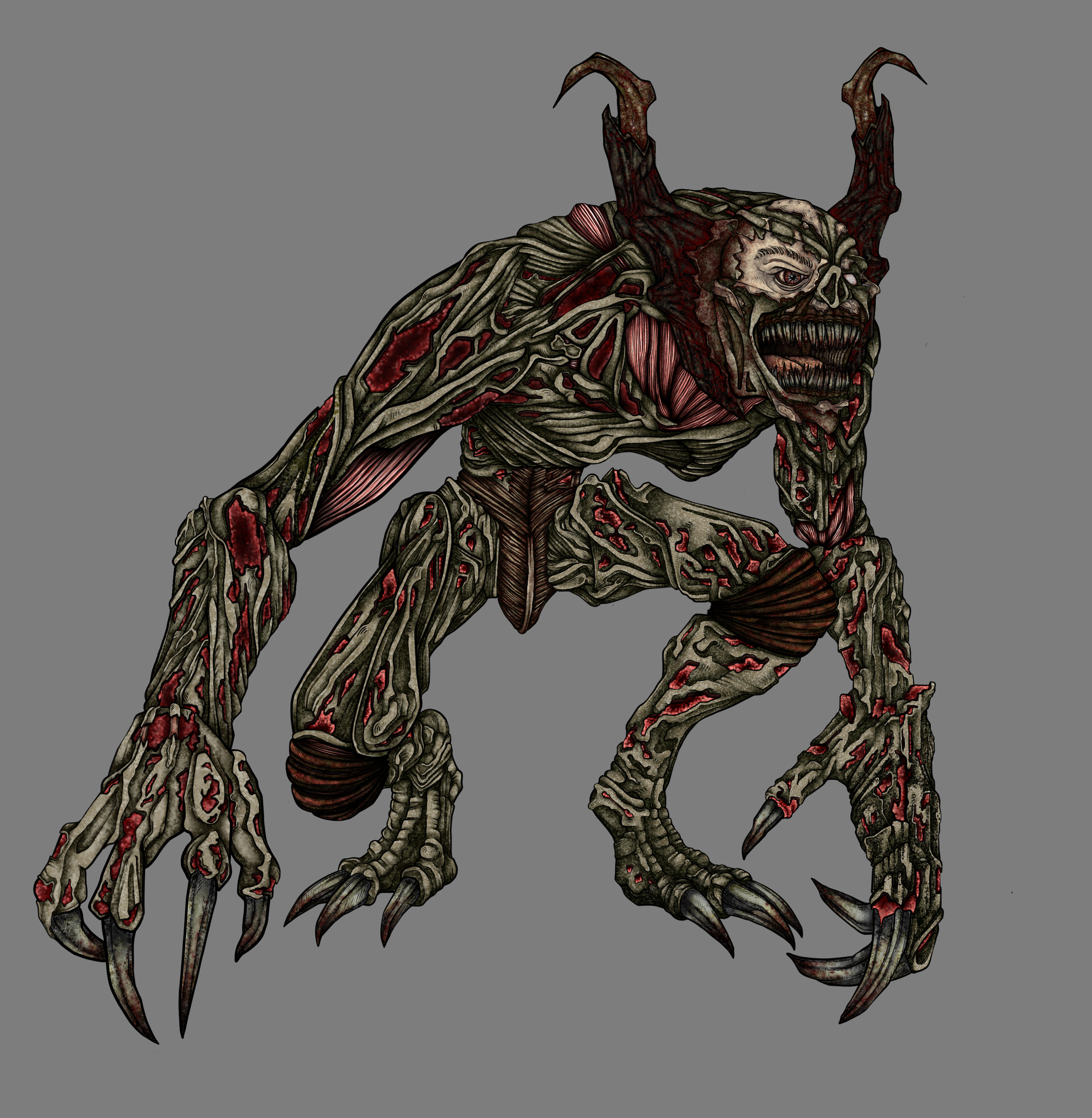
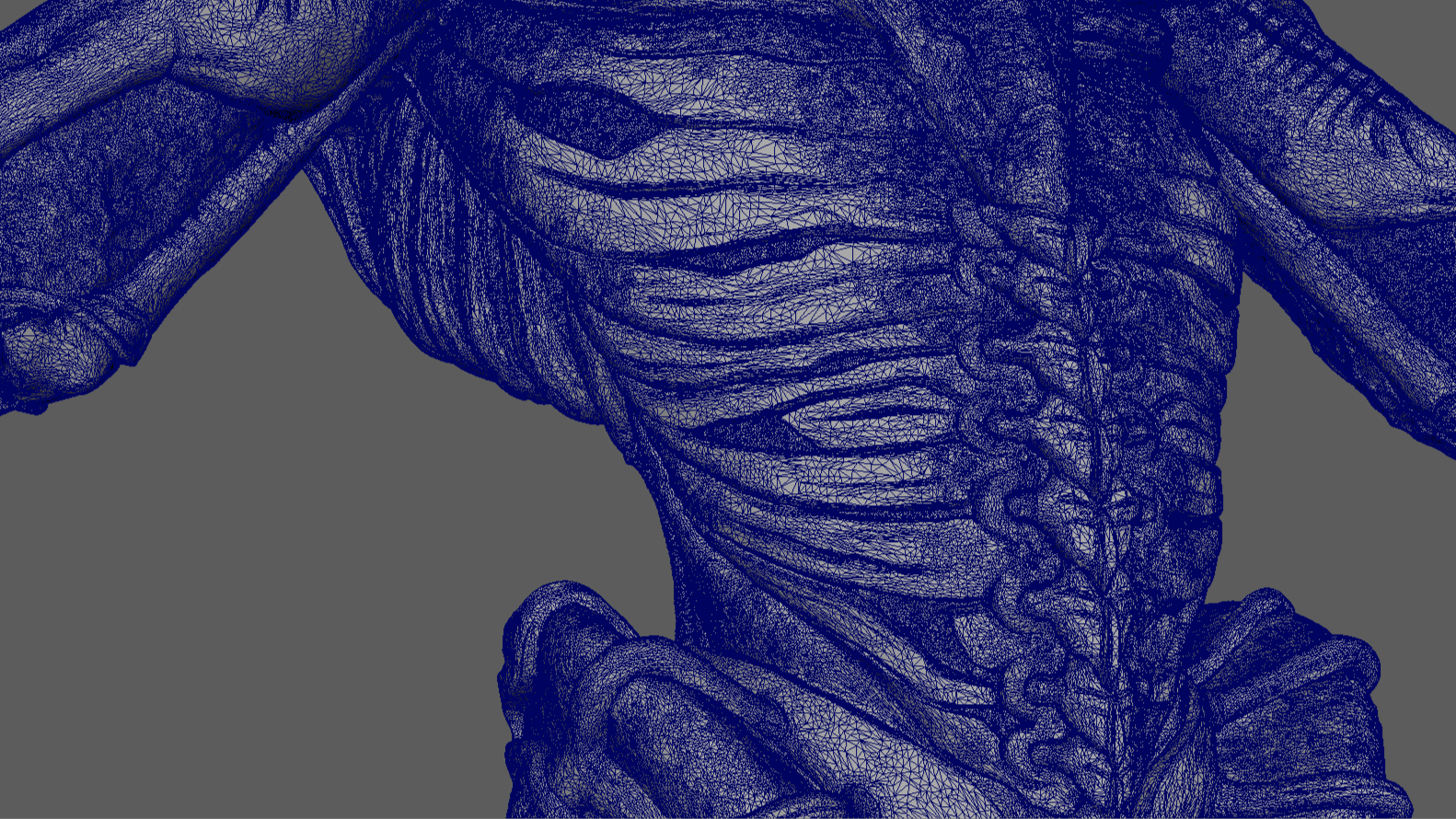
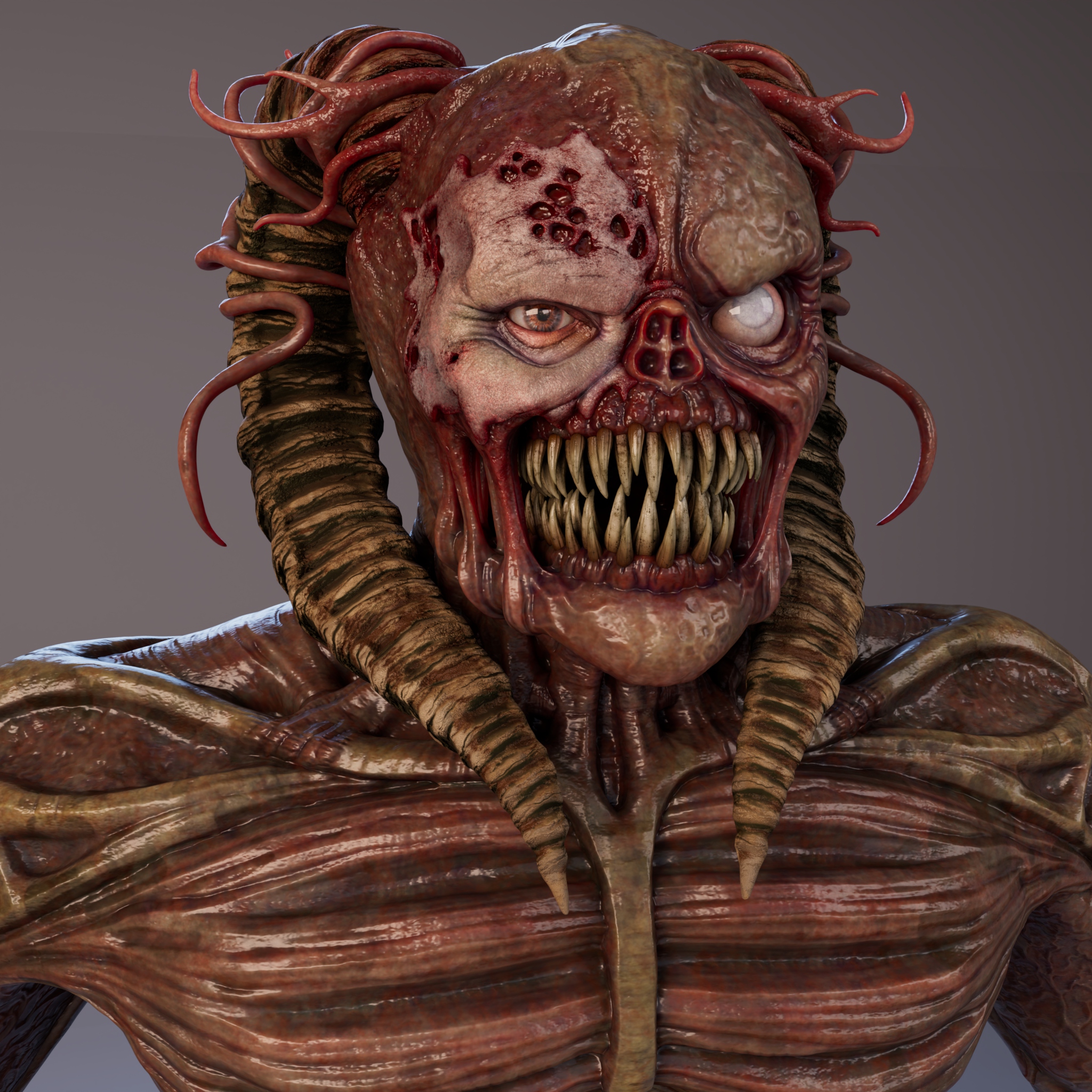
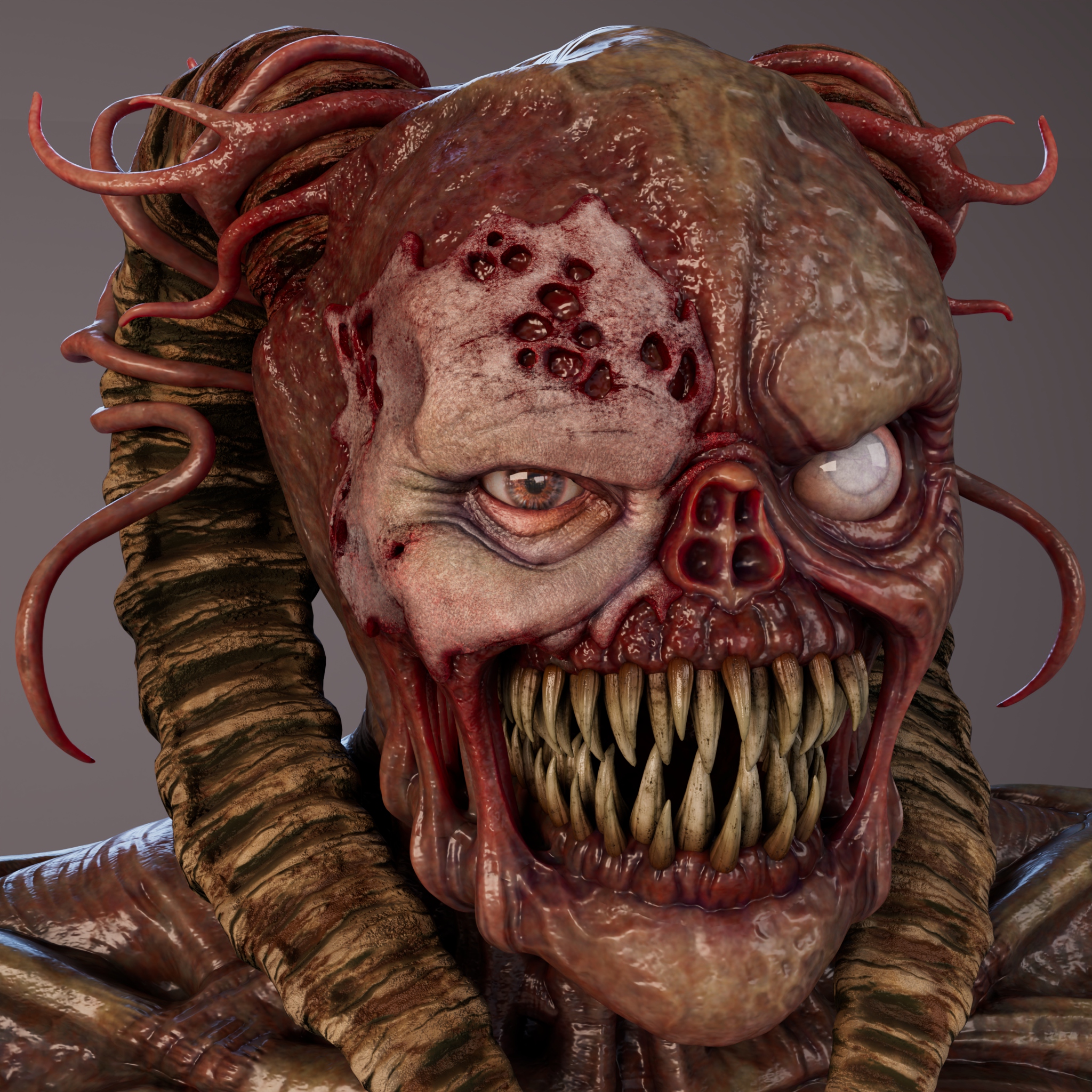
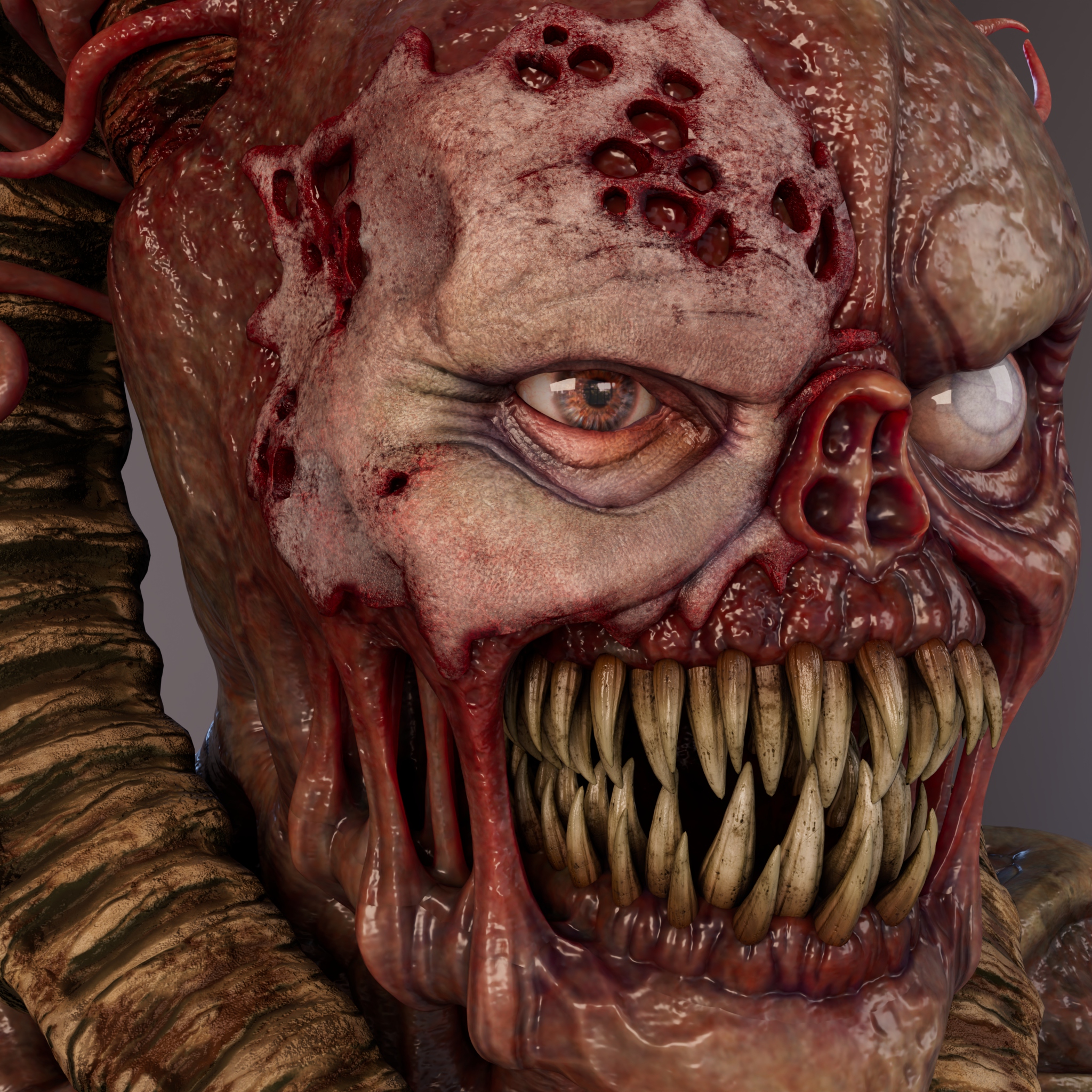
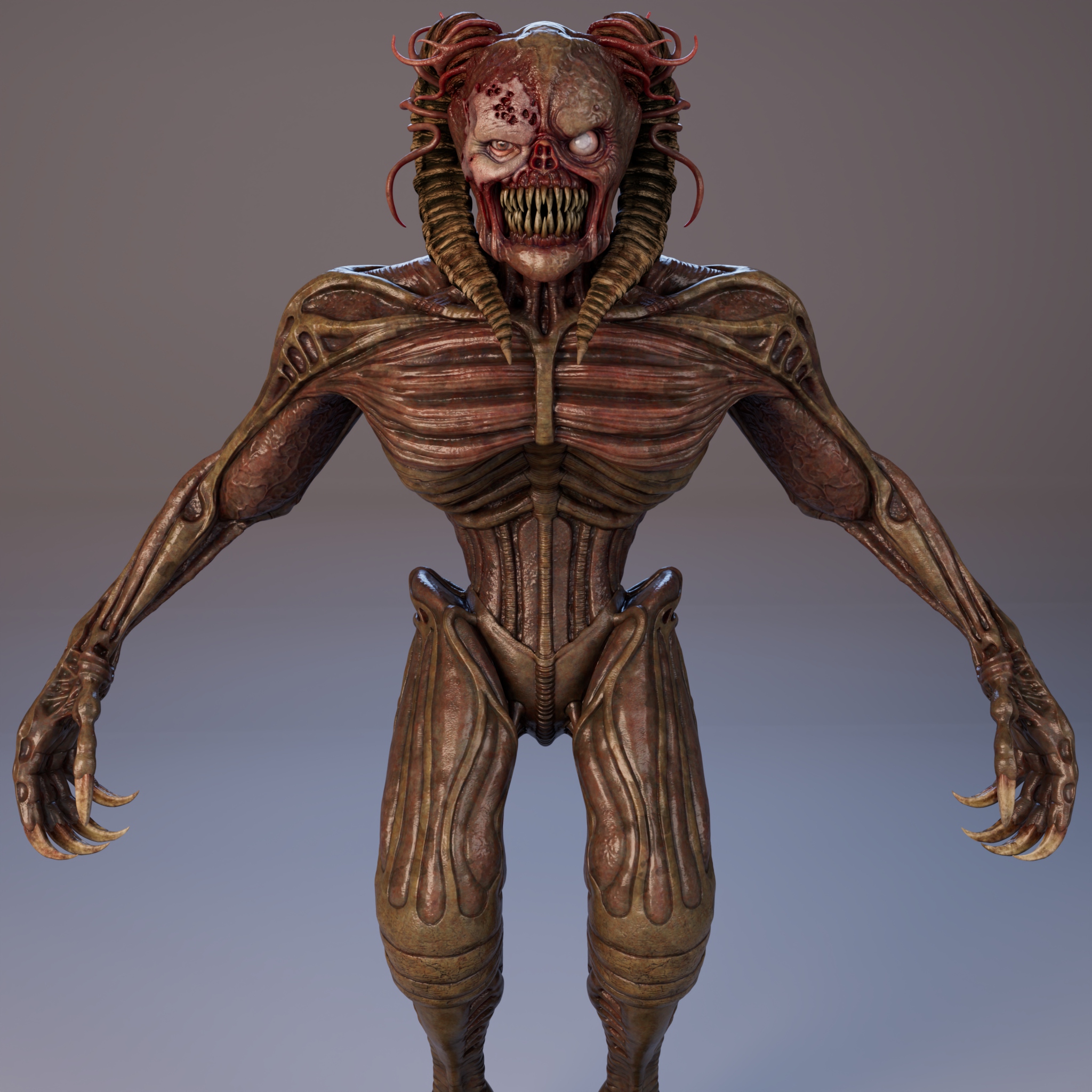
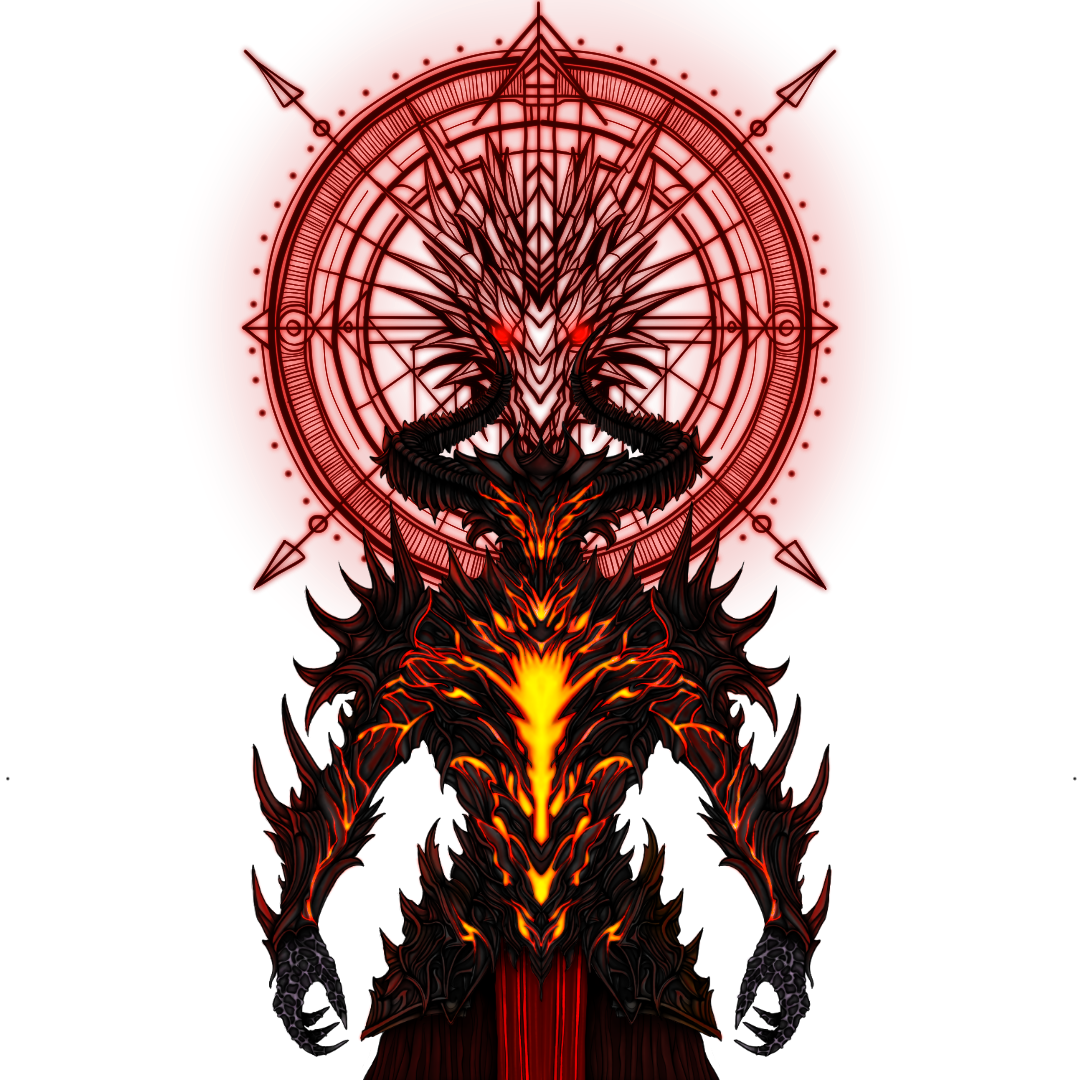
High-poly sculpting of the creature, created in ZBrush based on references and the initial concept. The goal was to achieve a believable yet unsettling morphology, consistent with the project’s horror-fantasy atmosphere.
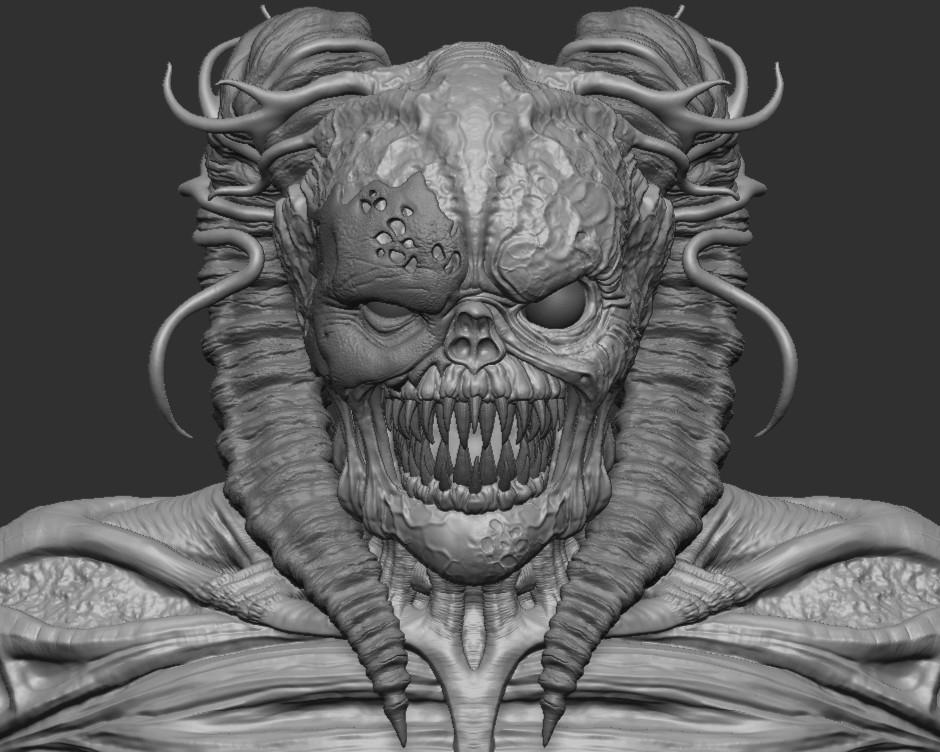

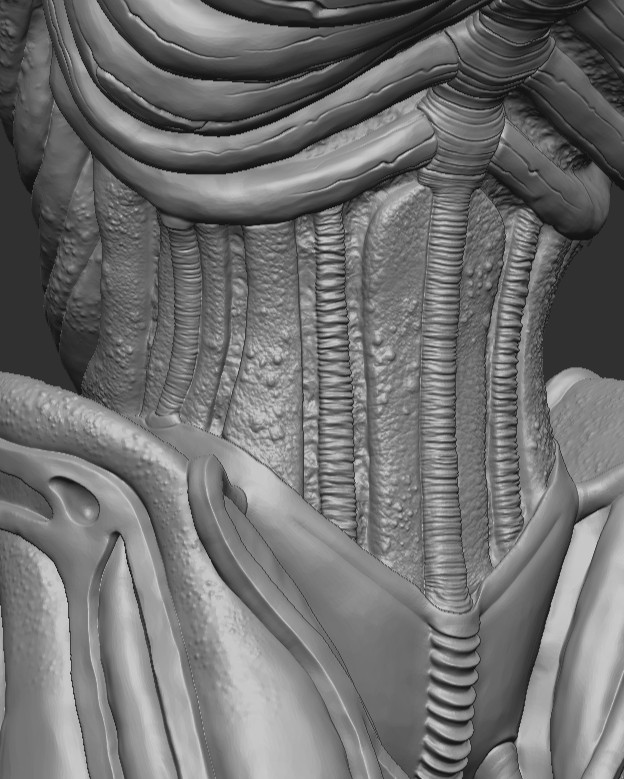
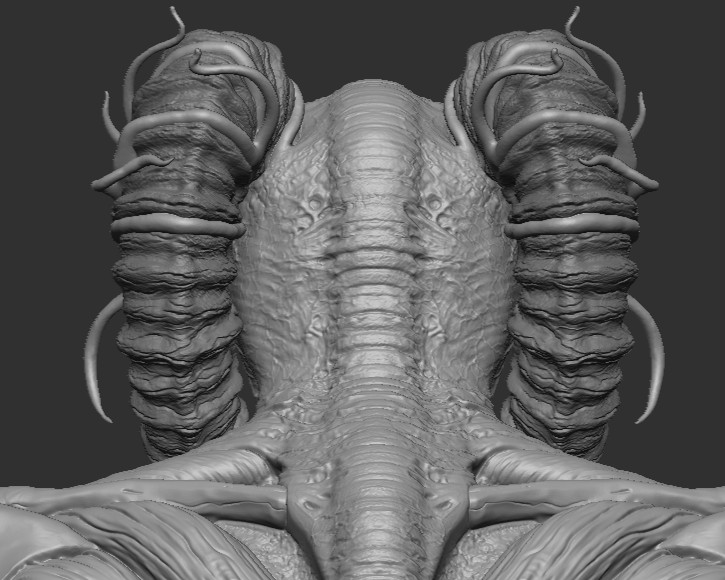



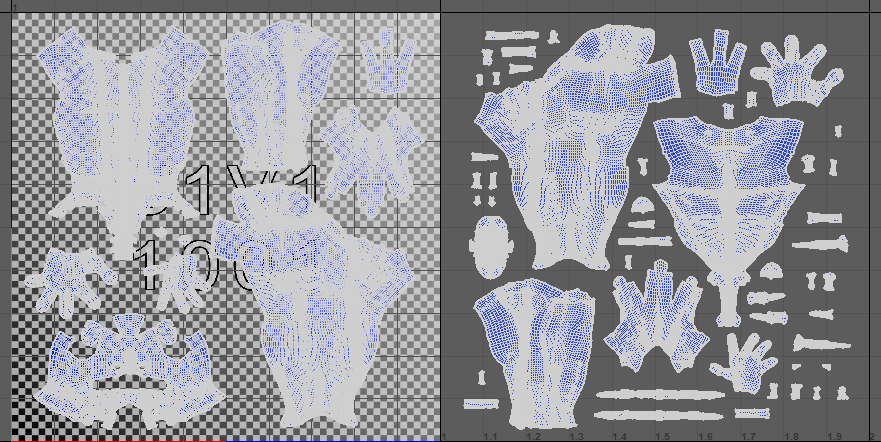
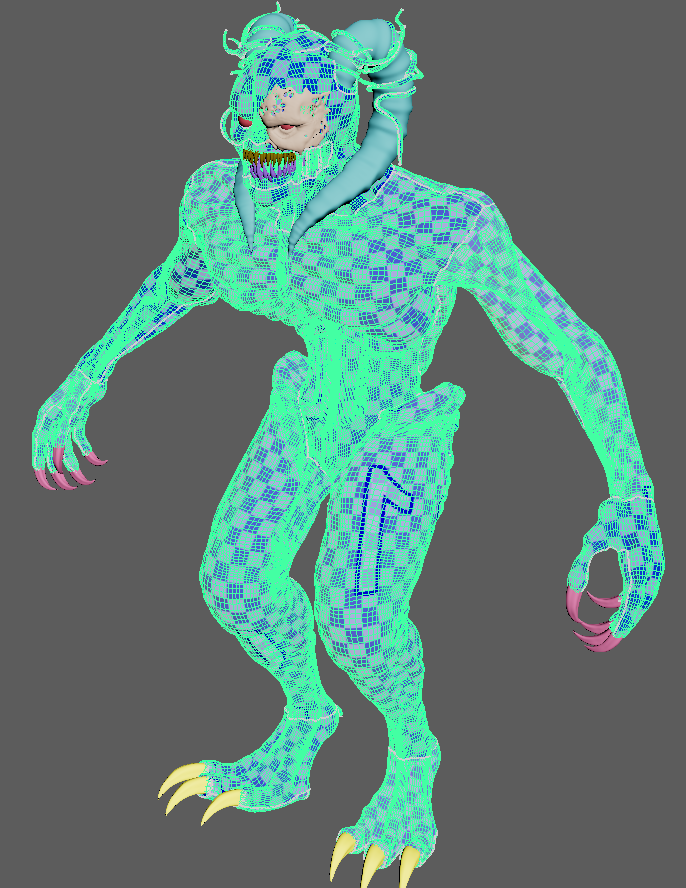
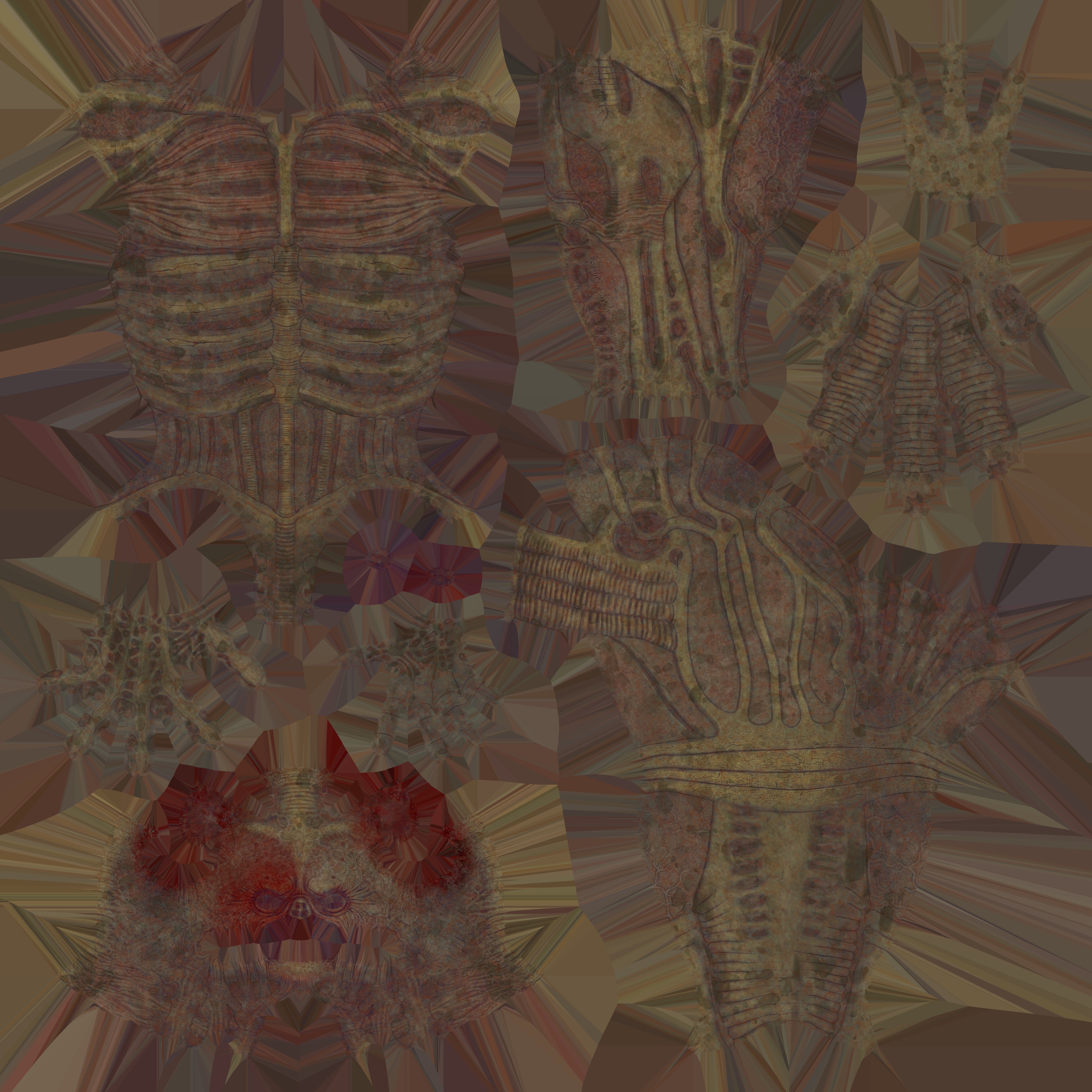
After the retopology phase, I created a clean and optimized UV layout designed for PBR texturing in Substance Painter. To ensure high visual quality on the main character, I adopted the UDIM workflow on the primary body mesh, distributing the UVs across multiple tiles to increase texture resolution. The tile organization was carefully structured to maximize visual fidelity, simplify material management, and maintain full compatibility with real-time rendering engines.
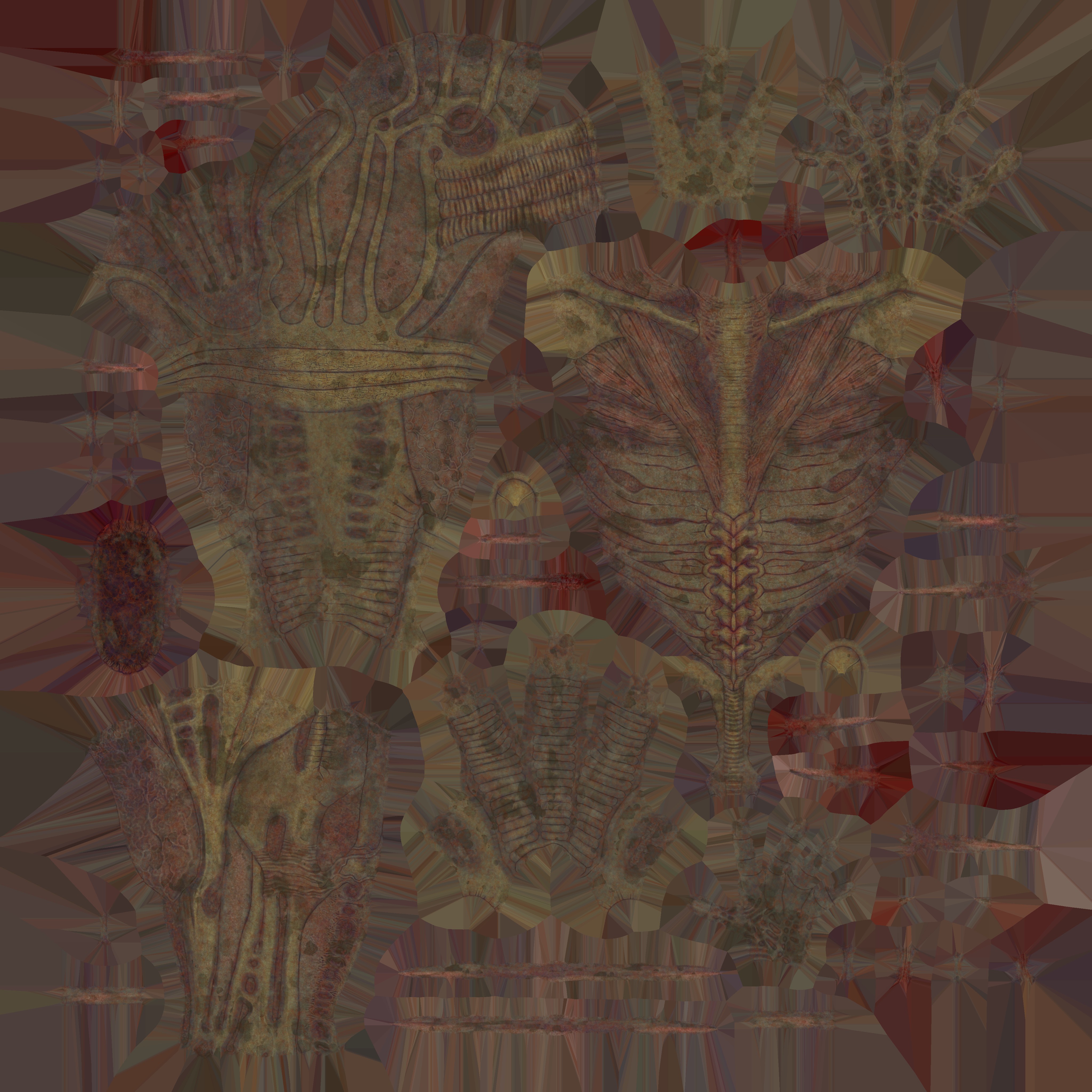
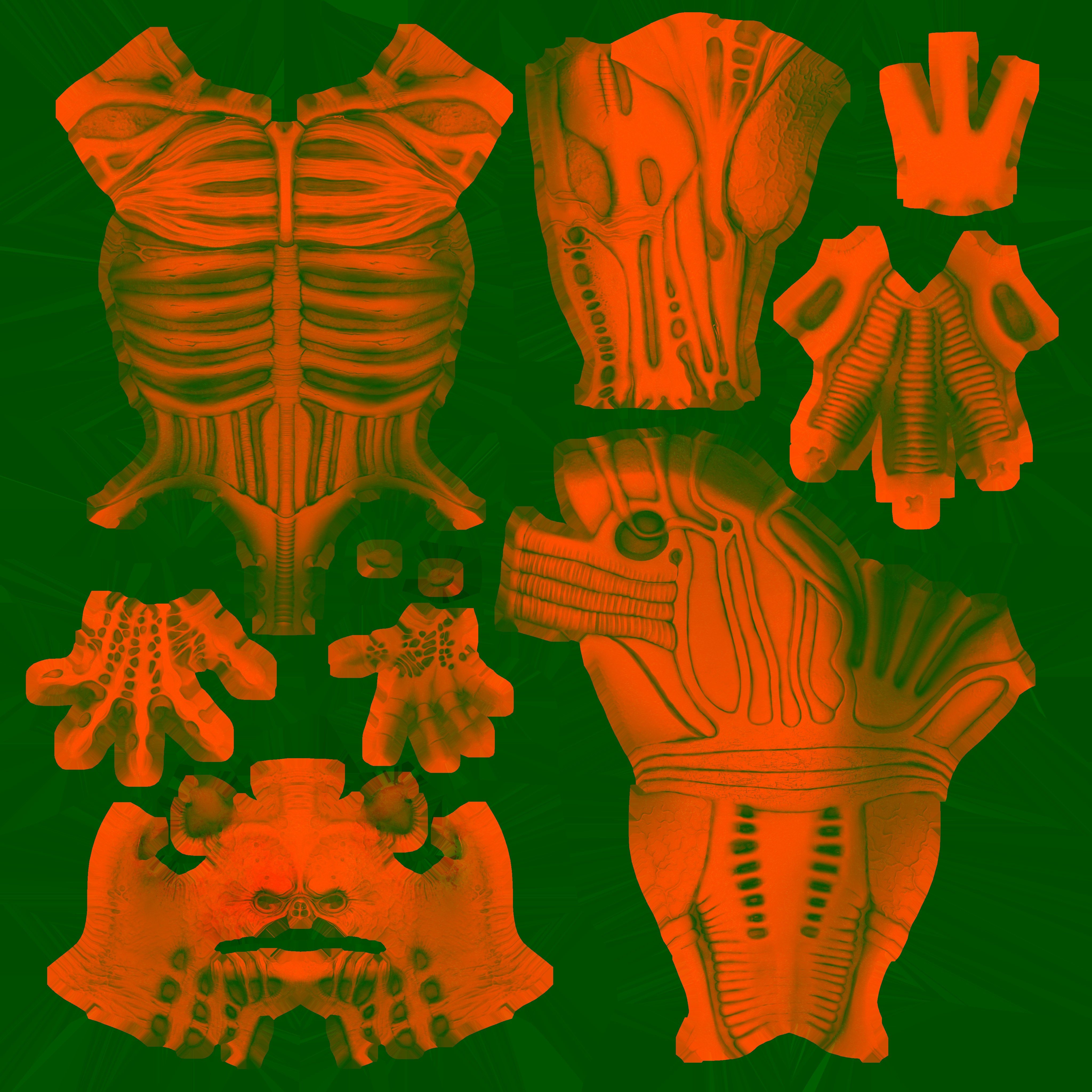
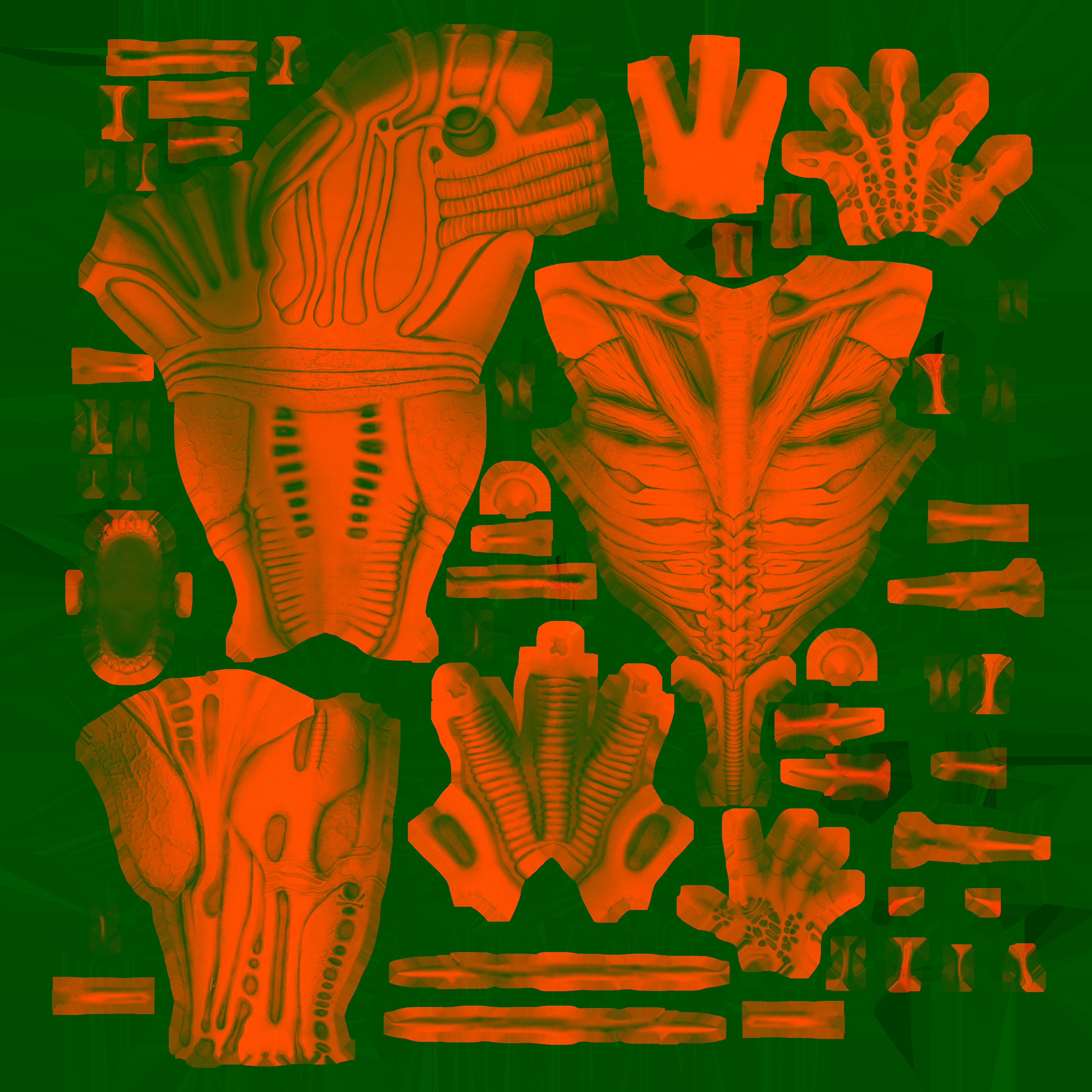
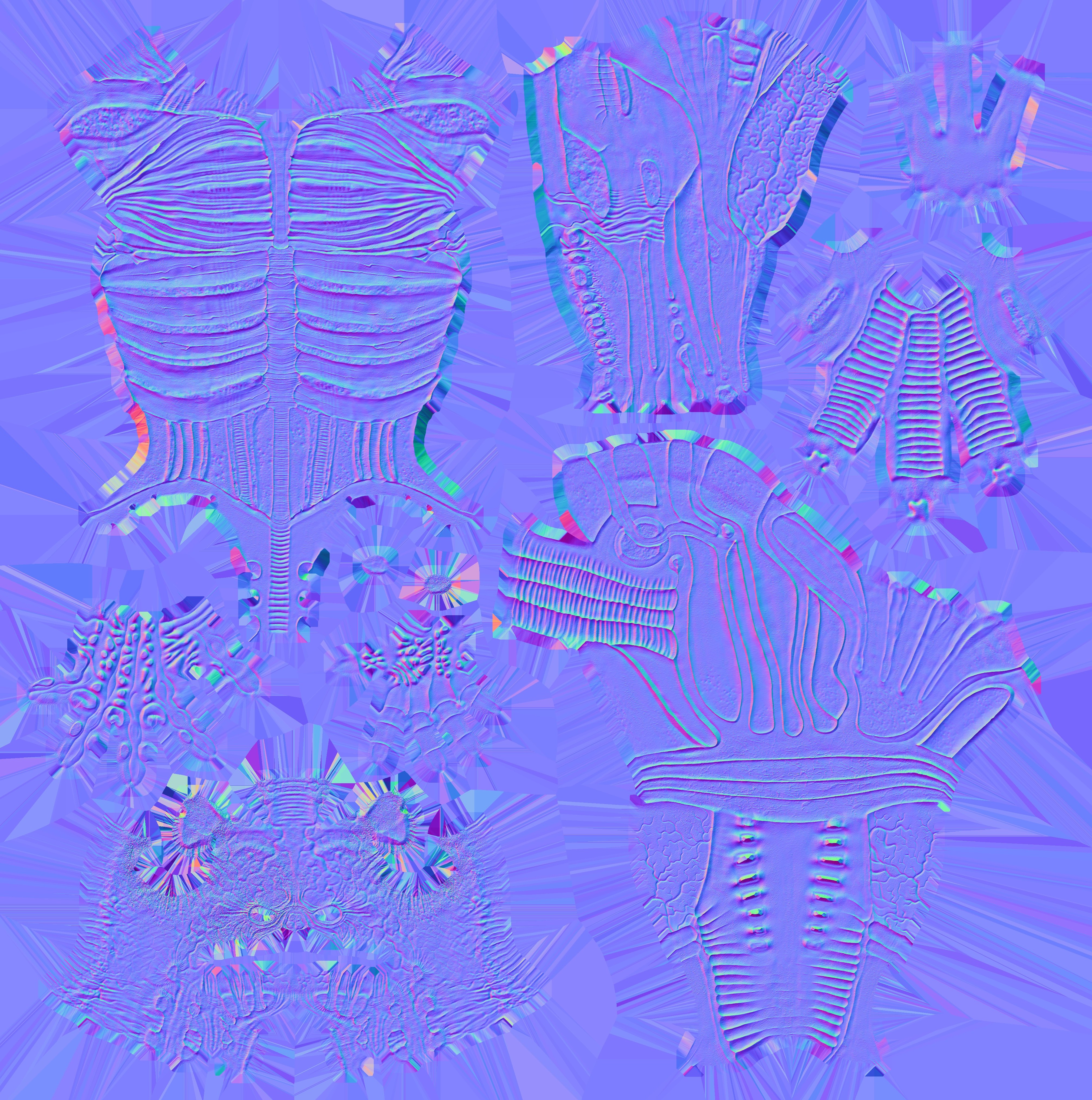
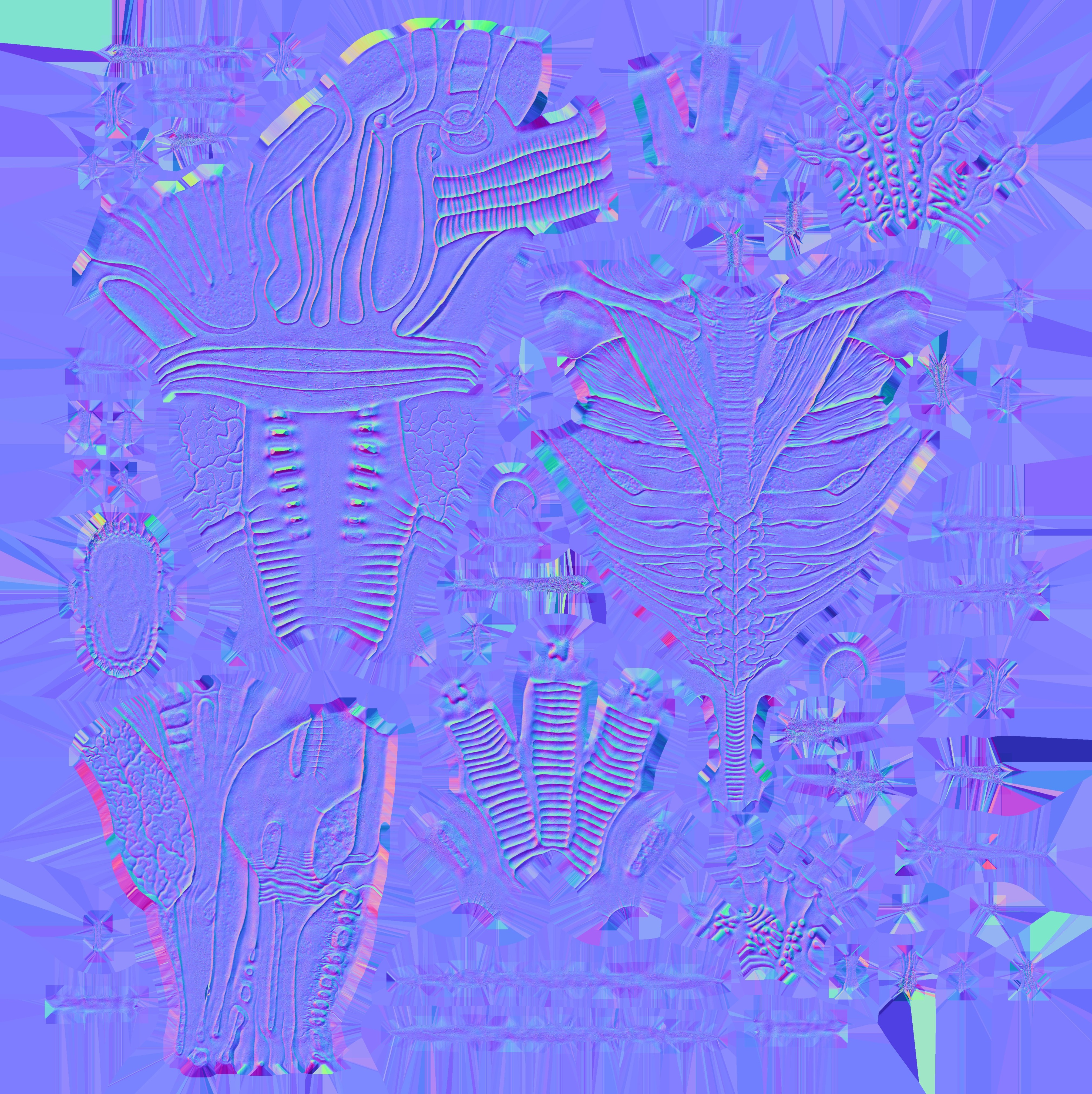
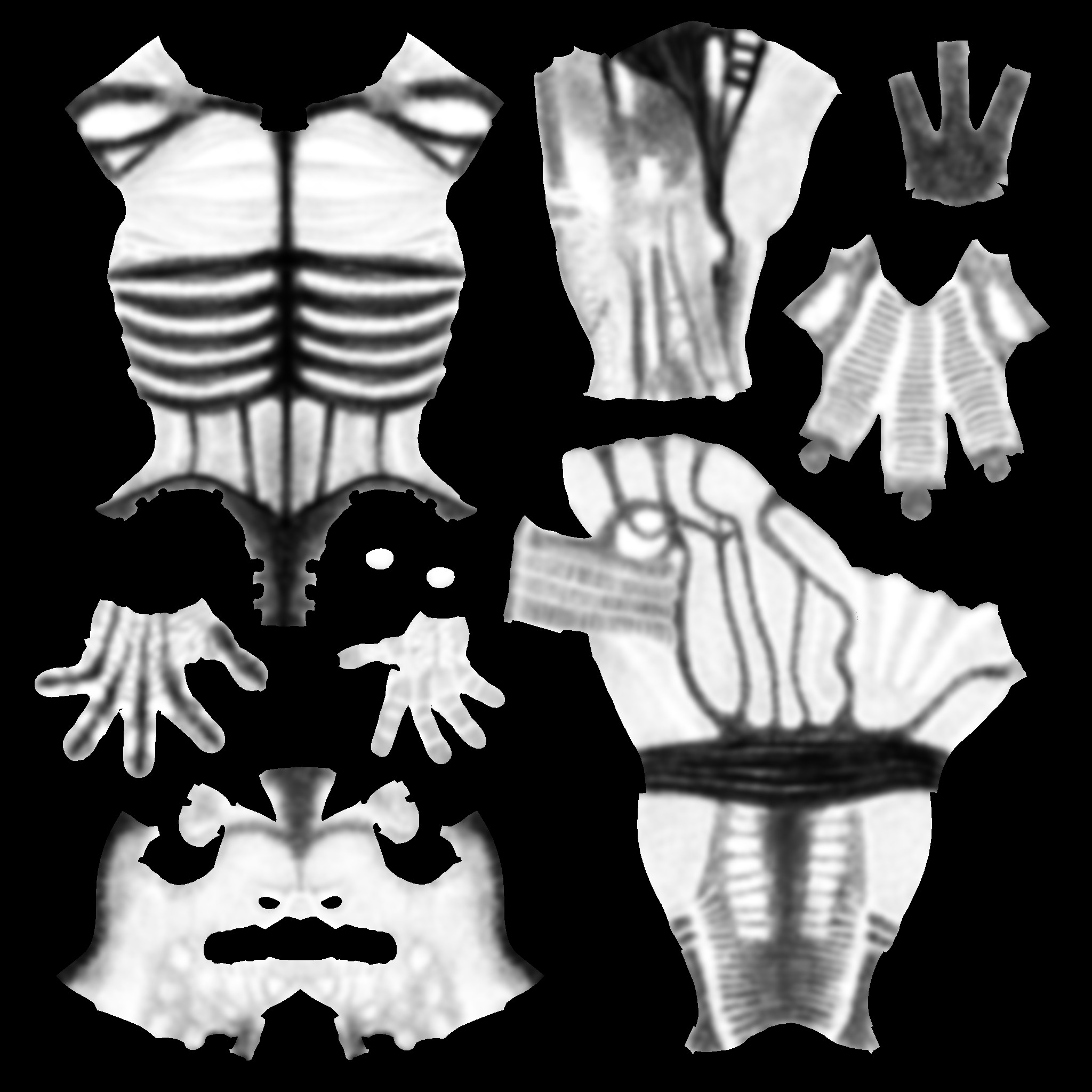
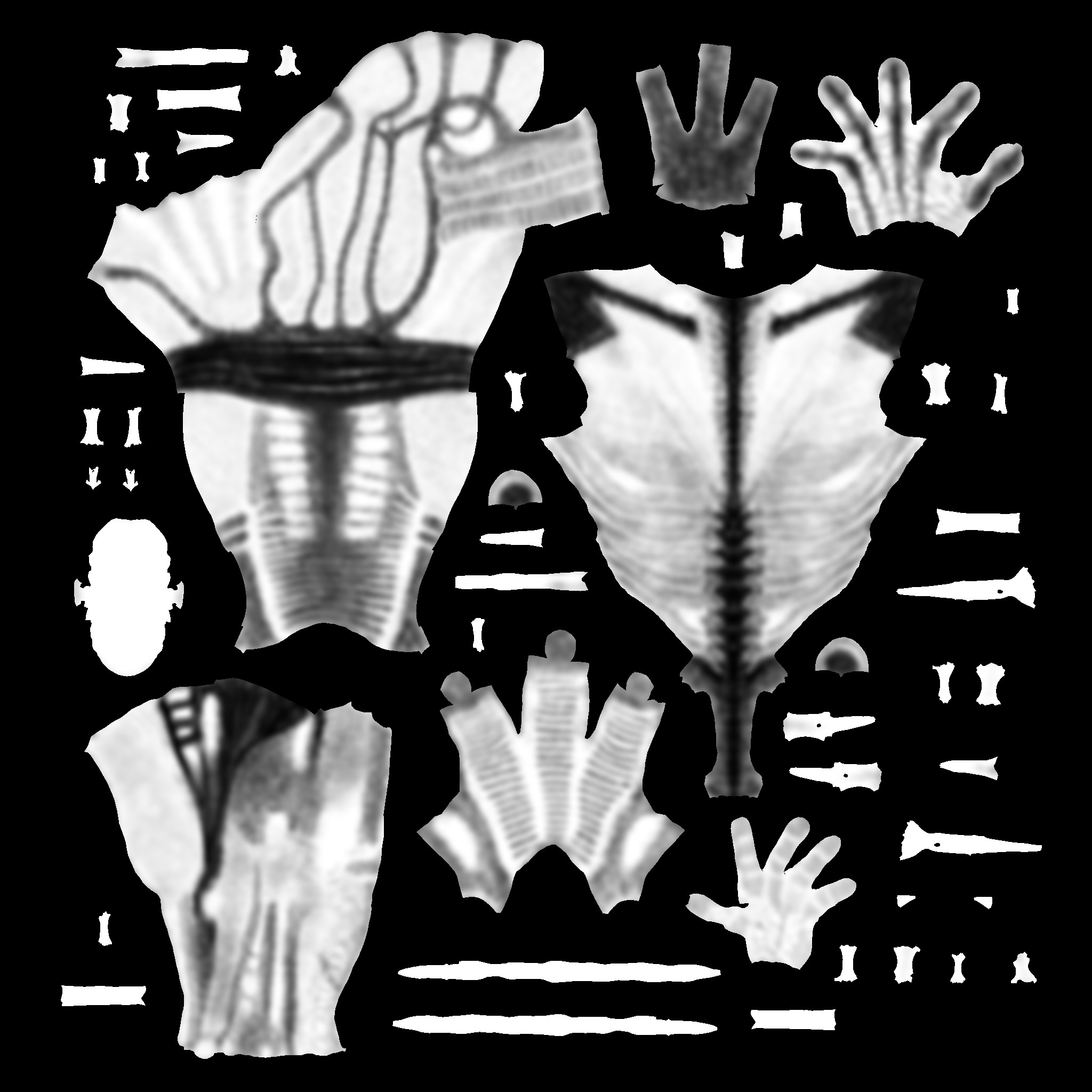
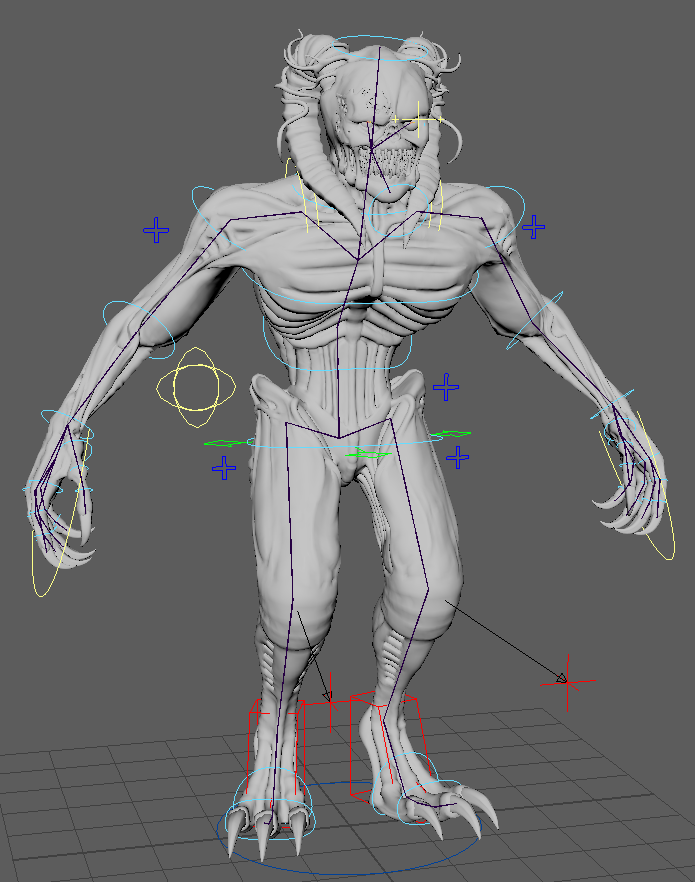
To animate the creature, I implemented a complete rigging and skinning system in Maya, using Advanced Skeleton for automated biped skeleton generation and NG Skin Tools for advanced influence management.
For the creature’s animation, I initially explored a gorilla-style walk, but the narrow corridor space limited its feasibility. I then opted for a dinosaur-inspired gait, analyzing a frame-by-frame video reference (Reference: Dinosaur Walk Cycle Tutorial ) to study posture, balance, and motion dynamics. These movements were then adapted to my character to achieve a threatening, non-human walk cycle that remains fluid, immersive, and fully consistent with the creature’s identity and the environmental constraints.
The export was carried out using Maya’s Game Exporter, with the Bake Animation option enabled in the FBX panel. The result is a clean, optimized file ready for direct integration into the game engine.

“Medieval Mill” is a personal environment art project created in Unreal Engine 5.6, inspired by the peaceful and natural atmosphere of medieval rural landscapes.
The scene is built around a stone mill and combines modular architecture, natural vegetation, and handcrafted props to create a realistic, game-ready environment. The project features modular brick walls, a terrain material based on height blending and Nanite tessellation, various harvest props (cart, barrels, crates, ladder, and baskets), and an orchard created with SpeedTree. To simulate the flowing water that powers the mill, I developed a Niagara VFX system with a custom material for both the river and the mill channel.
All assets were created following a full production pipeline: high-poly sculpting in ZBrush, retopology in Maya, baking and texturing in Substance Painter, and final integration in Unreal Engine 5.6. The only non-original elements are the apples and grass (Quixel Megascans) and the moss and dirt layers sourced from Substance Assets.
The lighting setup combines warm lanterns with a cool blue skylight to enhance depth and atmosphere.
This project allowed me to further develop my skills in creating tileable textures and modular assets optimized for realistic game environments.
FINAL BEAUTY SHOT pt.1
FINAL BEAUTY SHOT pt.2
FINAL BEAUTY SHOT pt.3
MODULAR KIT WALL
MODULAR STRUCTURAL AND PROP SET
MODULAR REUSE IN THE FINAL SCENE
ORCHARD AND SET DRESSING ASSETS
PROP MODELING AND OPTIMIZATION BREAKDOWN
GRAIN TILEABLE TEXTURE
THE ORCHARD MADE WITH SPEED TREE
REFERENCE MOODBOARD | PUREREF
mud
gravel
grass
cobblestone
plank wood floor
The full process was:
■ Gathering reference images in PureRef
■ Sculpting 3–4 wood planks in ZBrush
■ Composing them on a bake plane, ensuring seamless edges to create a tileable texture
■ Baking in Substance 3D Painter and building the material to be imported into UE
■ In-engine, I set up the material with height control and tested it on the wood elements of the ancient mill
brick wall
I started by sculpting the bricks directly in ZBrush, then used a sculpt plane to create the mortar between the joints.
In Substance Painter, I baked the asset and prepared two materials: one for the clean, dry bricks, and another for the damp areas, with moss and algae growing in the constantly shaded and humid zones.
For the blending, I used the same master material as the terrain, but added a World Aligned Texture function to ensure continuity across the bricks in the different wall modules.
The entire scene was modeled in Maya, with dedicated UV mapping and the export of individual modules into Unreal Engine 5.4, where they were organized into Prefab Actors (PLA) for efficient and scalable management.
The materials, created in Substance 3D Designer, follow a PBR workflow aimed at achieving a realistic materiality for stone, plaster, and other architectural surfaces. The environment, currently unfurnished, serves as a solid structural foundation for future gameplay elements, maintaining clean composition, spatial consistency, and optimized performance for real-time rendering.
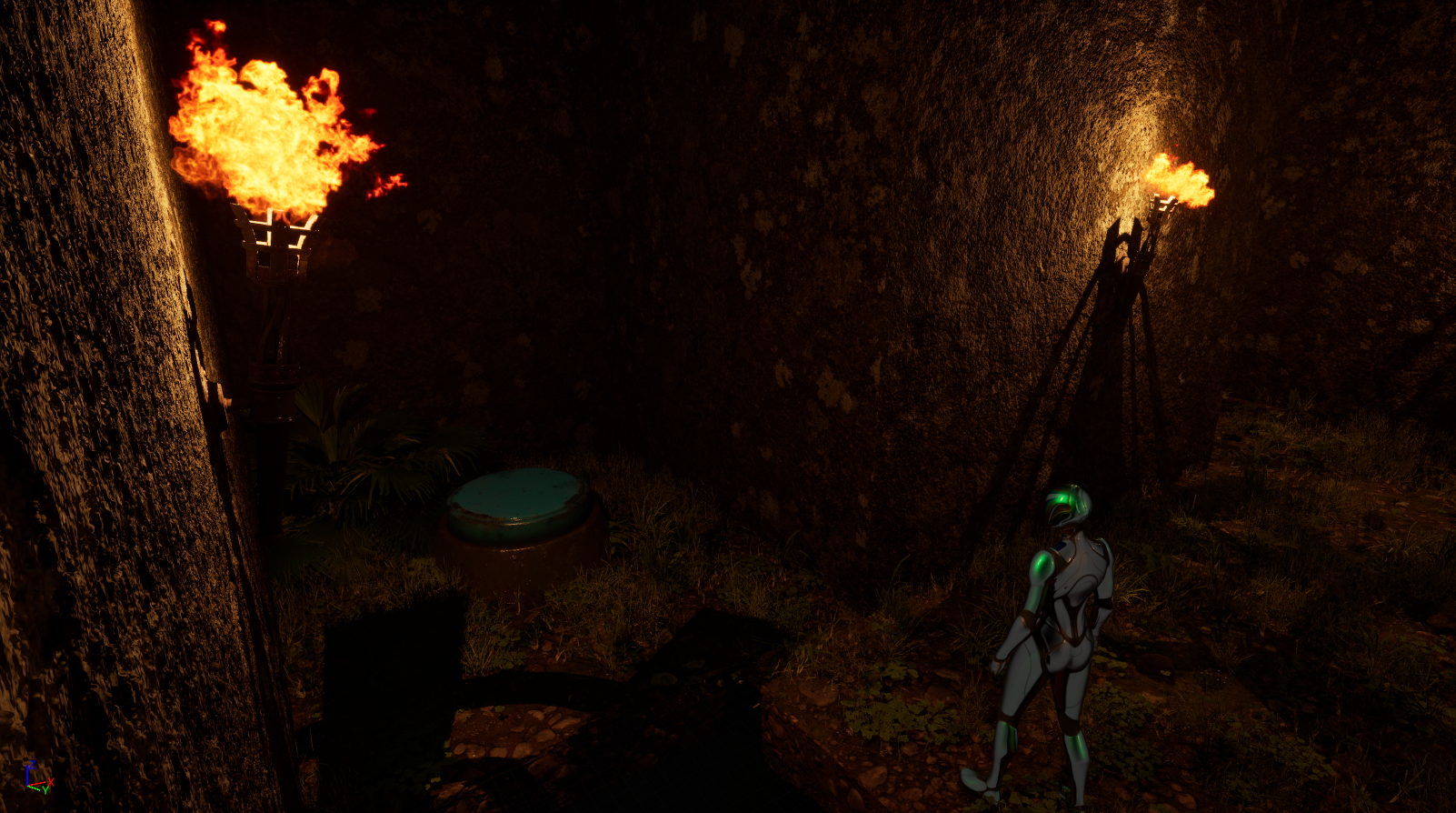
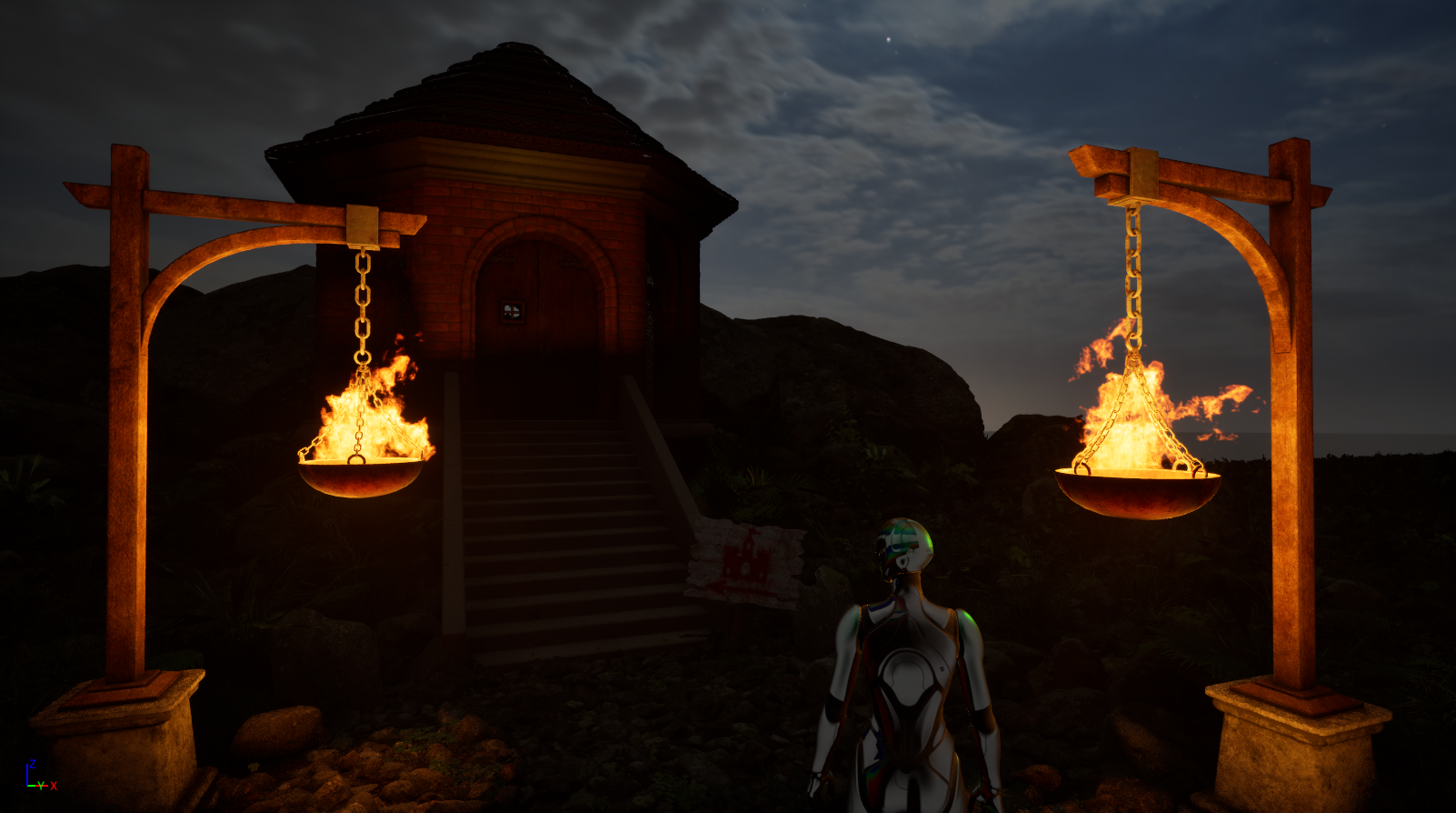
Designed as a functional extension of the castle, this maze represents an independent environmental level, created to introduce explorative challenges and interactive gameplay mechanics. The modular structure was modeled directly in Unreal Engine, a choice driven by the geometric simplicity of the forms and the need for fast iteration during layout composition.
Inside the maze, players must navigate and solve environmental puzzles by activating buttons that open or close walls, crossing moving platforms, and collecting key items, including a real-time interactive map. These mechanics were implemented using Blueprints, with particular focus on functional clarity and smooth gameplay progression.
The entire scene is immersed in dense dynamic fog, generated via the Niagara system, designed to enhance disorientation and strengthen the atmosphere of tension and suspense. The maze is conceived as an optional challenge tied to the completion of the castle and is fully optimized for real-time rendering.

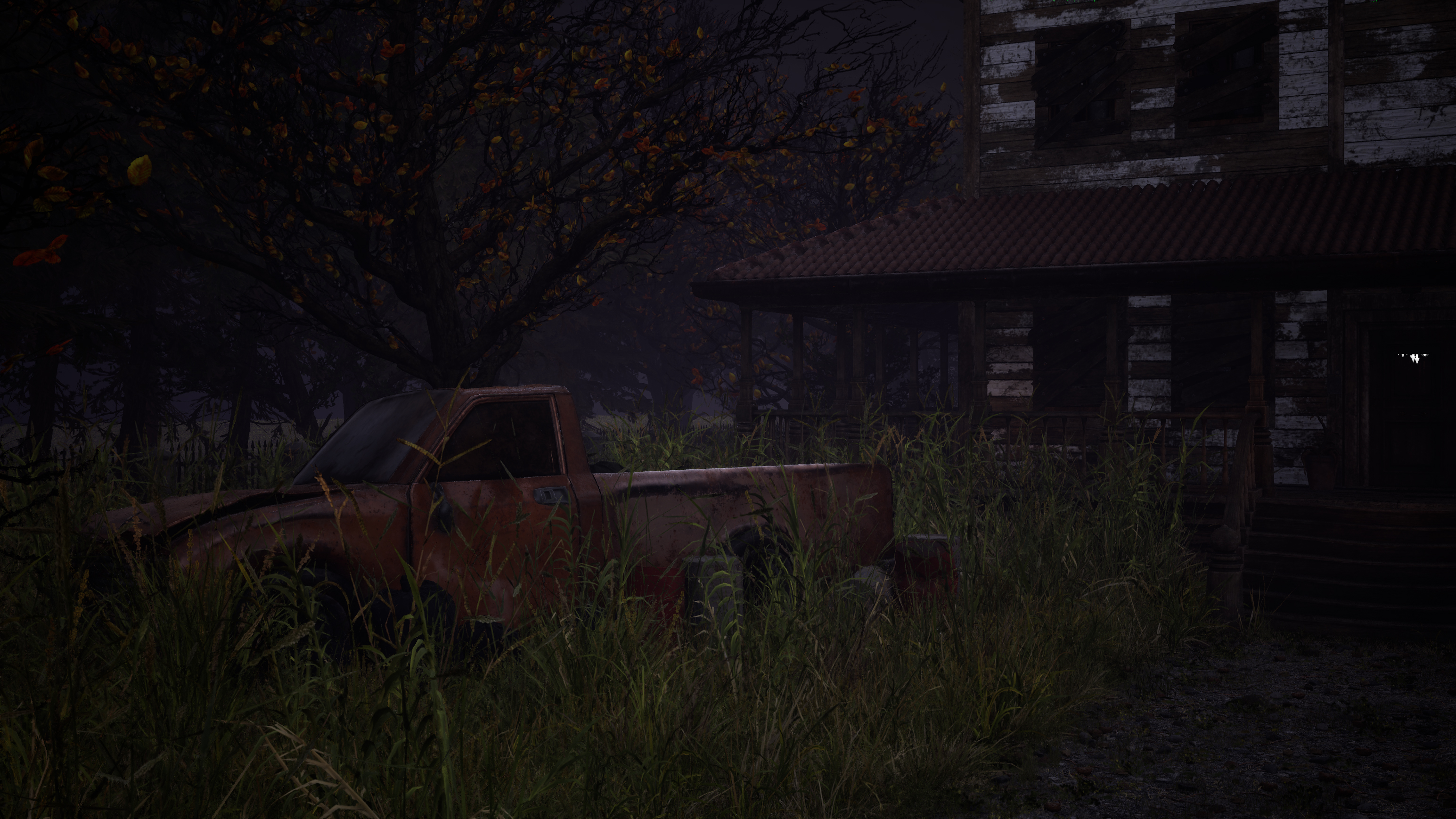
The images showcase environments created for The Quiet Boy, a horror short film set in an abandoned, decaying house. I handled the entire environment design process: from asset modeling and scene composition to lighting setup and atmospheric rendering. Every element — objects, textures, and lights — was carefully designed to reinforce the narrative tone and evoke a sense of decay, unease, and temporal suspension. Each room tells its own story: from the blood-stained kitchen to the cobweb-filled living room, every detail enhances the feeling of abandonment and discomfort.
The assets were modeled in Maya and ZBrush, with special attention given to foreground elements and light-interacting surfaces. The nighttime lighting, deliberately dark, was calibrated to emphasize the psychological and unsettling aspects of the space.Materials were optimized for real-time rendering in Unreal Engine 5.4, while the outdoor vegetation was generated using the engine’s native foliage tools.
.png)


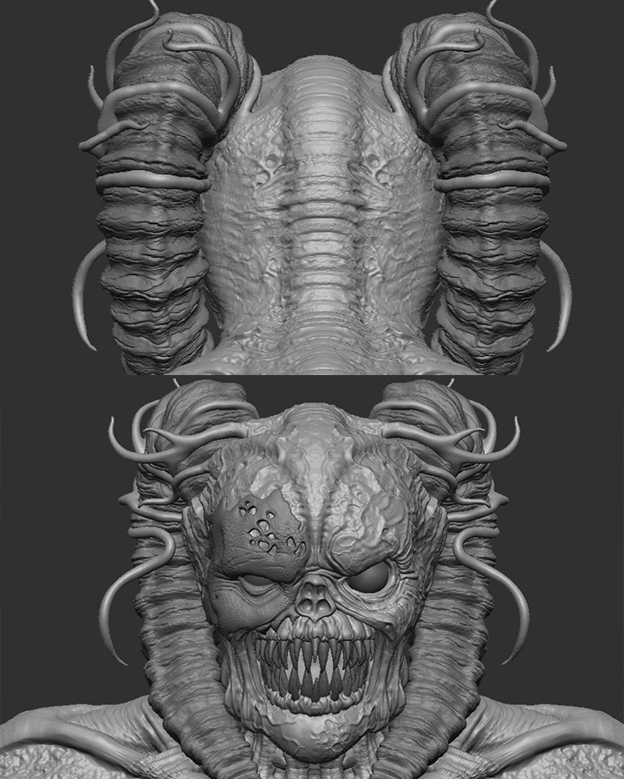
High-poly sculpting of the creature, created in ZBrush based on references and the initial concept. The goal was to achieve a believable yet unsettling morphology, consistent with the project’s horror-fantasy atmosphere.
After the retopology phase, I created a clean and optimized UV layout designed for PBR texturing in Substance Painter. To ensure high visual quality on the main character, I adopted the UDIM workflow on the primary body mesh, distributing the UVs across multiple tiles to increase texture resolution.The tile organization was carefully structured to maximize visual fidelity, simplify material management, and maintain full compatibility with real-time rendering engines.
To animate the creature, I implemented a complete rigging and skinning system in Maya, using Advanced Skeleton for automated biped skeleton generation and NG Skin Tools for advanced influence management.
To animate the creature, I implemented a complete rigging and skinning system in Maya, using Advanced Skeleton for automated biped skeleton generation and NG Skin Tools for advanced influence management.
For the creature’s animation, I initially explored a gorilla-style walk, but the narrow corridor space limited its feasibility. I then opted for a dinosaur-inspired gait, analyzing a frame-by-frame video reference (Reference: Dinosaur Walk Cycle Tutorial ) to study posture, balance, and motion dynamics. These movements were then adapted to my character to achieve a threatening, non-human walk cycle that remains fluid, immersive, and fully consistent with the creature’s identity and the environmental constraints.
The export was carried out using Maya’s Game Exporter, with the Bake Animation option enabled in the FBX panel. The result is a clean, optimized file ready for direct integration into the game engine.



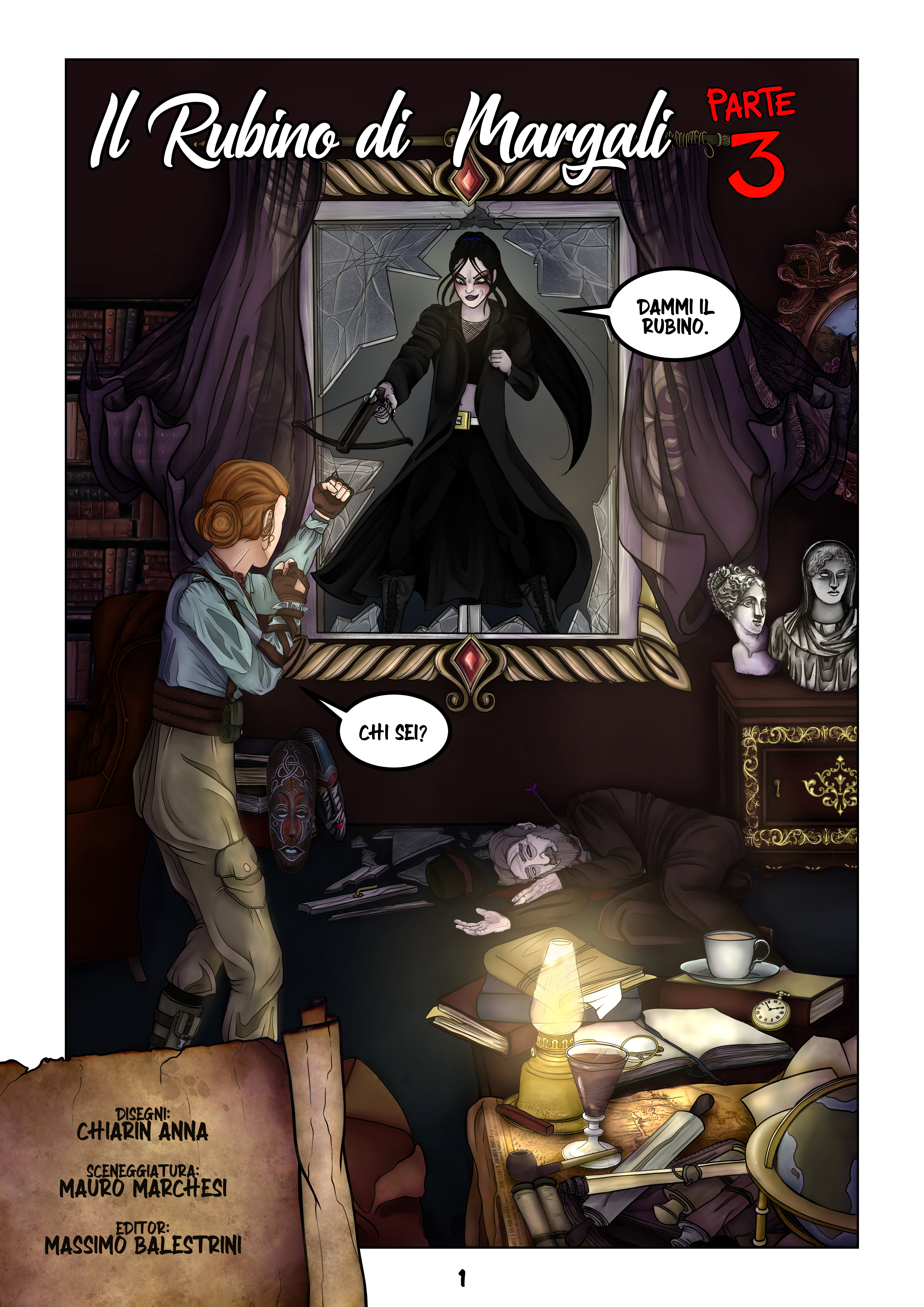
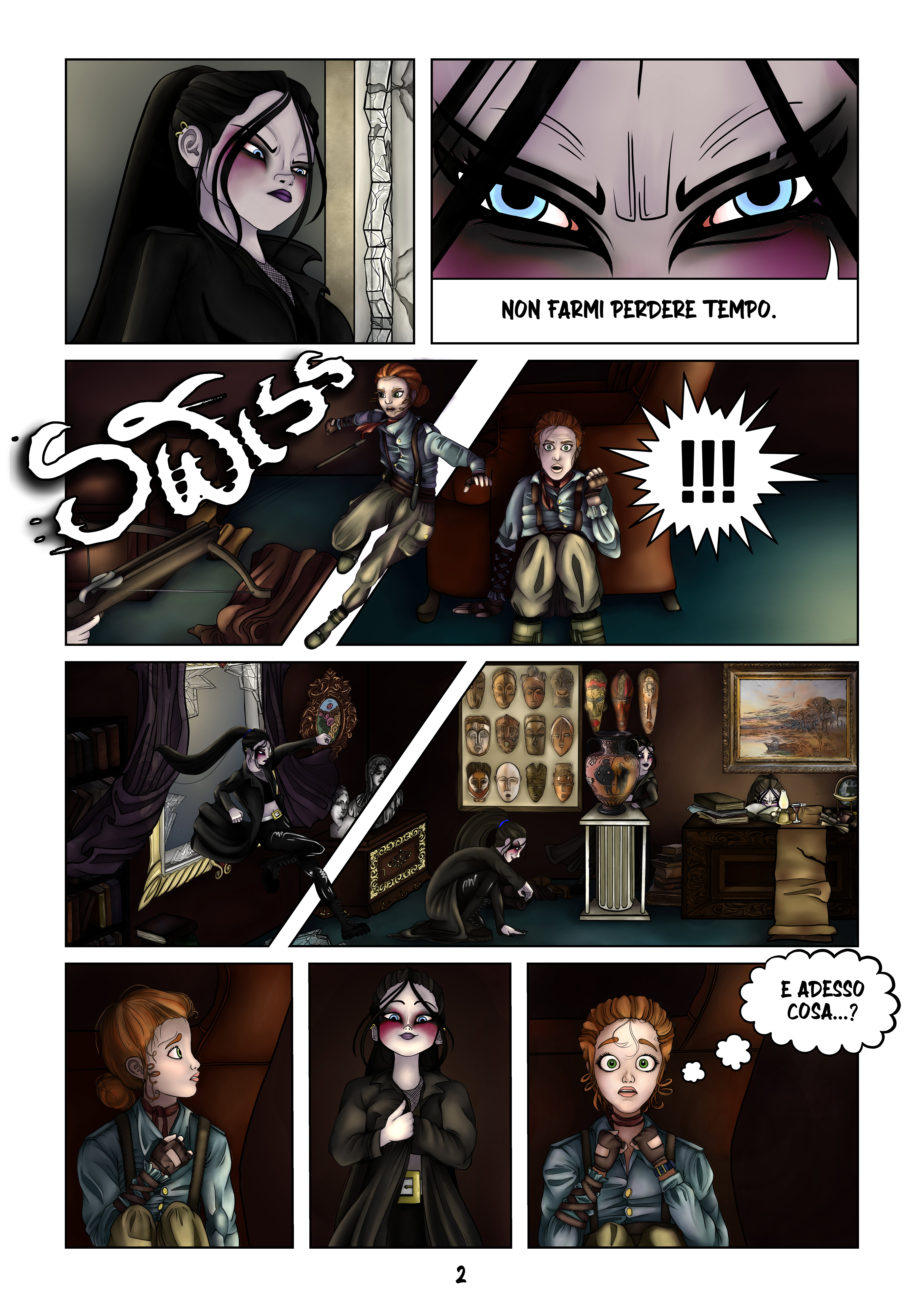
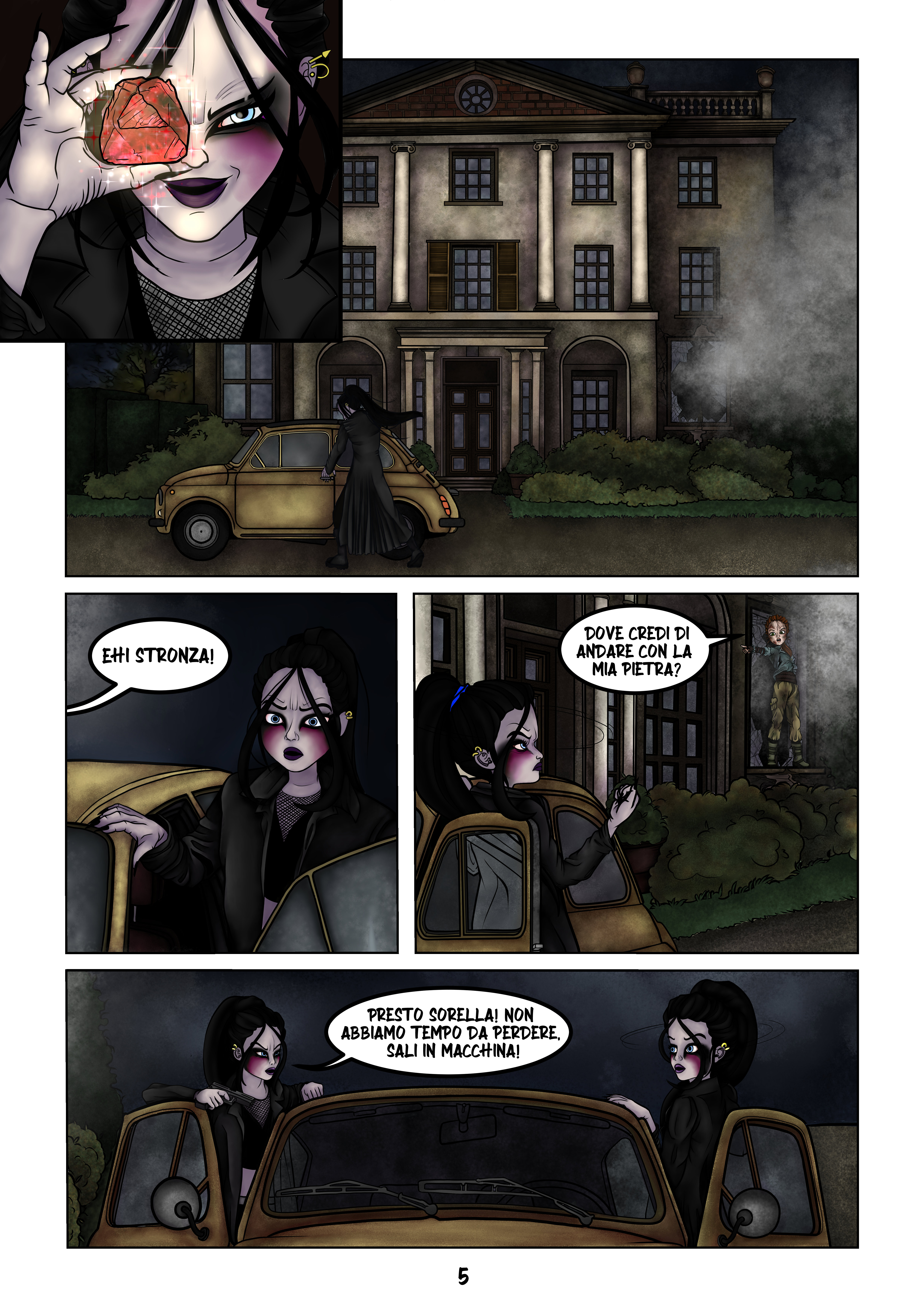
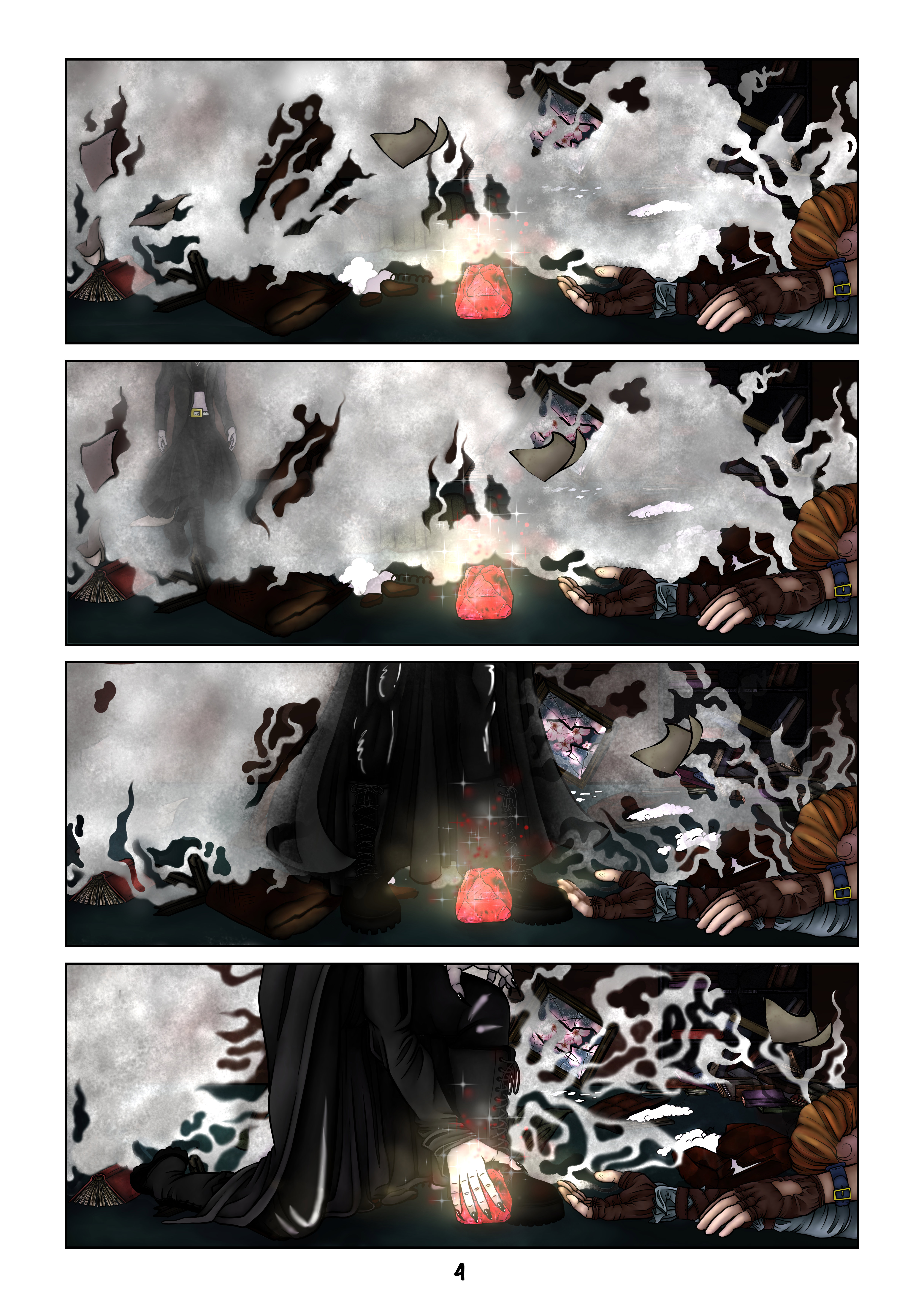
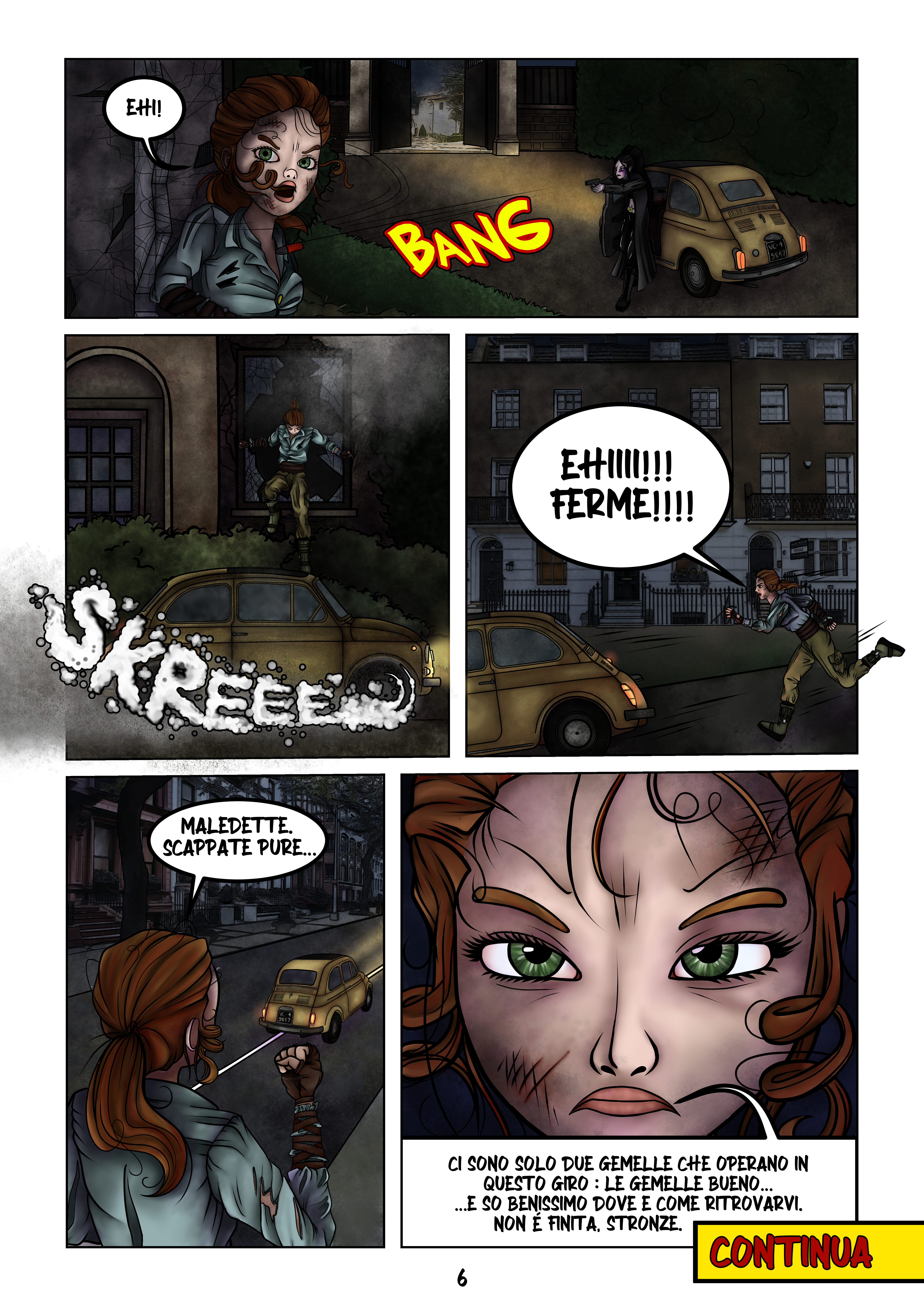
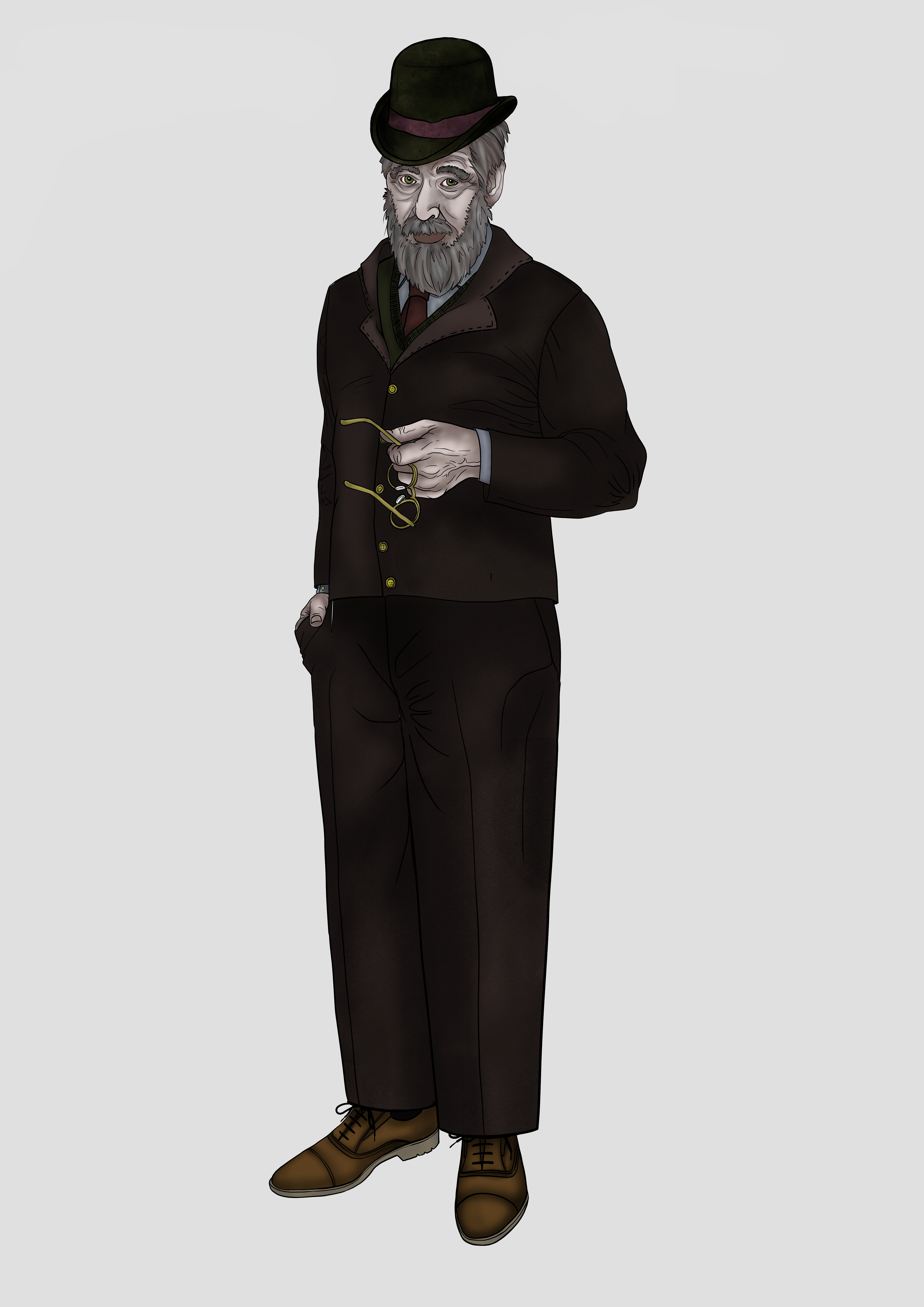
The Antiquarian
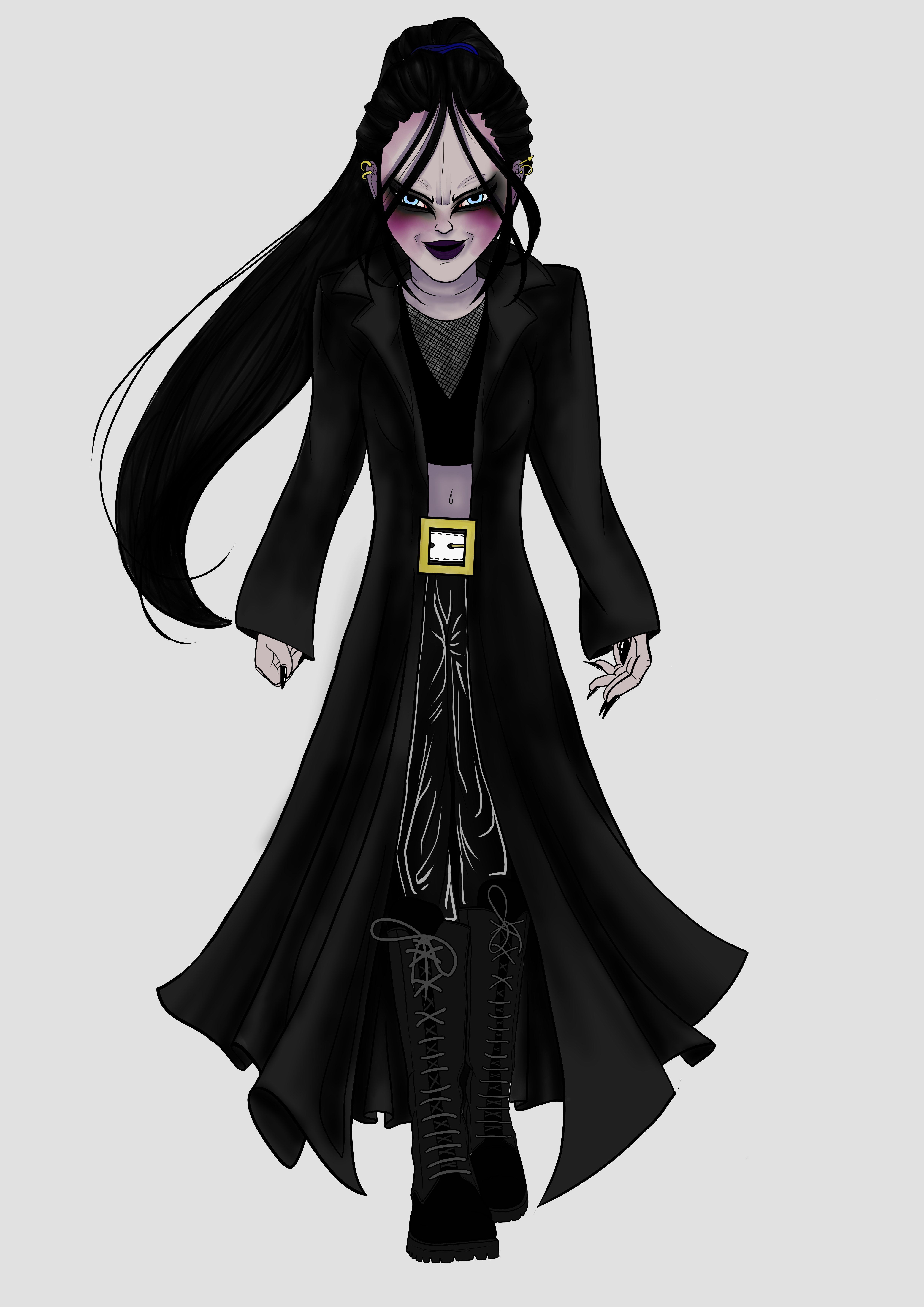
The Killer
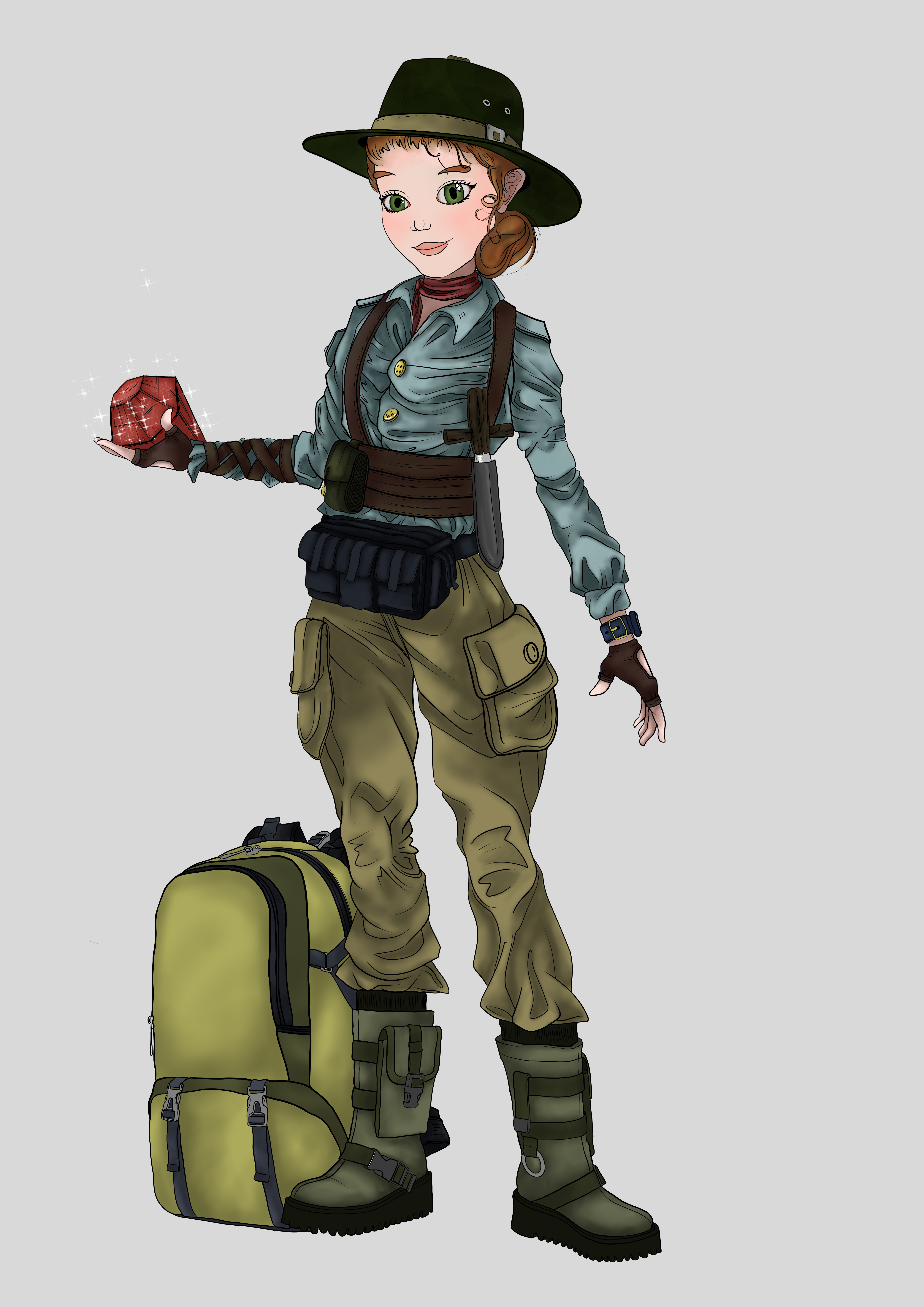
Vicky Ventura
The Antiquarian
The Killer
Vicky Ventura
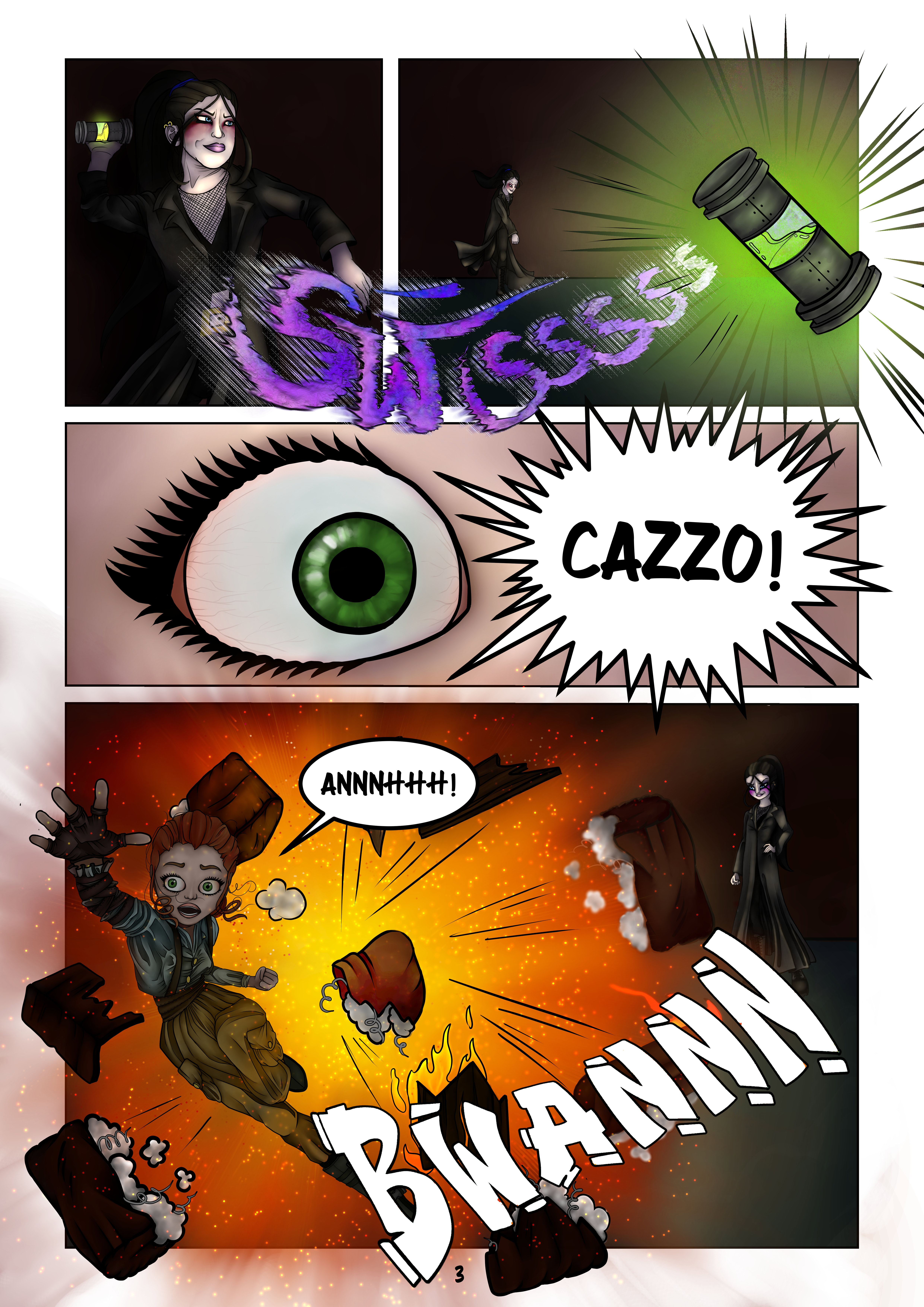
Vicky Ventura
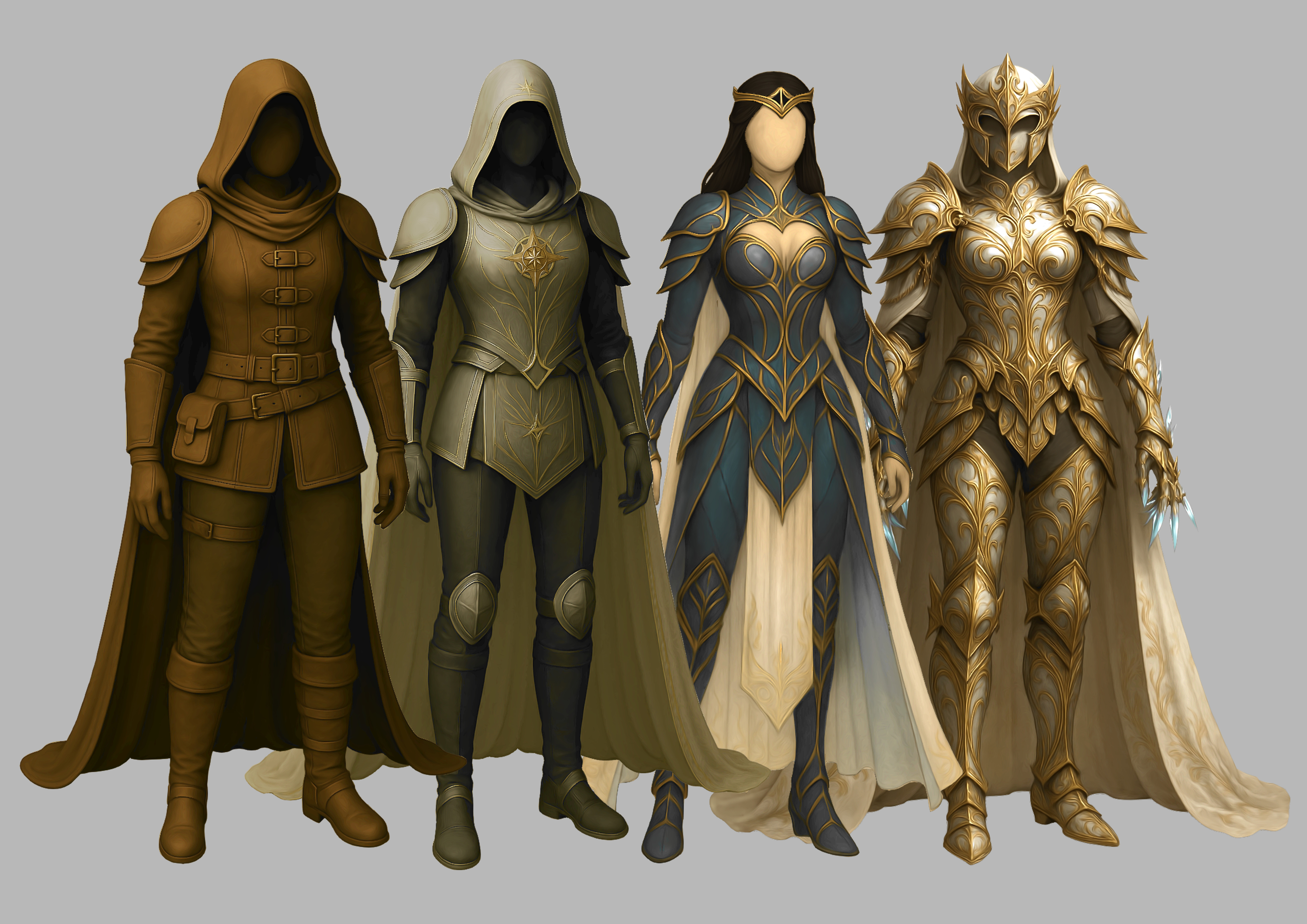
A dynamic and elegant woman in her late 20s, always ready for action. An adventurous archaeologist, she takes on missions to recover precious treasures for wealthy collectors.
The Killer
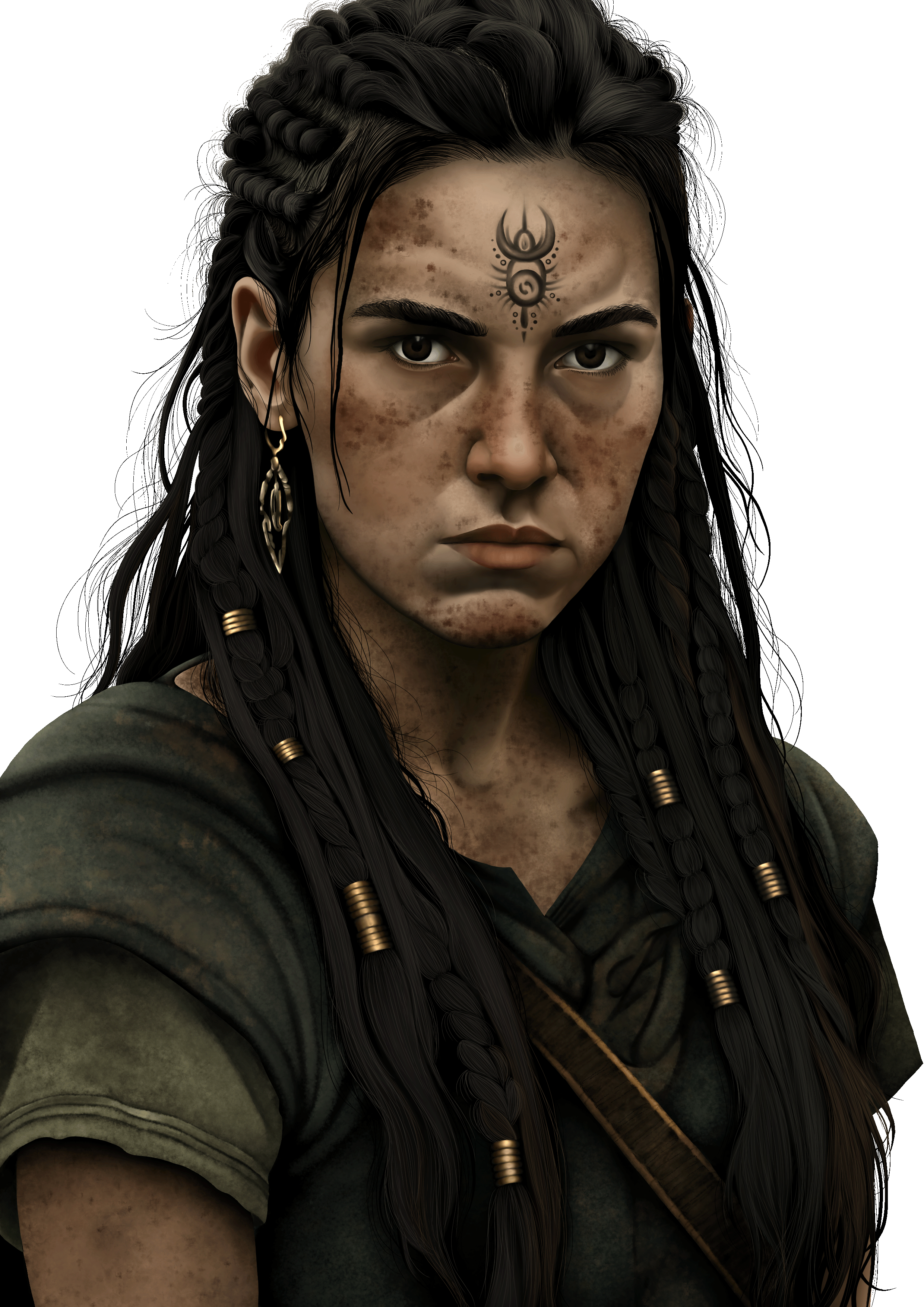
A heavily made-up young woman with long black hair and a slightly gothic look. Dressed in a long black overcoat and combat boots, she exudes a dark, intimidating presence.
The Antiquarian
A distinguished man in his 60s, wearing glasses and a Sigmund Freud–style beard. Dressed in a classic English tweed jacket and tie, he is a passionate collector of rare and historical artifacts.
If your project needs a creative eye, an organized mind, and a genuine passion for the digital world… I’m ready to collaborate.
.png)



.png)